Search the knowledge hub
Filters: All topics · Guides
Showing 41–60 of 76
Page 3 of 4
Review stock across your business
Check account totals, search for an item, and open its recorded positions at each Station.
Updated
Add and arrange product photos
Upload, reorder or remove public product images from a product page.
Updated
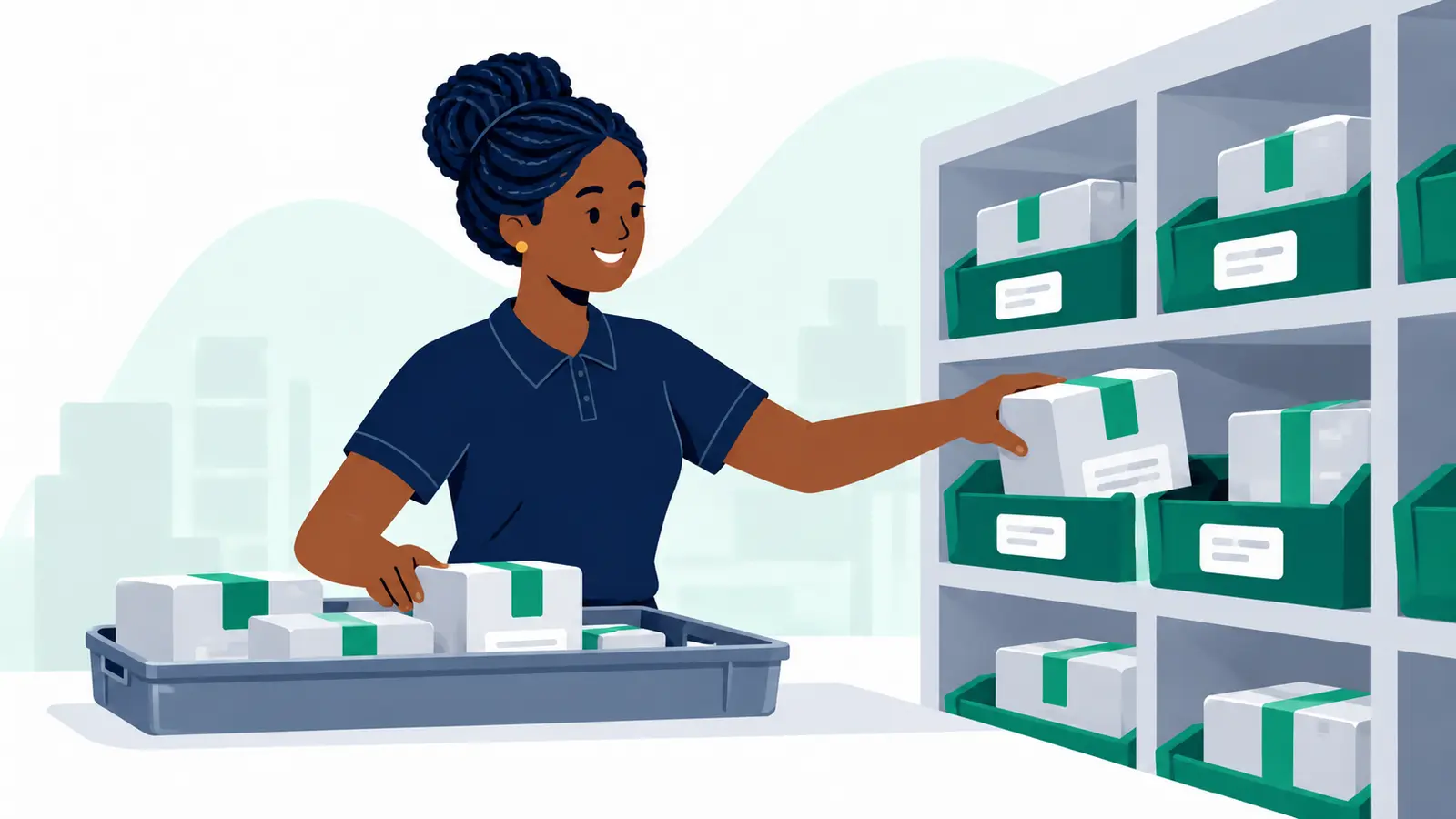
Move available stock at a Station you manage
Move a chosen quantity of available stock to another storage location at the same Station.
Updated
Check a wallet balance and payment history
Open Wallets to review the current balance, available amount and posted wallet movements.
Updated
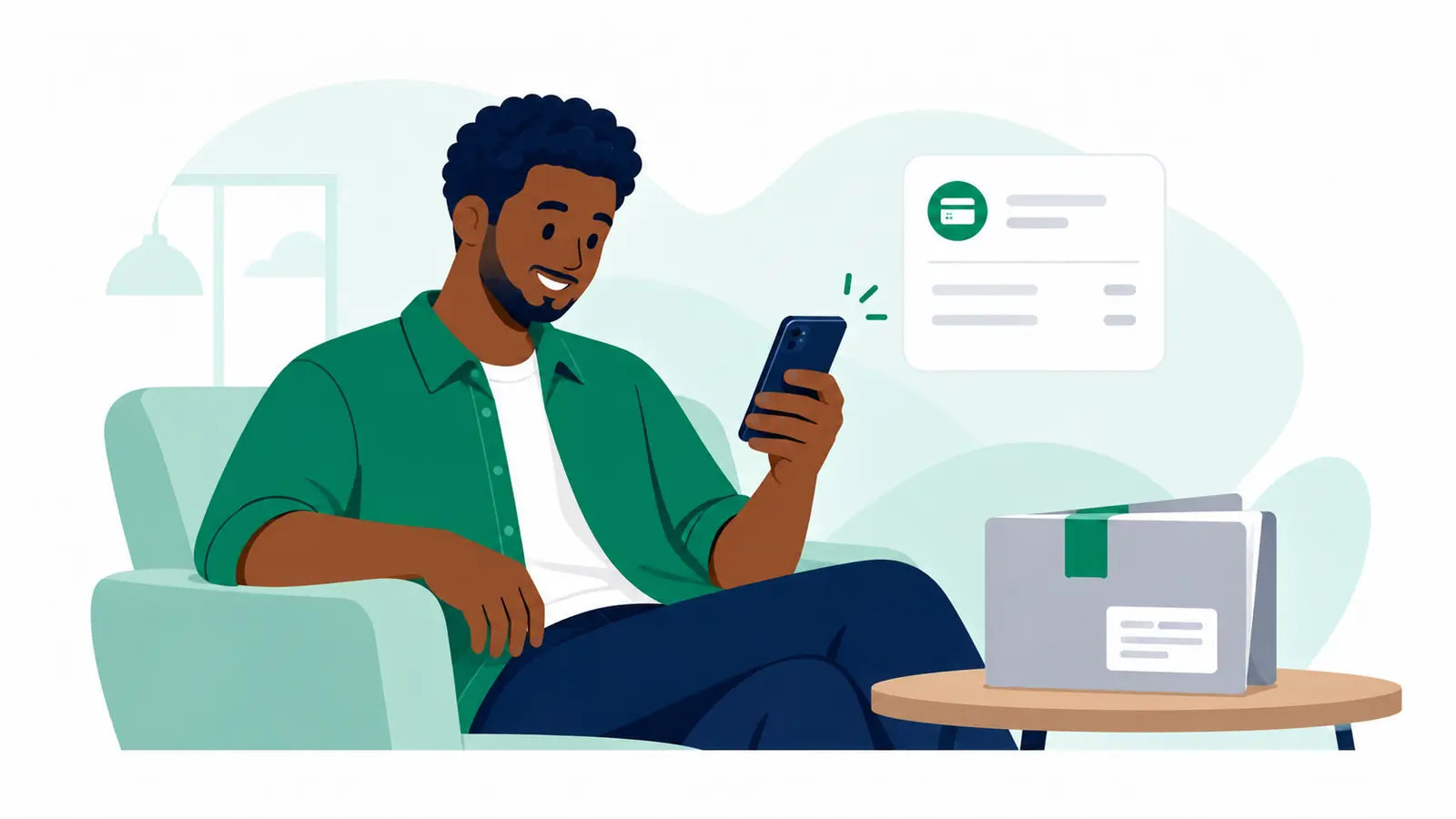
Receive a SameDay package at your doorstep
Use the tracking link to check the destination and next handover, and keep the phone for this delivery nearby.
Updated
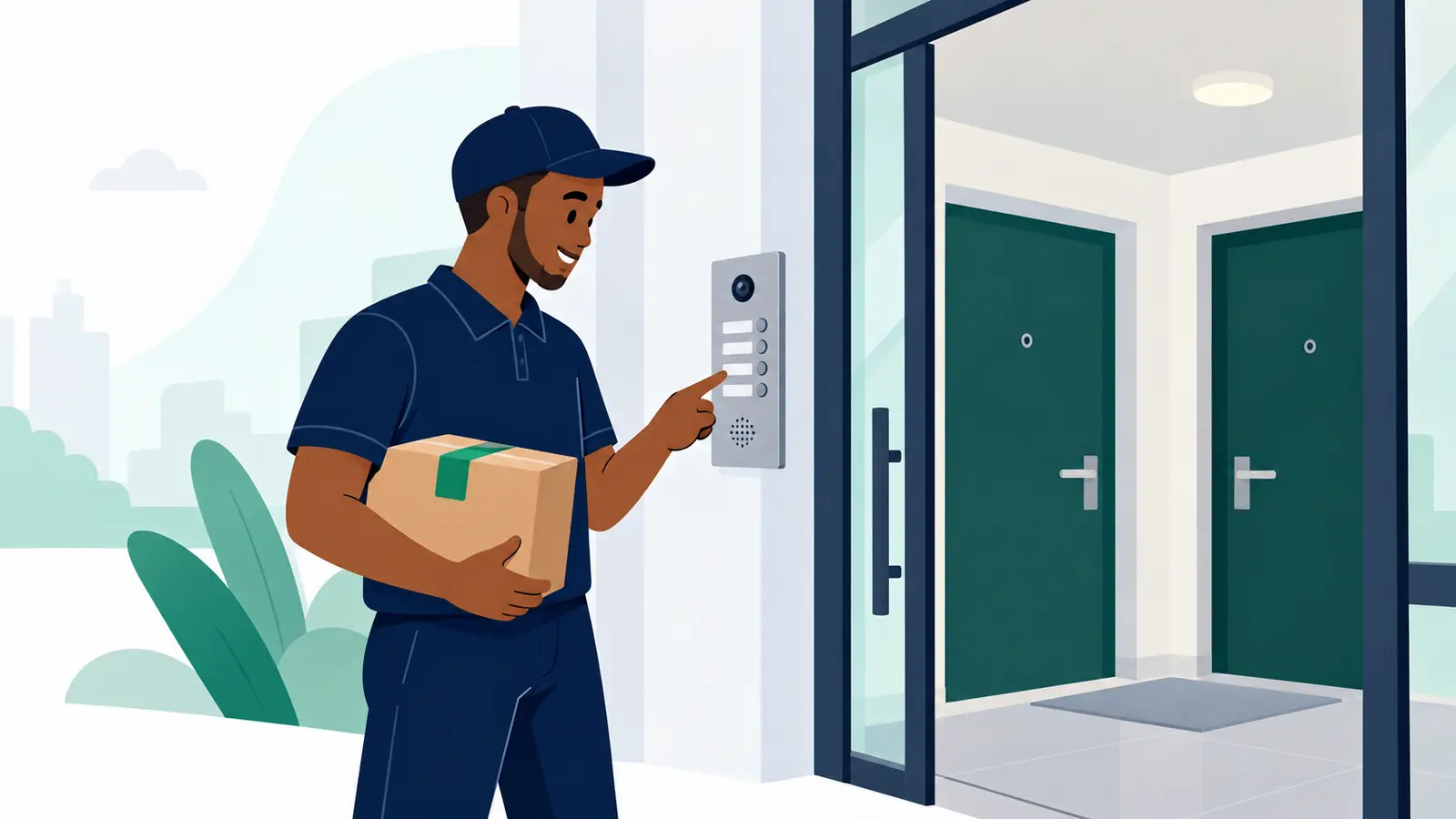
Choose SameDay and set a pickup time
Compare the SameDay offer and confirm when a courier should collect from your doorstep, when timing choices are available.
Updated

How do I pay for goods with Pay on Delivery?
Open the shared payment link or scan the QR, follow the payment steps, then return to Moveka.
Updated
Set sender defaults for new packages
Save optional sender details that prefill new package forms for one business.
Updated
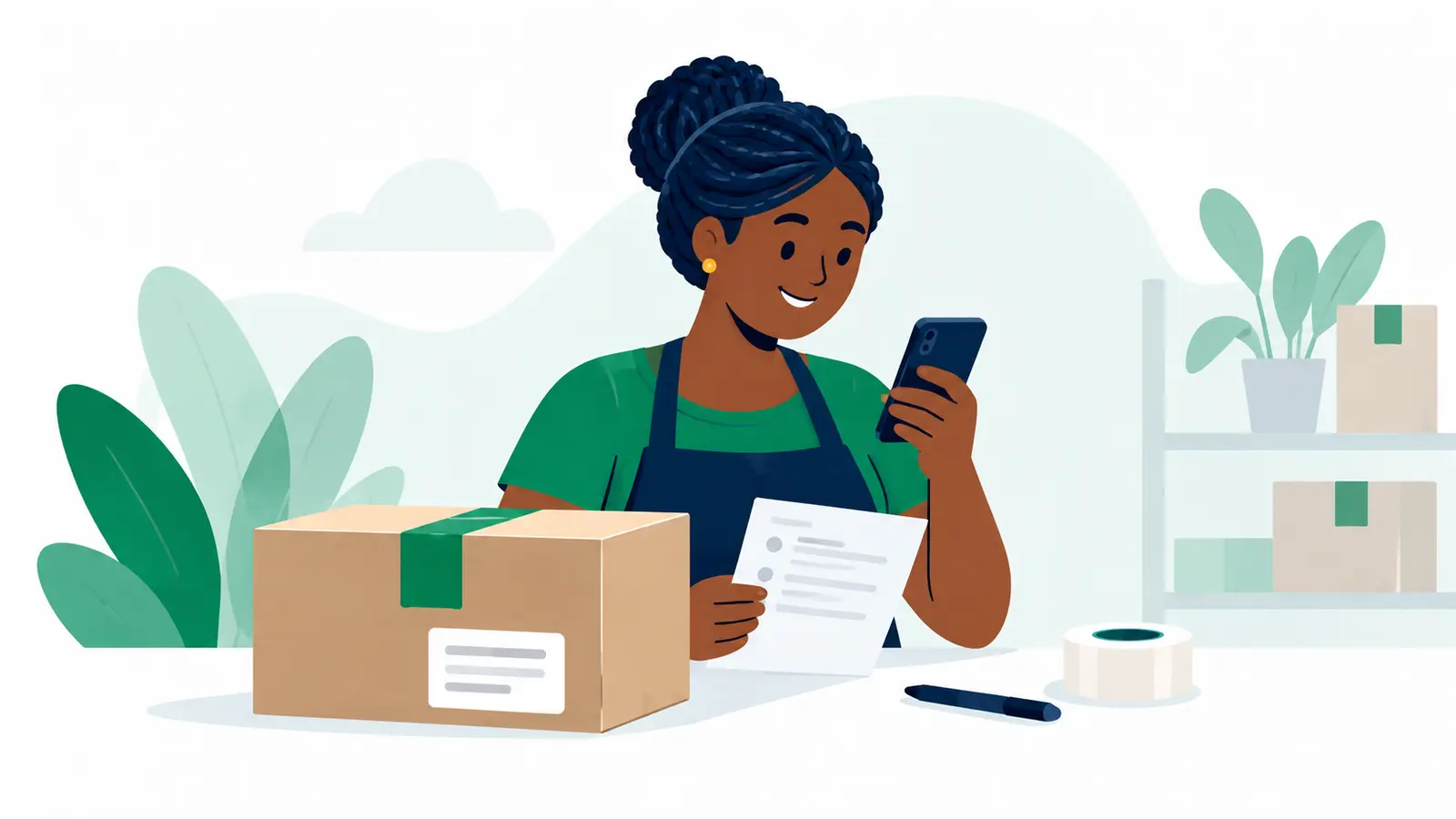
Review a delivery exception
Find a delivery problem recorded for your business and read its current status and timeline.
Updated
Edit business details
Update the registered name, display name and default sender information for the selected business.
Updated
Create your first merchant account
After login registration, accept the merchant agreement to create your merchant account and first business.
Updated
Add another delivery business
A Merchant Owner can add a separate business under the merchant account.
Updated
Review or change merchant team roles
Check who can use each business, adjust a member’s business role or remove access.
Updated
Update your name and contact details
Edit your profile name or replace the email address or phone number connected to your login.
Updated
Switch to another merchant business
Choose the business whose deliveries and settings you want to view.
Updated
Reset a forgotten password
Request a one-hour password link, choose a new password, and sign in again.
Updated
Set up an authenticator app
Add an optional extra sign-in check and save the one-time recovery codes shown after setup.
Updated
Sign in to your merchant account
Use the verified email and password connected to your Moveka login.
Updated
Find and manage saved customer contacts
Search receiver contacts saved from reviewed deliveries, then archive or restore suggestions.
Updated
Find and manage catalogue products
Search for existing products, update editable details or SKUs, and archive items that are no longer used.
Updated