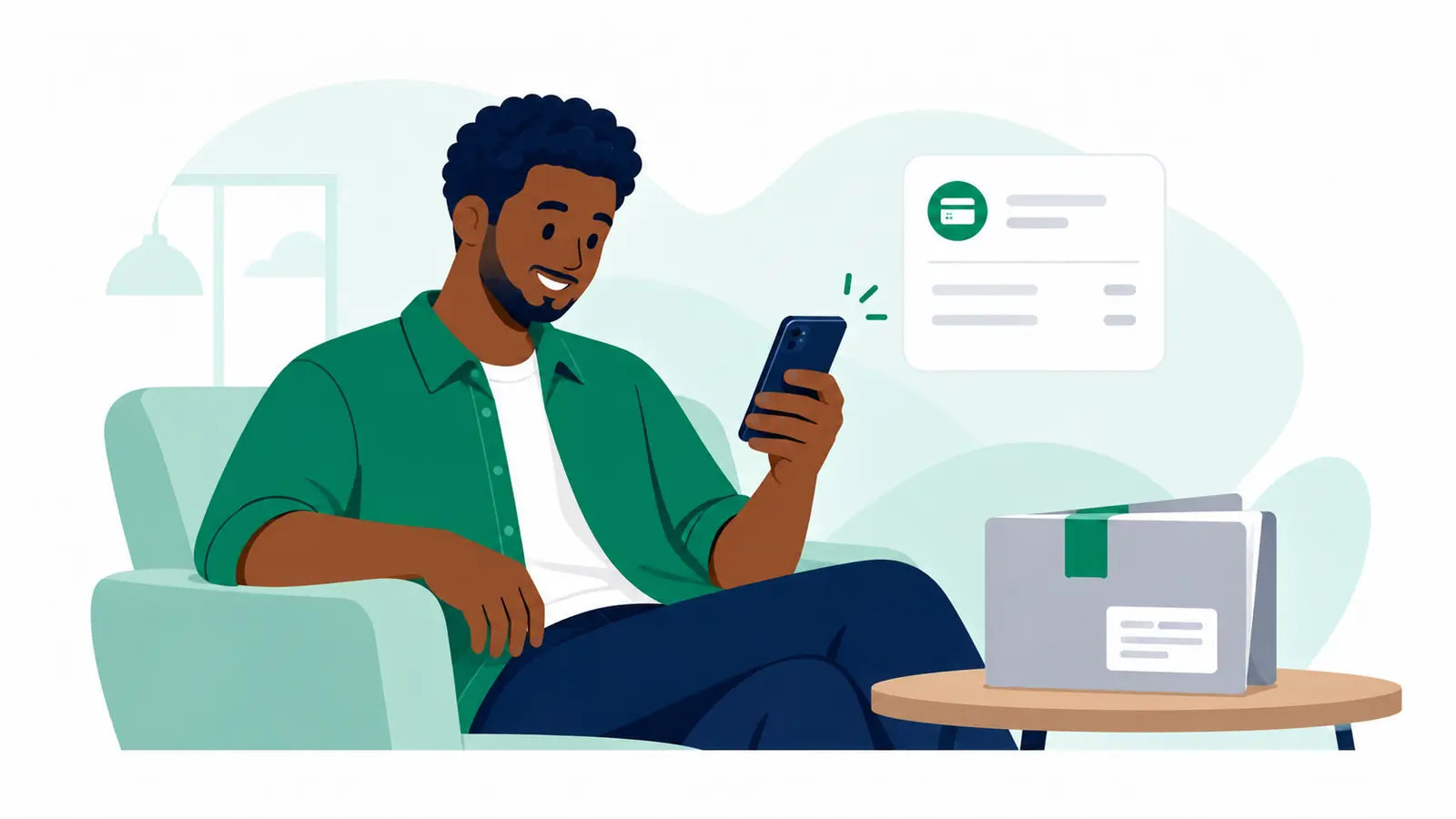
Pay on Delivery means the merchant paid the delivery charge upfront and asks you to pay the goods amount digitally before the package is handed over.
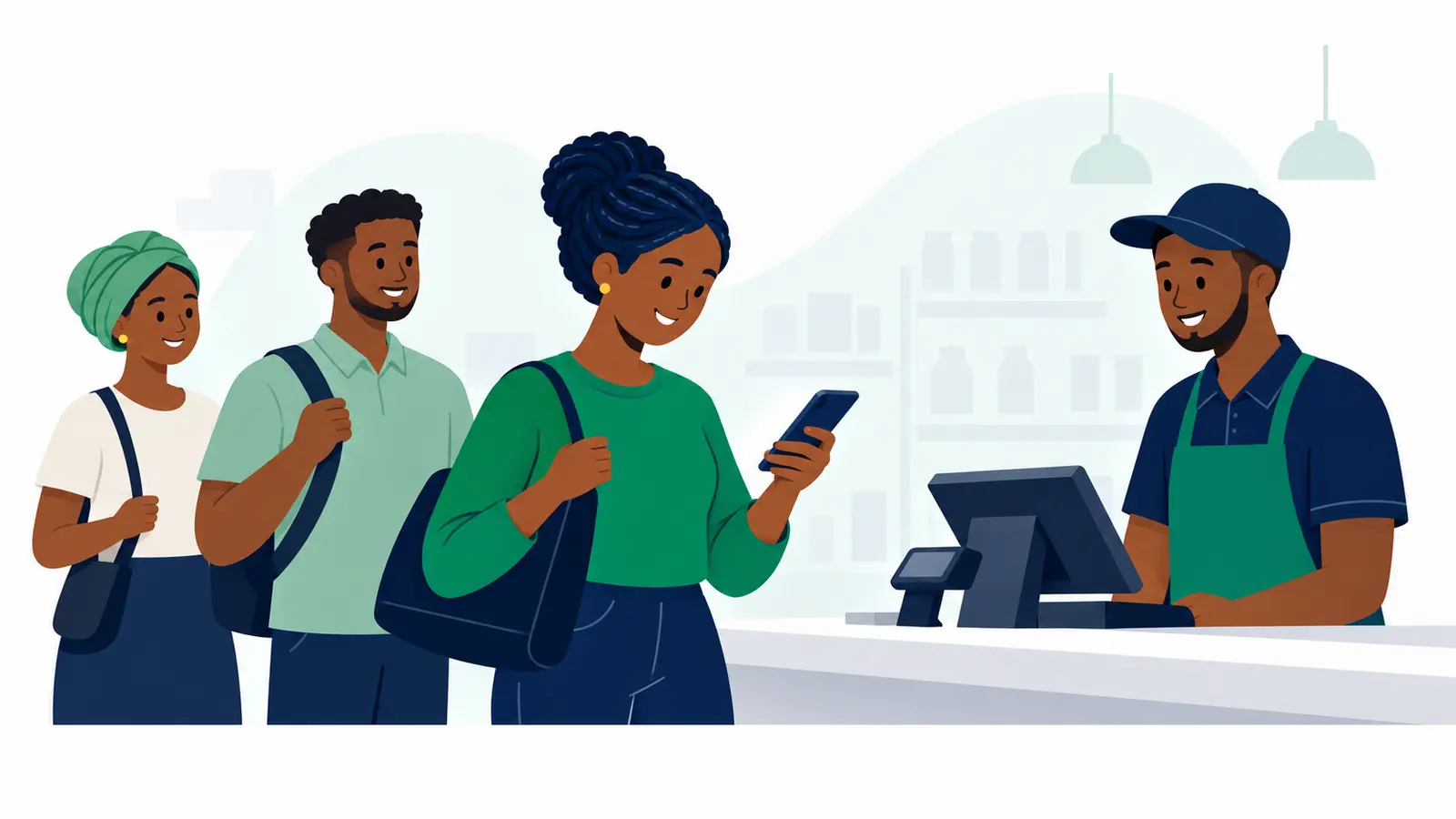
- Open the payment link the merchant or delivery person shared, or scan the QR they showed you. Check that the amount matches what you agreed to pay for the goods.
- Follow the instructions on the payment page. Keep your PIN, password and verification code private.
- When the payment page finishes, return to Moveka. A submitted payment is not confirmation; wait until the payment is confirmed before collecting the package.
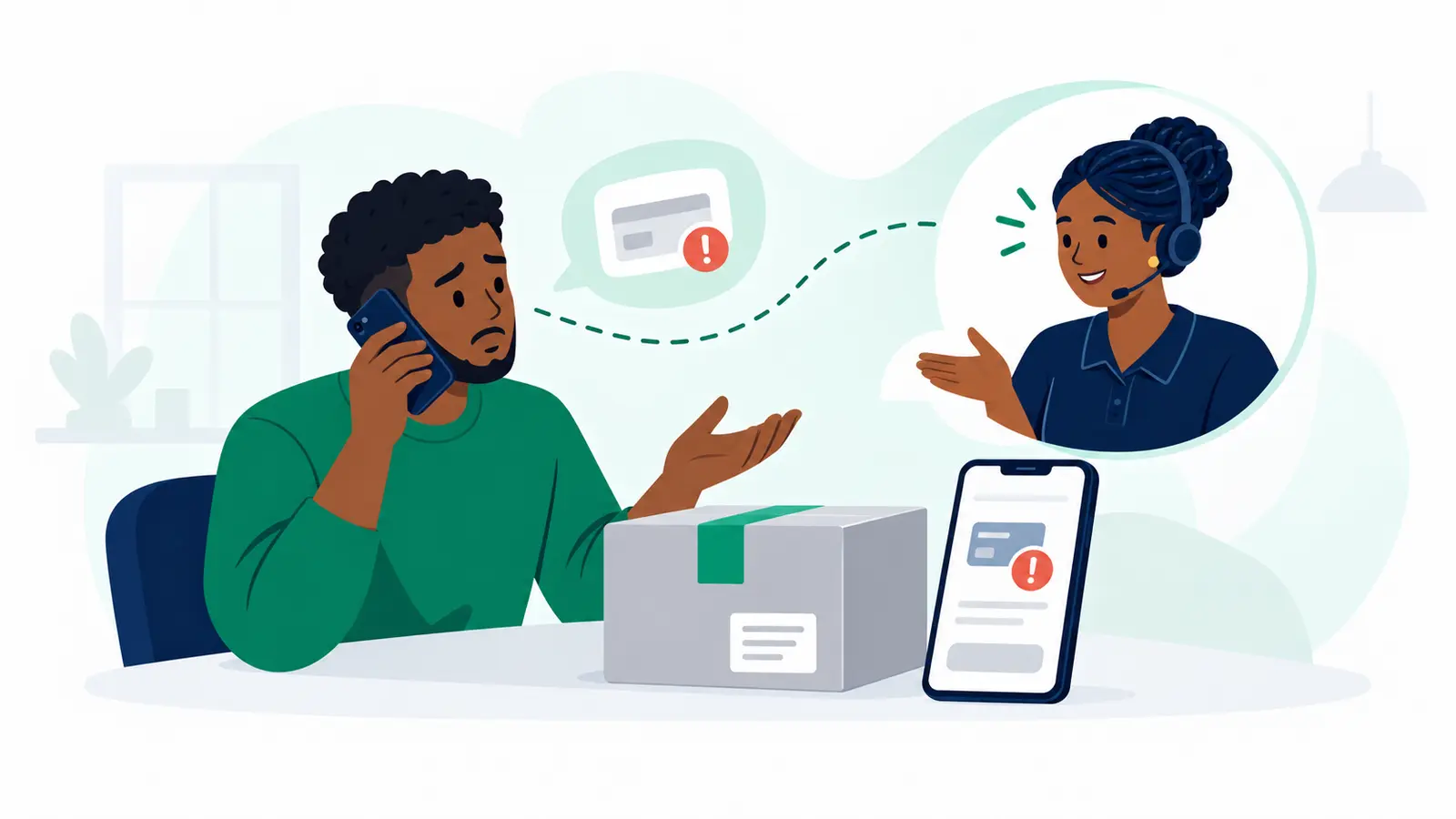
Payment is still pending?
If the result is unclear, do not pay again yet. Ask the person who shared the link to check that same payment in Moveka before trying again.