Product images are public. You need account edit access and should use images approved for customers to see.
Open the product gallery
- Open Menu, then Accounts. Find the organization and tap Open, then tap Catalogue.
- Use Find a Product, open View on the correct result, and check the product name before changing its photos.
Upload or arrange images
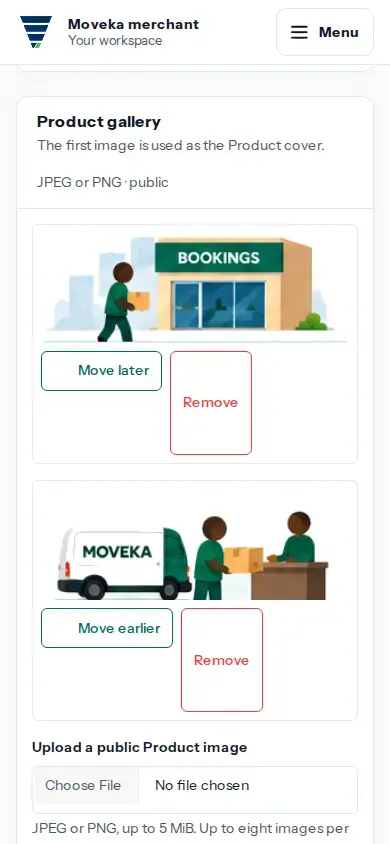
- Choose a JPEG or PNG image no larger than 5 MiB and upload it. The gallery allows up to eight images.
- The first image is the product cover. Use Move earlier or Move later to change which image appears first and the order of the gallery.
- Use Remove to take an image out of the gallery. Check the displayed gallery after each change.
If an upload or change result is unclear, review the current gallery before trying again. If you cannot change images, ask the account administrator to check your edit access.