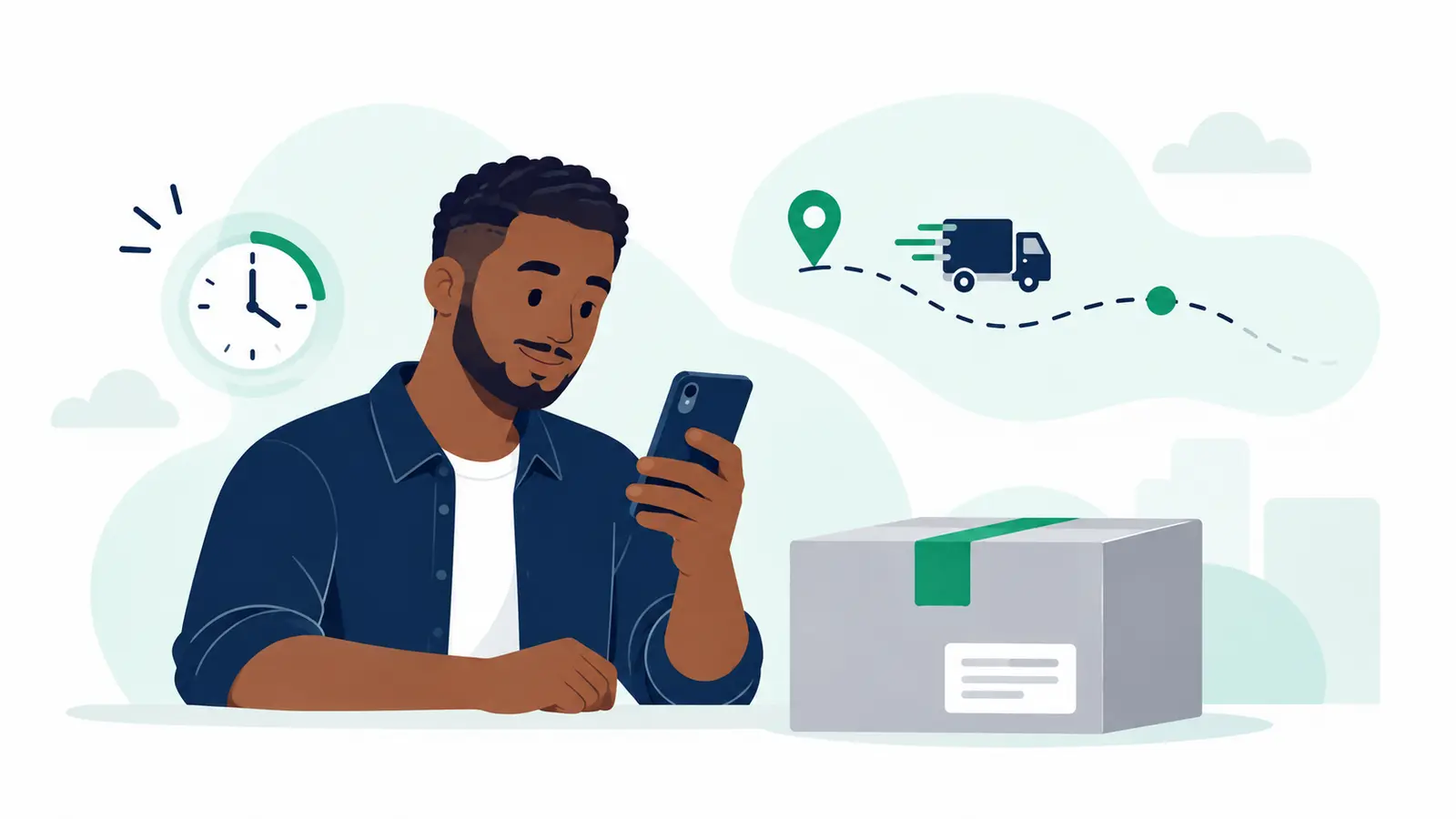
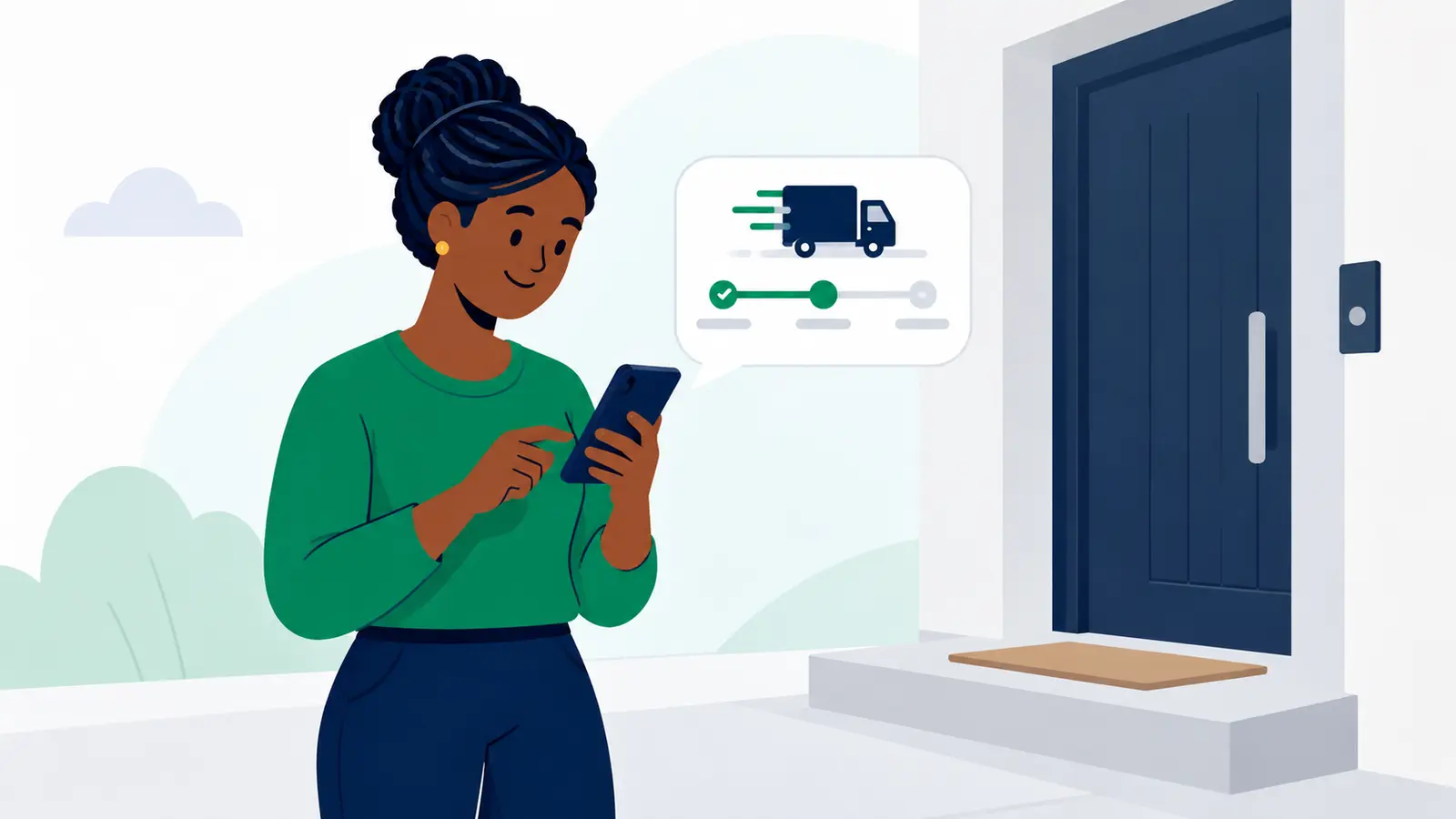
Open the tracking link the sender shared, or enter the Package reference on Moveka’s Track a package page. Check that the destination is the place where you expect to receive the package.
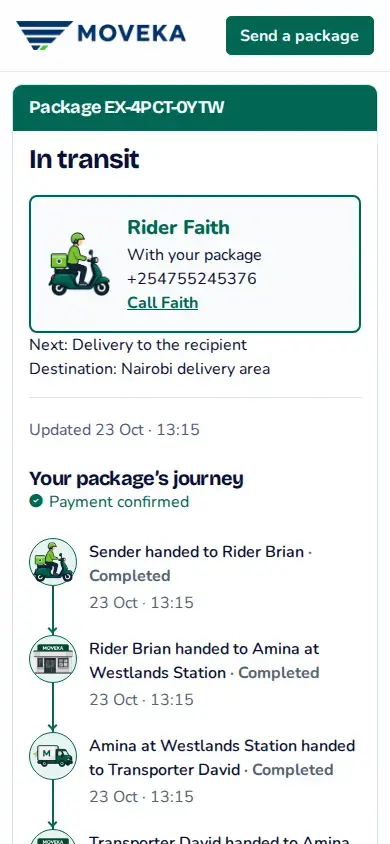
- Read the current status and Next step. Tracking shows recorded progress; an expected step is not proof that the courier has arrived.
- Keep the phone number used for this delivery available. If tracking shows the current courier and a Call action, use it to coordinate this package.
- At the doorstep handover, give the courier the six-digit delivery code from the message if they ask for it. This code confirms this delivery; it is not your M-Pesa PIN or account password.
If you do not have the delivery code, do not substitute a payment PIN or account password. The package must not be released until its delivery check is complete.