- On the merchant sign-in page, choose Forgot password?. Enter the email connected to your Moveka login and tap Send reset instructions.
- Check your inbox and spam folder. Open the password link from Moveka while it is still valid.
- Enter a new password of at least 12 characters, enter it again, and tap Change Password.
- When Moveka confirms the password changed, return to sign-in and use the new password.
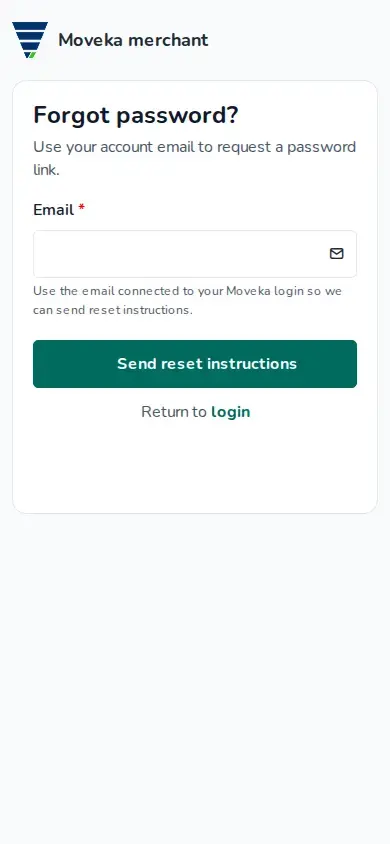
The request page shows the same check-your-email message whether or not an account matches the address. If no email arrives, check the address and request another link. Links last one hour; if yours is no longer available, request a new one.