- At moveka.africa, open the menu and choose Merchant sign in.
- Enter your email and password, then tap Sign In.
- After sign-in, check the merchant business shown at the top of the workspace before managing deliveries. If asked to choose a business, tap Open delivery workspace beside the one you need.
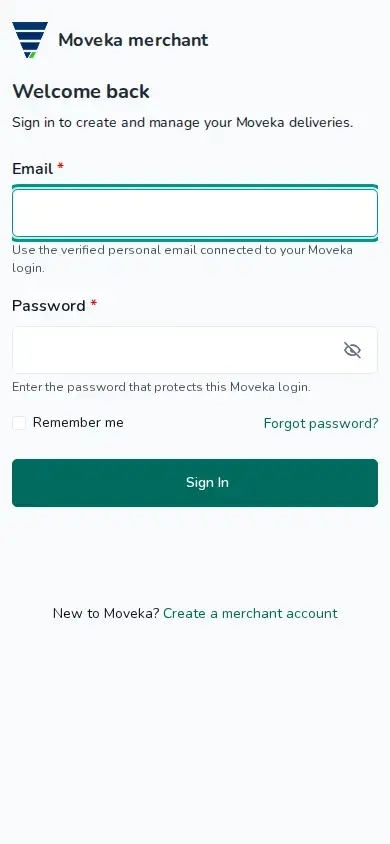
If the email or password is not right, check both and try again. If you have forgotten your password, choose Forgot password? to request a new link.