
Business accounts and teams
Coordinate orders and manage your business account and team.
Filters: Business accounts and teams · Articles and guides
Showing 1–20 of 37
Page 1 of 2
One Workspace, More Selling: Bring Your Deliveries to Moveka
Bring order preparation, digital delivery payment and tracking into Moveka’s merchant workspace, and give every customer a clearer delivery experience.
Published

Check merchant notification history
Find a message for an account and see what its delivery channels confirmed.
Updated
Verify your email and mobile number
Enter the separate six-digit codes sent to your email and mobile before completing merchant registration.
Updated
Register your Moveka login
Enter your personal details, choose a password, and accept the merchant agreement to start registration.
Updated
Invite someone to your merchant team
Choose the right business access, send an invitation and check whether it was accepted.
Updated
Accept a merchant team invitation
Check the access offered, use the right Moveka login and join the merchant team.
Updated
Review your business’s storage usage
Understand the Station and date interval recorded for each storage-usage entry.
Updated
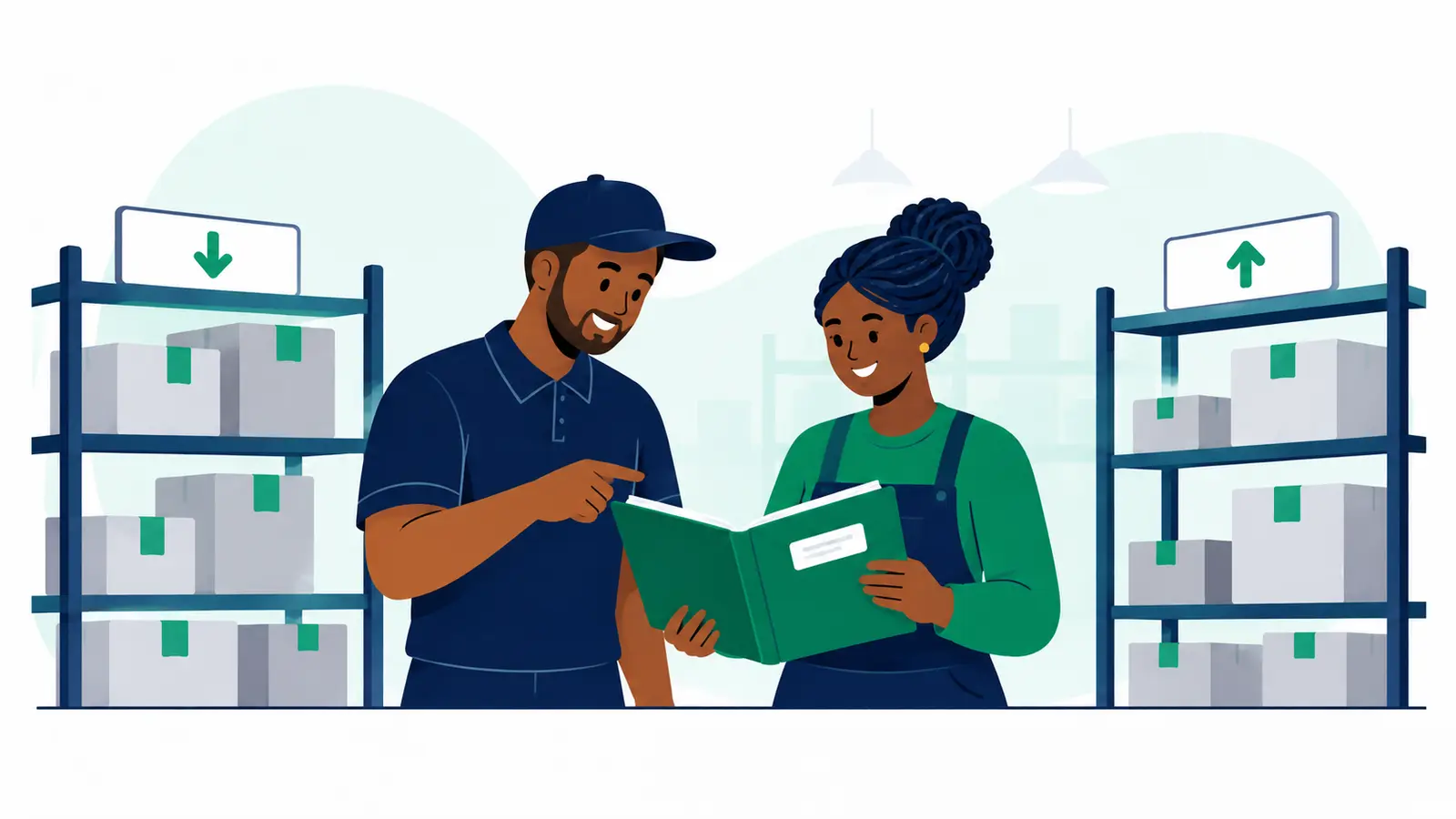
Review shelves assigned to your business
See the shelves assigned to your business at each Station and review any past allocations.
Updated
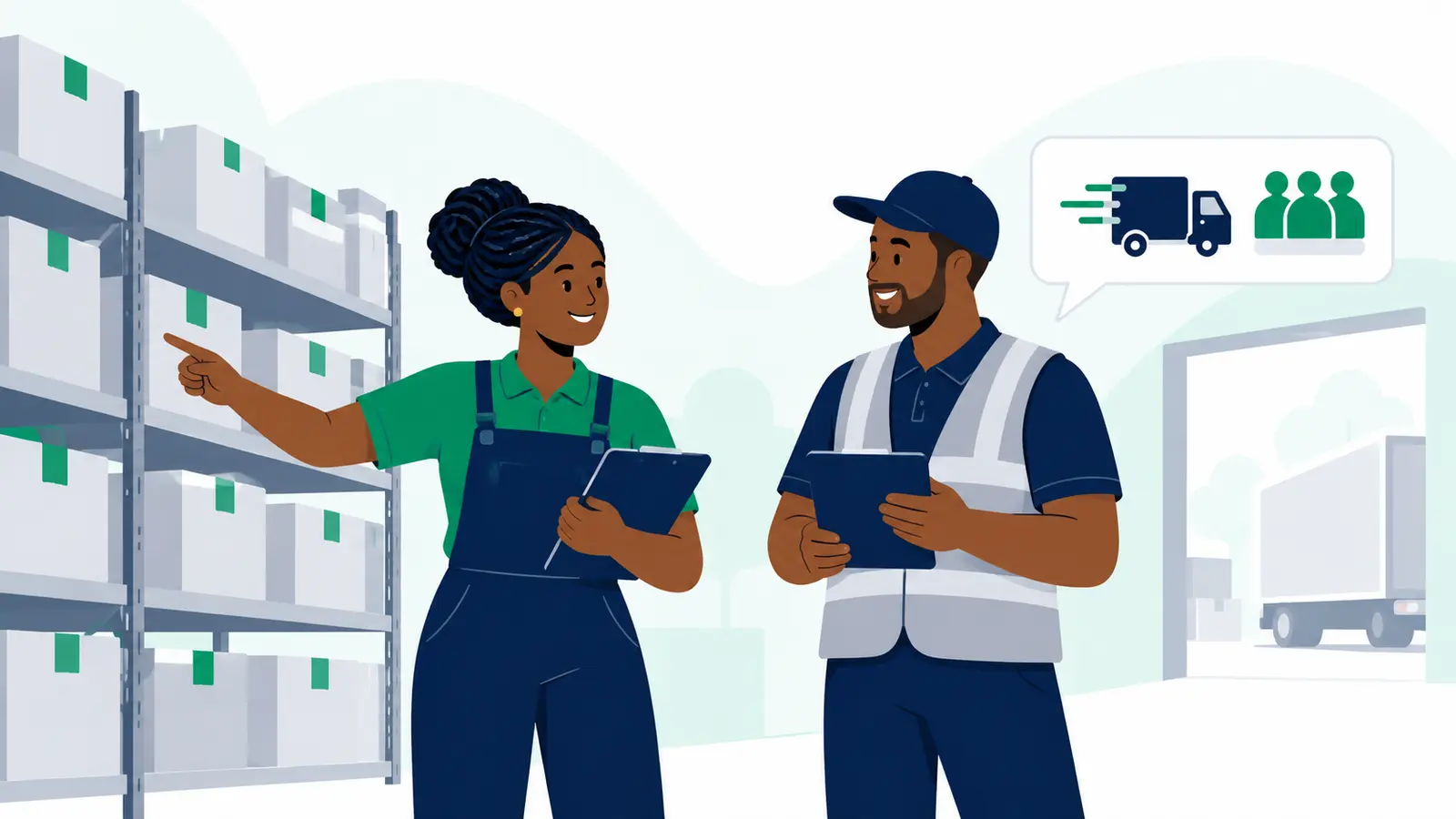
Review business evidence
Find account-visible evidence, review its details and download a file when permitted.
Updated
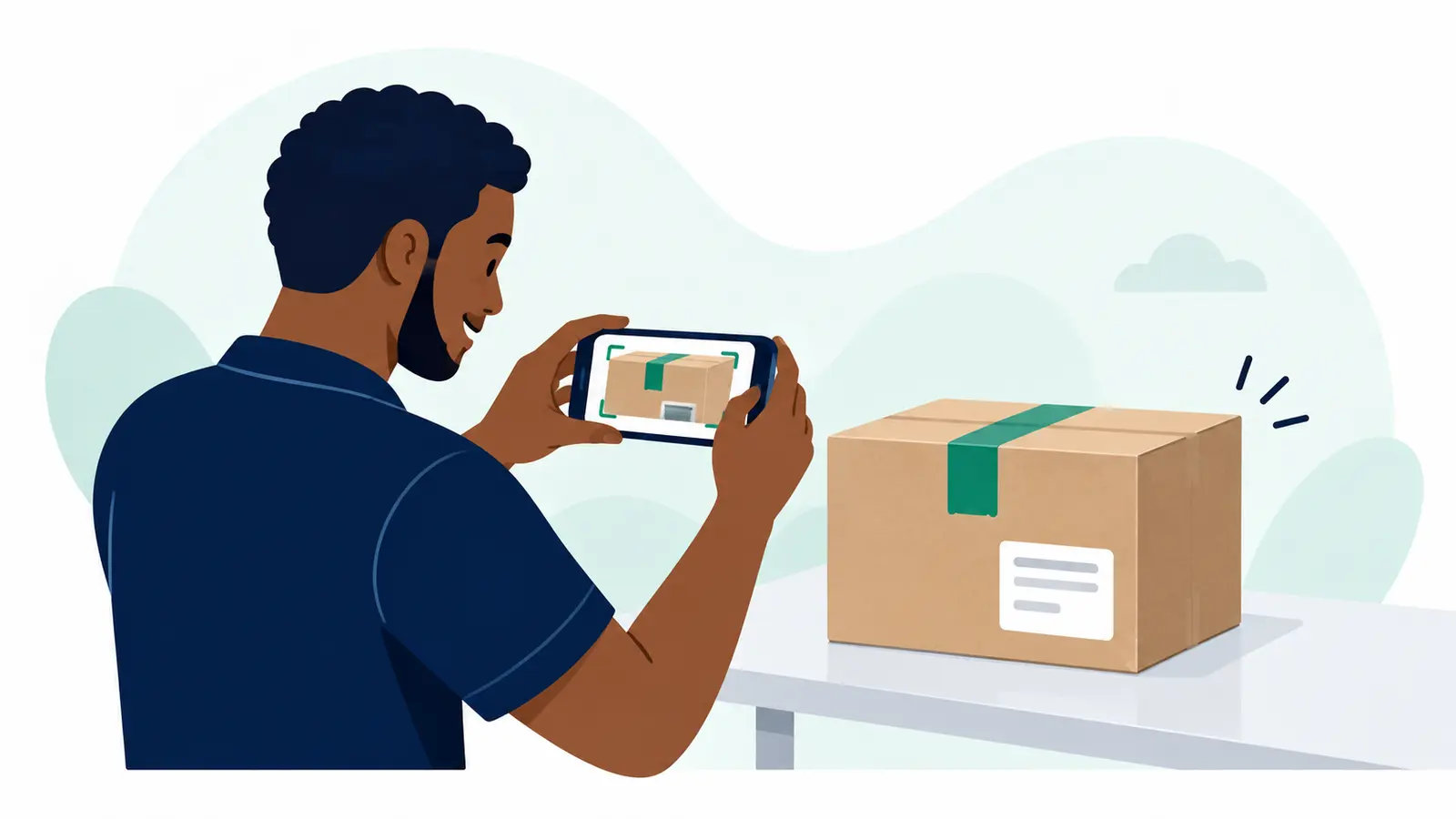
Review activity on a business account
Read the account’s activity timeline, with the newest recorded event first.
Updated
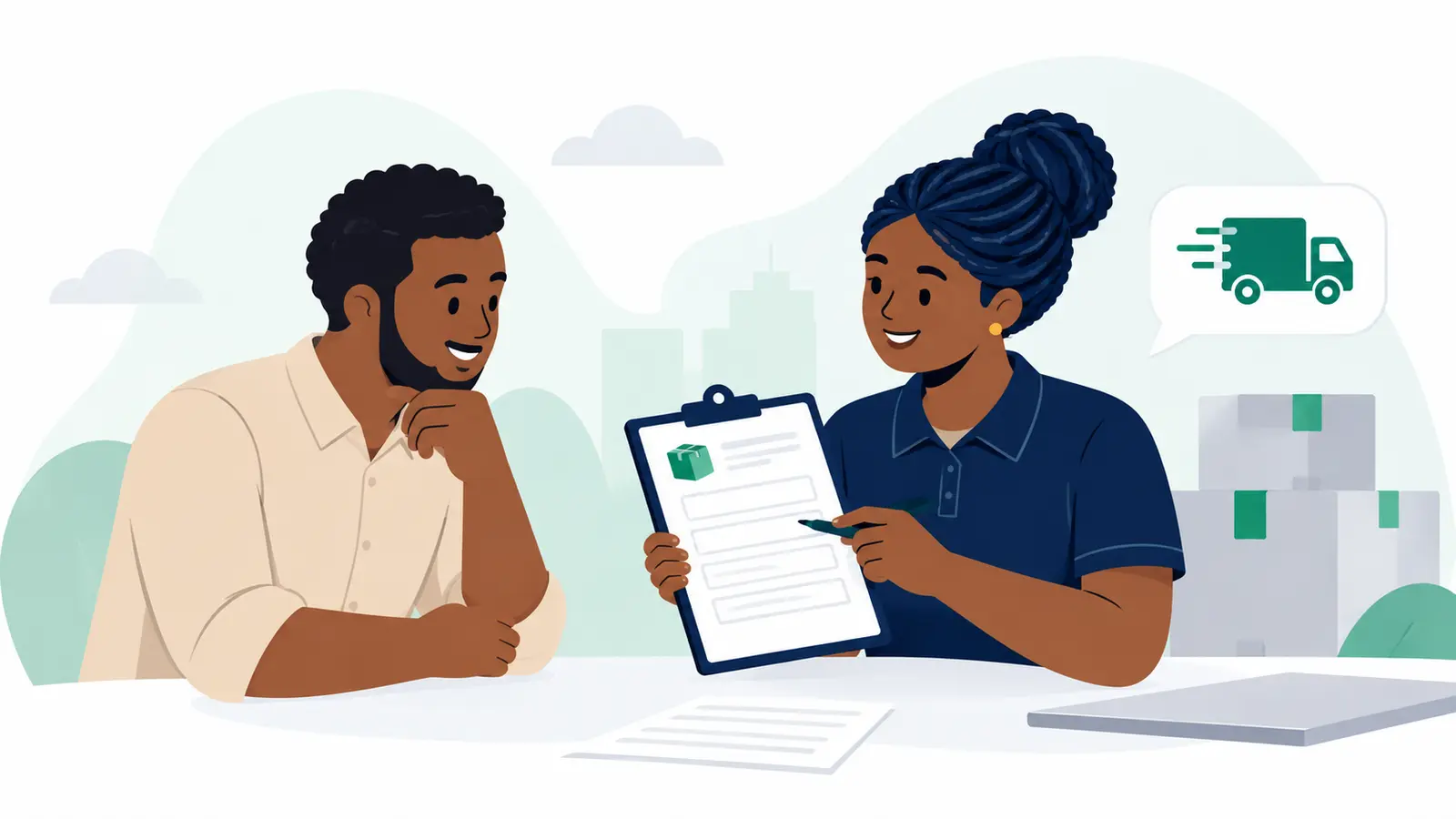
Edit business details
Update the registered name, display name and default sender information for the selected business.
Updated
Create your first merchant account
After login registration, accept the merchant agreement to create your merchant account and first business.
Updated
Add another delivery business
A Merchant Owner can add a separate business under the merchant account.
Updated
Review or change merchant team roles
Check who can use each business, adjust a member’s business role or remove access.
Updated
Update your name and contact details
Edit your profile name or replace the email address or phone number connected to your login.
Updated
Switch to another merchant business
Choose the business whose deliveries and settings you want to view.
Updated
Reset a forgotten password
Request a one-hour password link, choose a new password, and sign in again.
Updated
Set up an authenticator app
Add an optional extra sign-in check and save the one-time recovery codes shown after setup.
Updated
Sign in to your merchant account
Use the verified email and password connected to your Moveka login.
Updated
Find and manage saved customer contacts
Search receiver contacts saved from reviewed deliveries, then archive or restore suggestions.
Updated