Explore Moveka

Guide

Review business evidence

Find account-visible evidence, review its details and download a file when permitted.

Published 23 Oct 2026 · Updated 25 Oct 2026 · By Moveka

Sign in to your merchant account. Open Menu, choose Accounts, find the business you need and tap Open. On its account page, tap Evidence. The list contains private files that are visible to this business.

  1. Use Find an evidence file to search by file kind, Active or Disposed, or capture date. Choose Clear search to see every file this account is allowed to view.
  2. Tap View evidence beside the file you need. Check its state, file type, size and captured date.
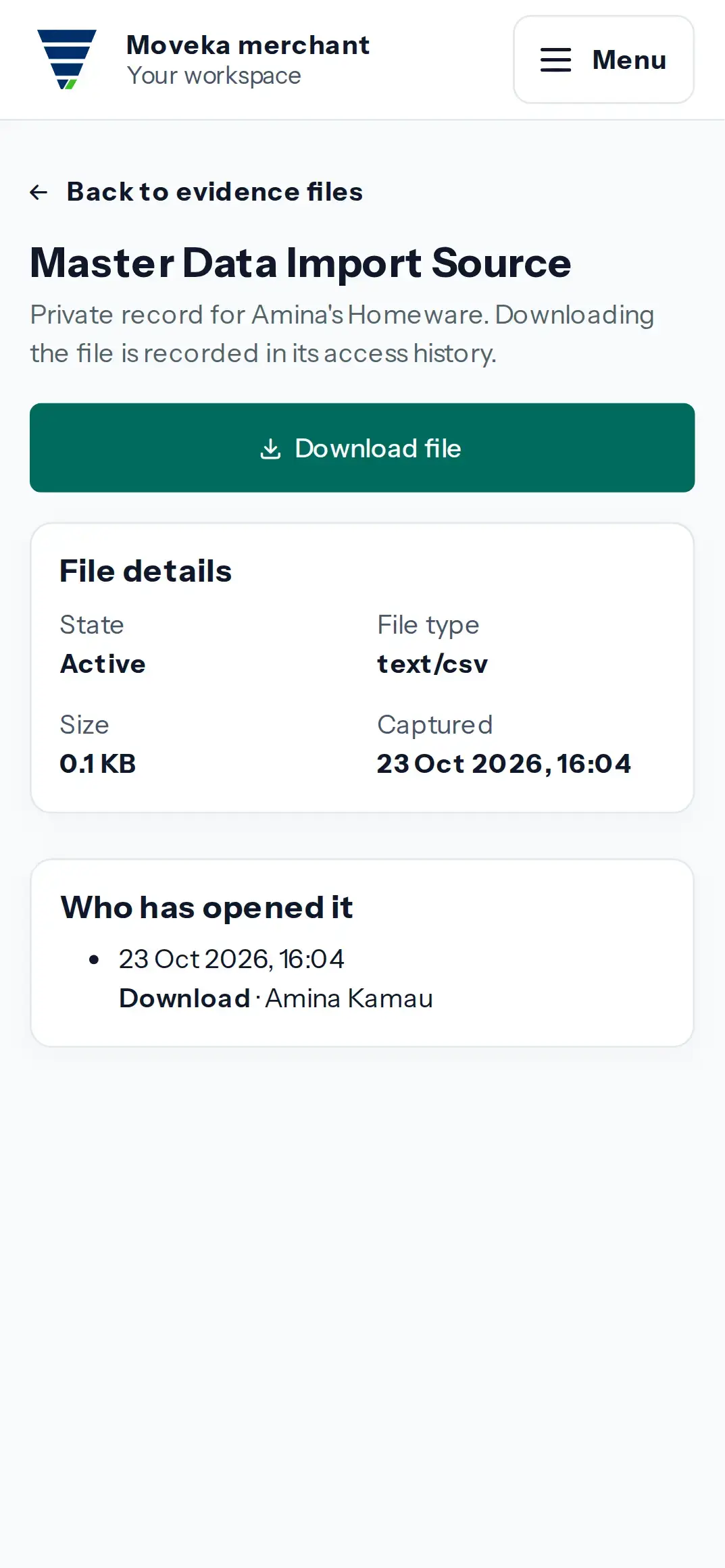
  3. To save the file, tap Download file. Moveka records the download in this evidence file’s access history.
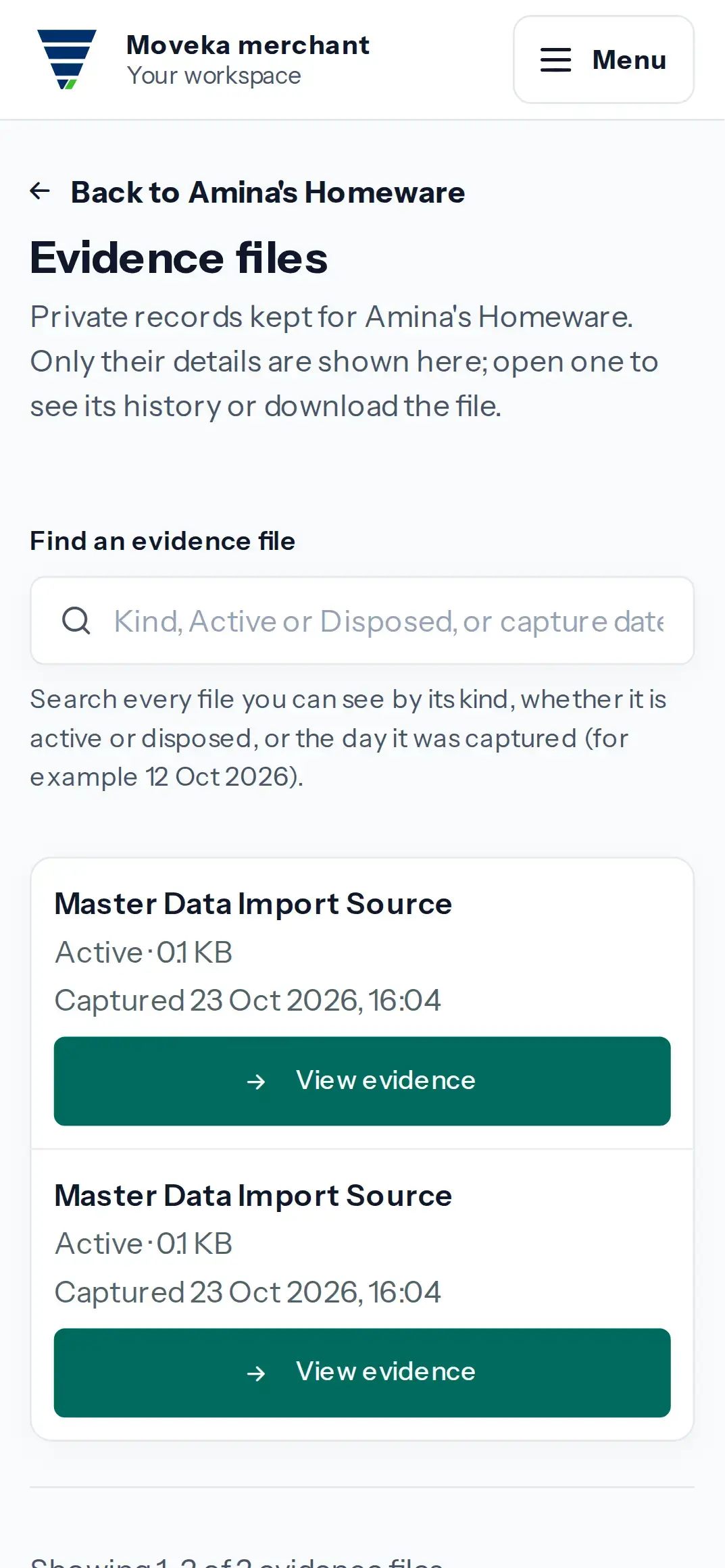
Practice screen: private evidence recorded for the merchant’s reviewed catalogue import.
Practice example: private evidence recorded for the merchant’s reviewed catalogue import.

View larger image: Practice screen: private evidence recorded for the merchant’s reviewed catalogue import. (opens in a new tab)

Practice screen: review the import-source file details and recorded download history.
Practice example: review the import-source file details and recorded download history.

View larger image: Practice screen: review the import-source file details and recorded download history. (opens in a new tab)

If the file is not listed, check the business name and choose Clear search. Only files this account is allowed to view appear here.