Sign in to your merchant account. Open Menu, choose Accounts, find the business you need and tap Open. On its account page, tap Storage. Check the business name at the top so you are reviewing the right account.
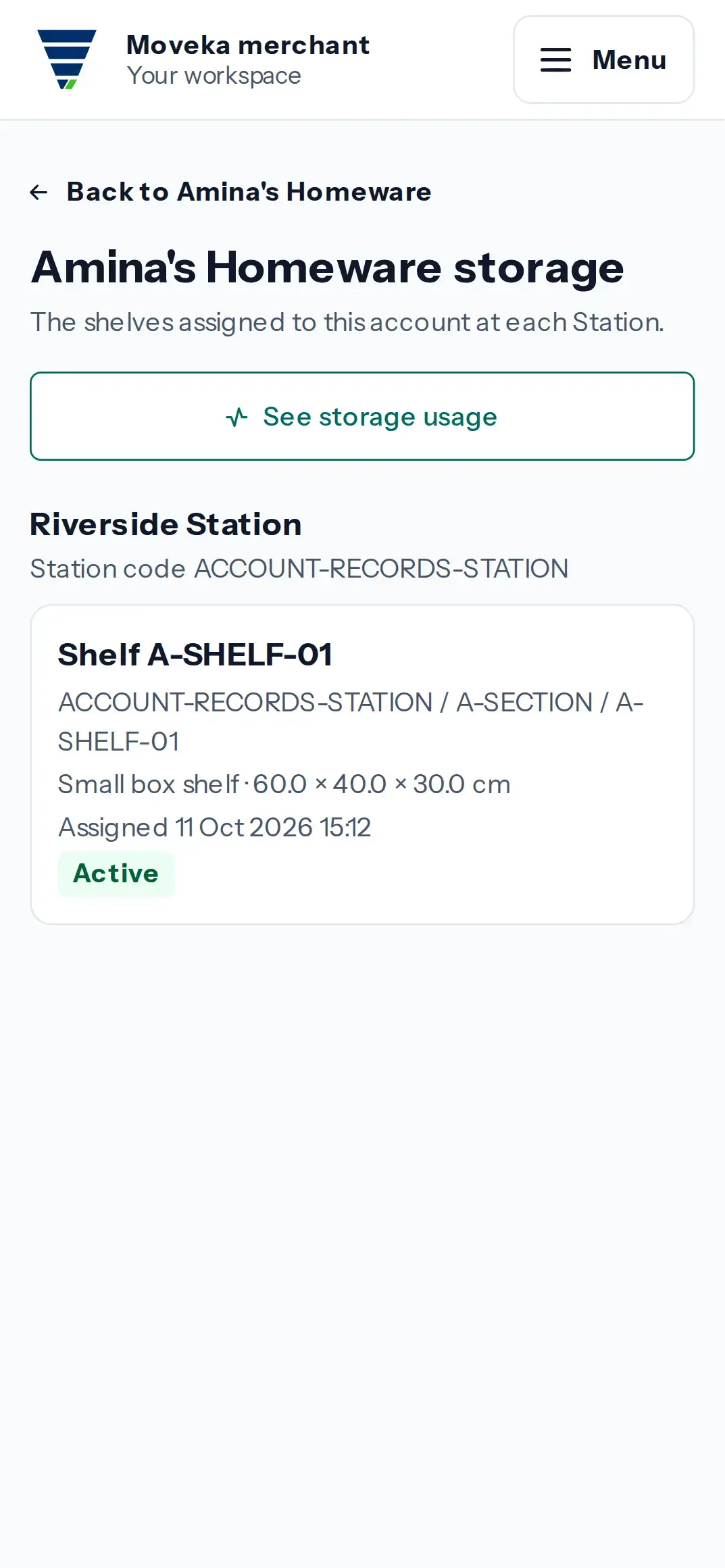
- Under each Station name, review the active shelf code, its place in the Station, shelf type and size, assignment date, and whether the shelf is active or restricted.
- To review a shelf that is no longer assigned, expand Allocation history under that Station. Check the assigned and released dates and any recorded reason.
- Tap See storage usage to review the separate daily usage records for these allocations.
If no Station appears, no shelf allocation is listed for this account. Check that you opened the intended business.