Sign in to your merchant account. Open Menu, choose Accounts, find the business you need and tap Open. Tap Usage, or open Storage and choose See storage usage. The page is titled Storage usage.
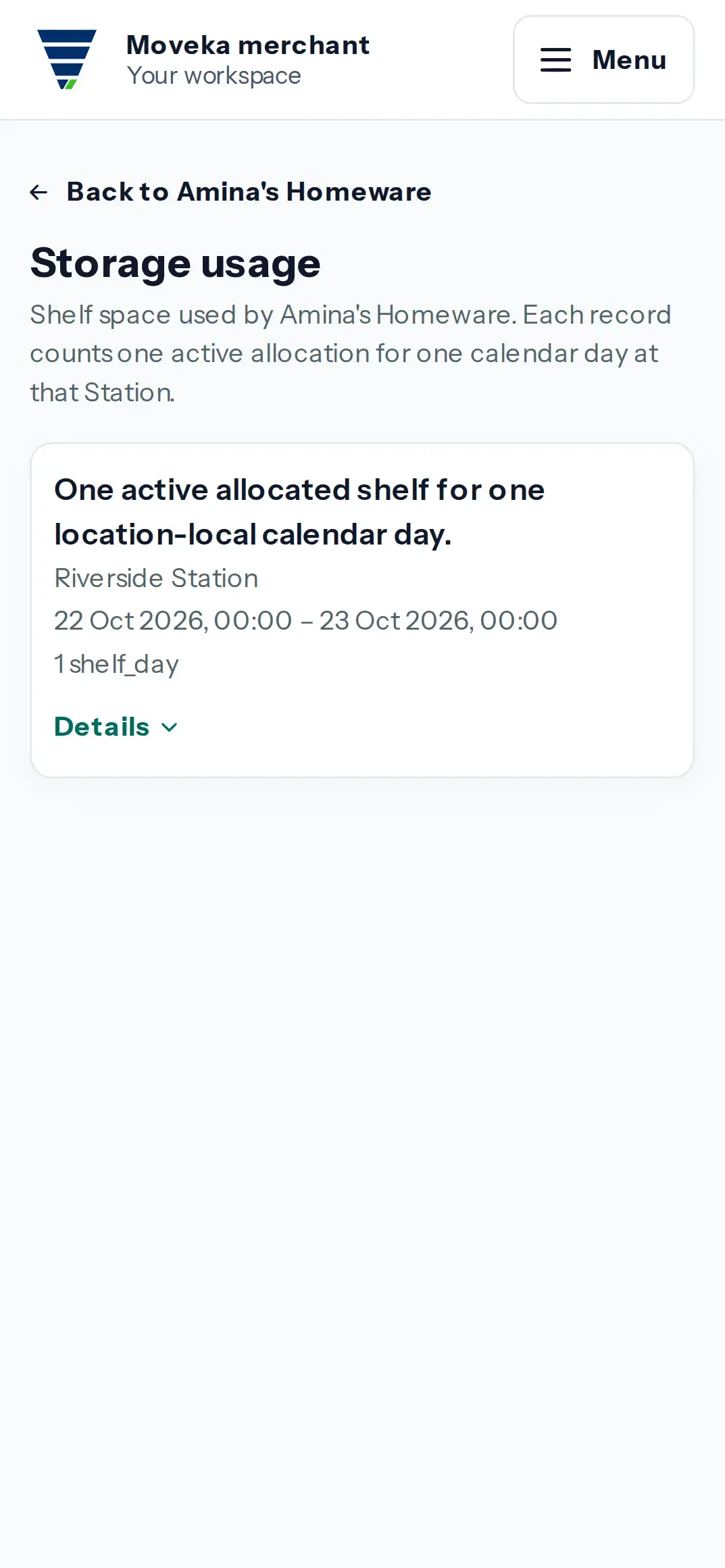
- Each record counts one active shelf allocation for one calendar day at that Station.
- For each entry, review the Station, date interval, quantity and unit. Service, Station code and allocation reference are available in the record details.
- Use the account page’s Storage link to compare usage entries with the current or past shelf allocations.
This page lists recorded usage; it is not a payment or balance page. If no records appear, no storage-usage entries are shown for this business. Check the account name before reviewing another business.