Sign in to your merchant account. Open Menu, choose Accounts, find the business you need and tap Open. On its account page, tap Activity. The page is titled Activity timeline and lists recorded events for this business, newest first.
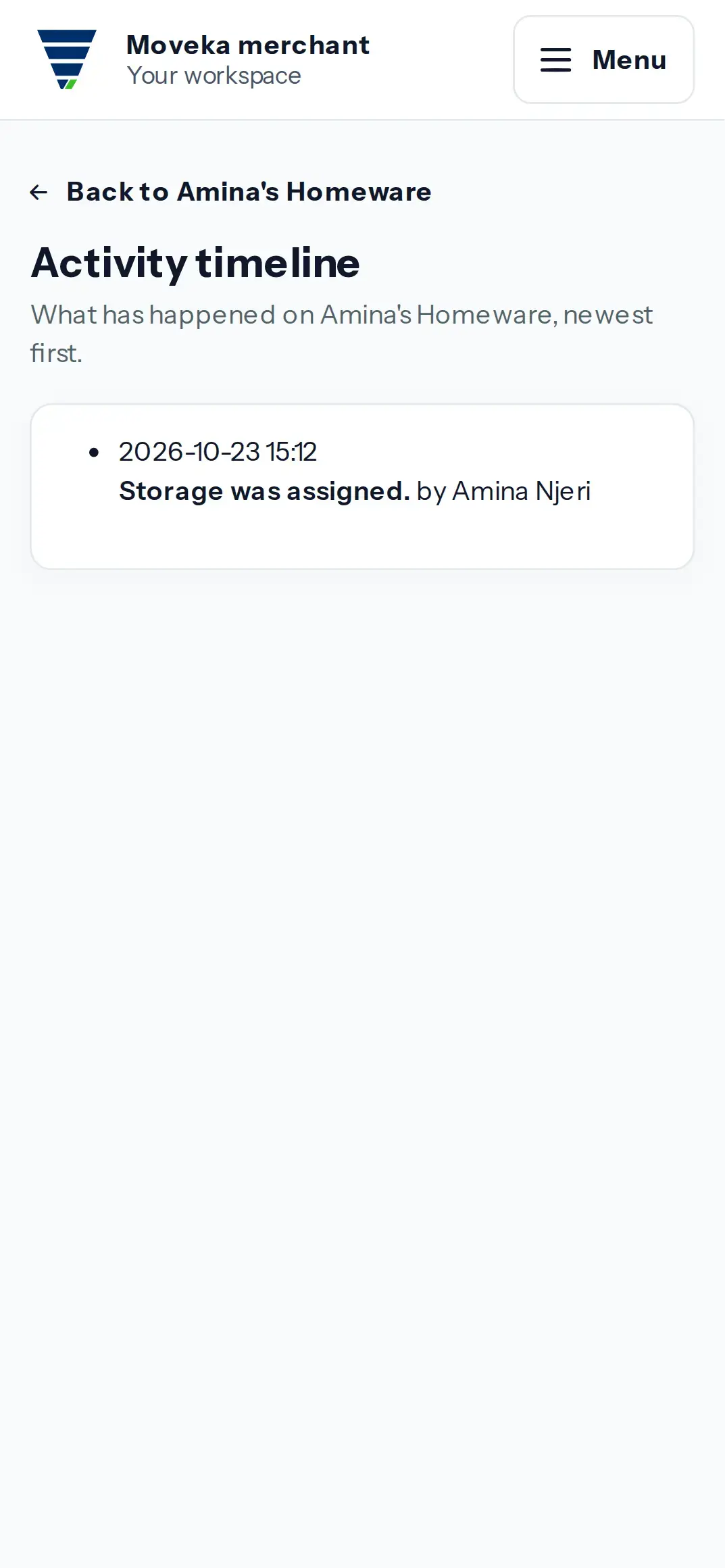
- Read each event summary and the person or System shown as its actor.
- Use the date and time to place the event in sequence. Activity is a record of events; it does not itself change the account or delivery.
If the timeline has no entries, no activity events are shown for this account. Check the account name at the top before reviewing another business. Activity is read-only on this page.