
Guides
Follow step-by-step guides to send packages and grow with delivery.
Filters: All topics · Guides
Showing 61–76 of 76
Page 4 of 4
Add a product to your catalogue
Create a product record and its first sellable SKU.
Updated
Change your password while signed in
Use your current password to set a new password from your profile.
Updated
Add people and review operating-account access
Add an existing Moveka user, assign their account role or an extra permission, and verify the resulting access.
Updated
Update an operating account’s details
Change the organization name, primary contact or agreement record on an existing operating account.
Updated
What should I check on Review your delivery?
Check the route, package, people, delivery terms and current charge before moving to payment.
Updated
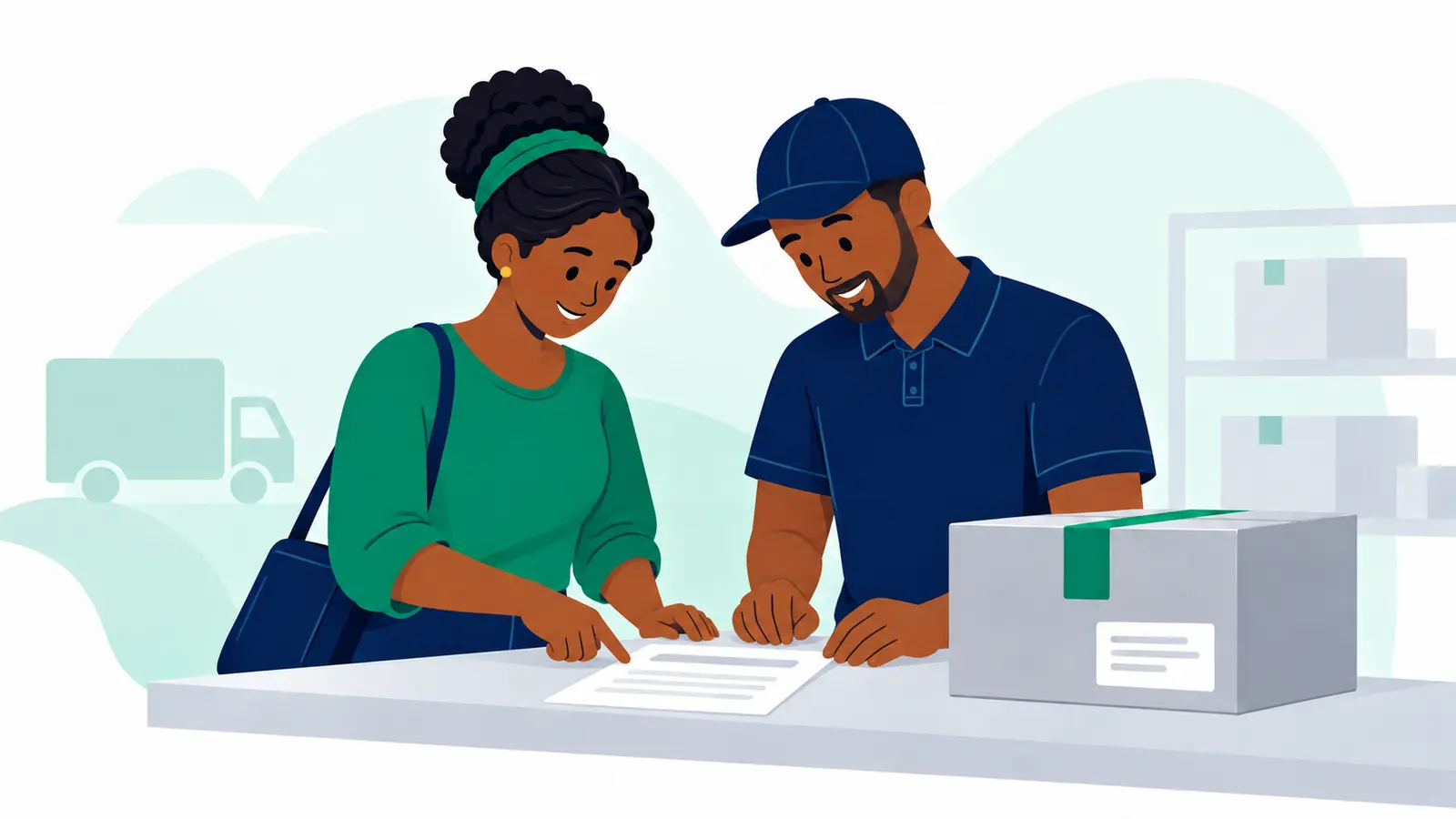
What should I enter in Package details?
Describe the packed item and answer the questions Moveka shows for the selected delivery service.
Updated
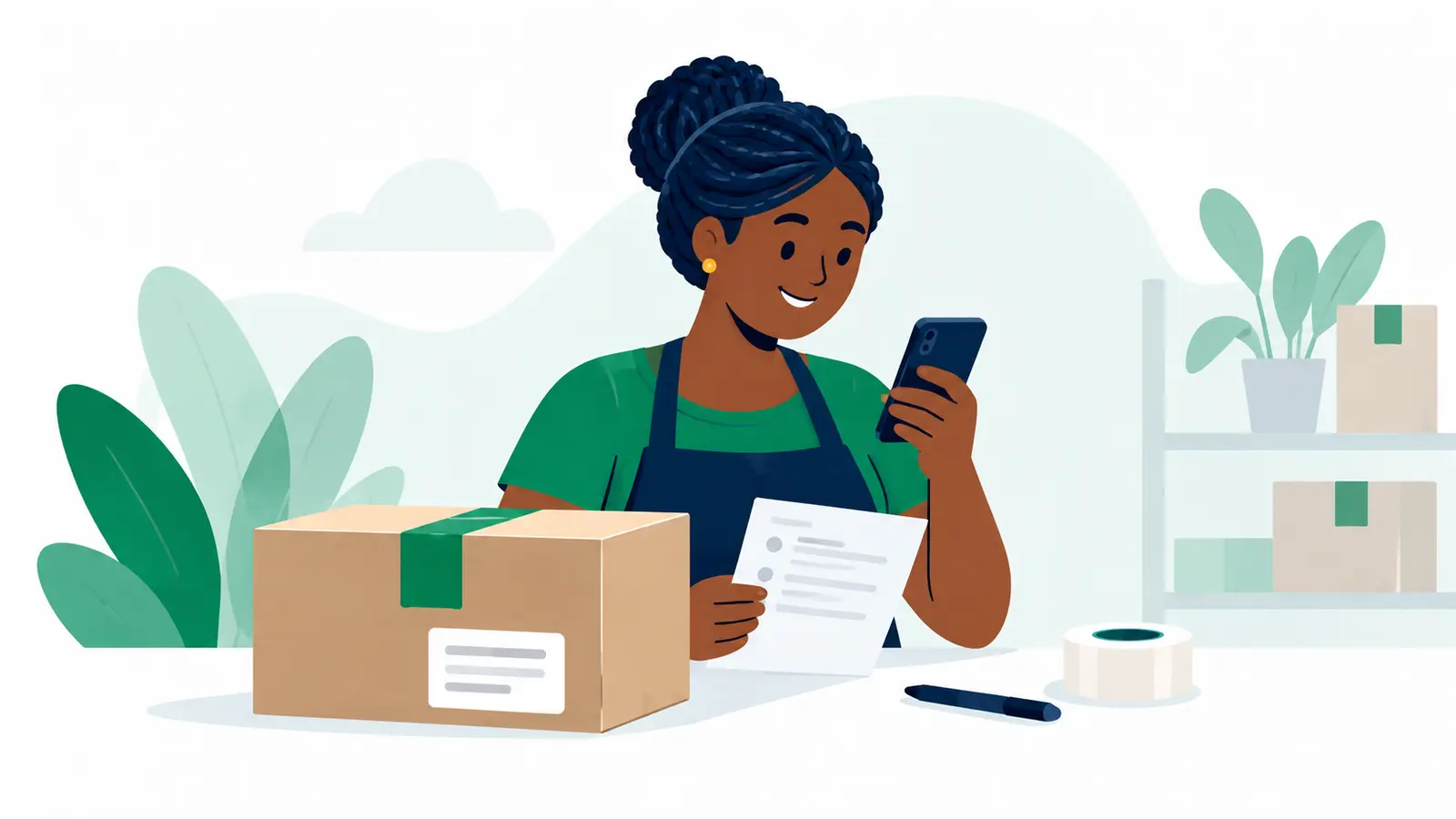
Choose a Moveka Station or doorstep delivery
Decide where you will hand over your parcel and where the recipient should receive it, then get a route price.
Updated
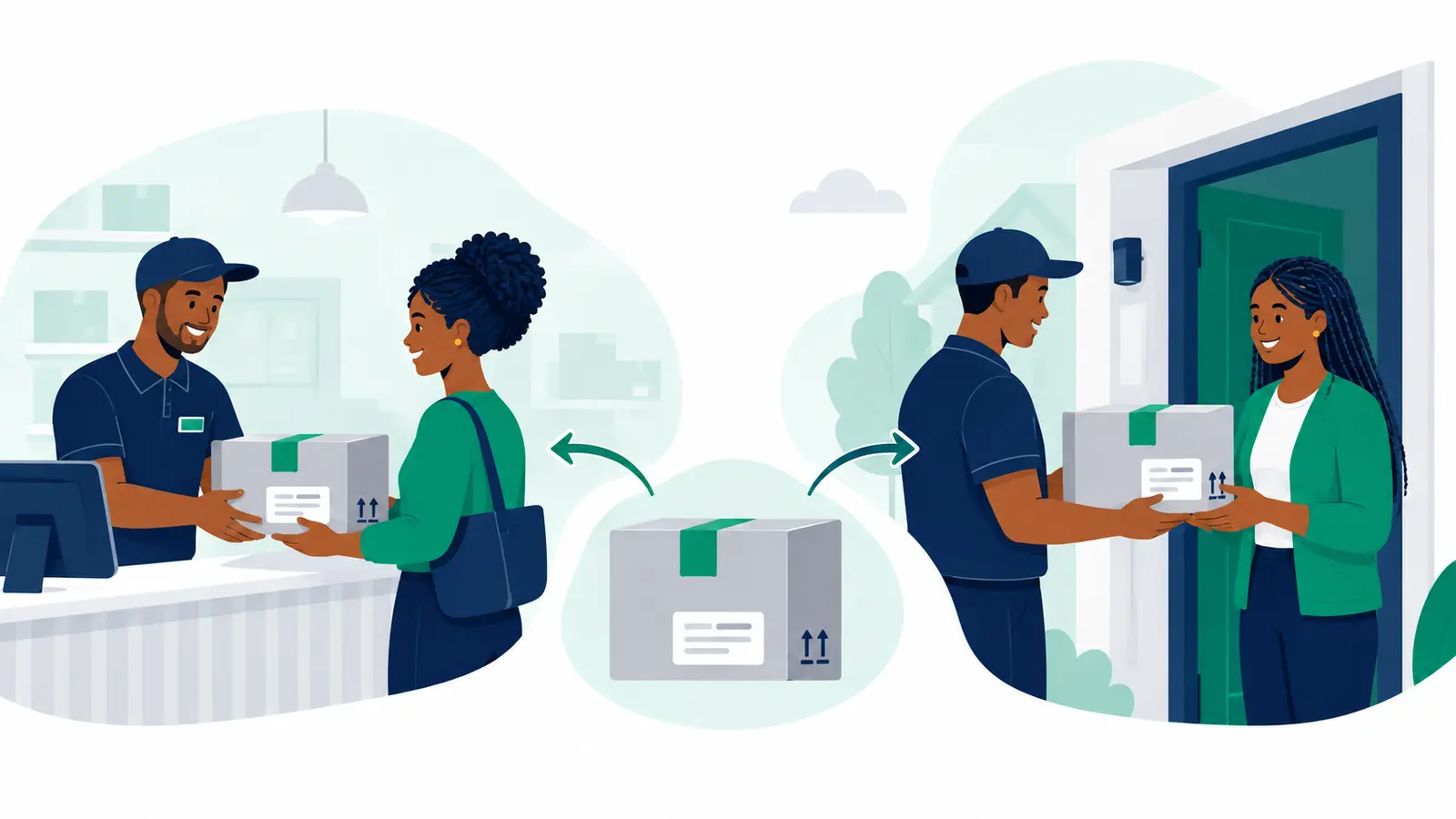
Collect your order from a Moveka Station
Know when to leave, find the right collection point and receive your parcel with the right code.
Updated
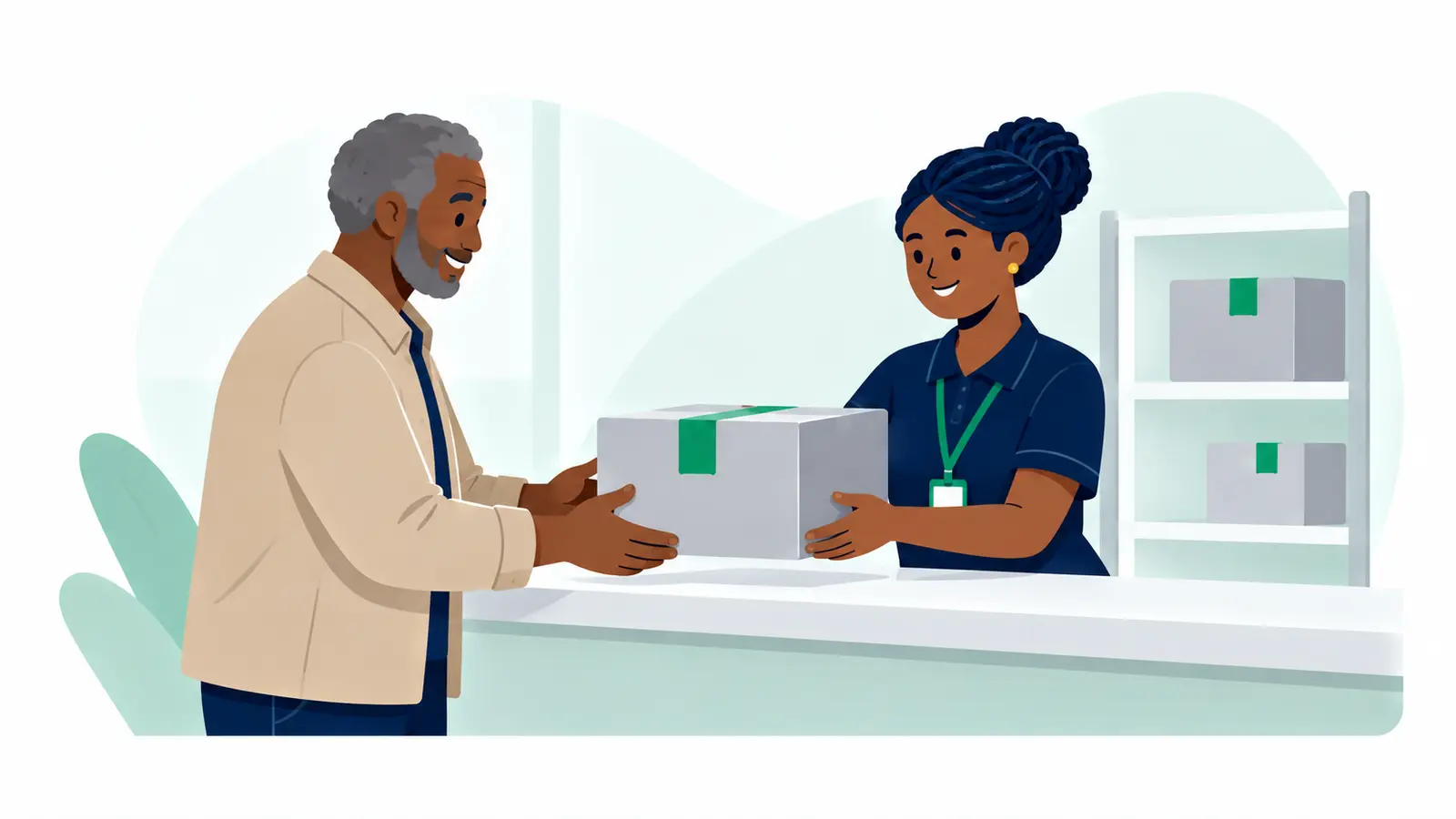
Track your Moveka package
See the latest parcel update and the next step using the reference or link the sender shared.
Updated

Send a parcel with Moveka
Choose where the parcel starts and ends, see the charge, then pay digitally to get it moving.
Updated
Find a Moveka Station before you leave
Find a convenient drop-off or collection point, check the entrance and get directions.
Updated
Start sending for your business with Moveka
Create your merchant login, open your shop’s delivery workspace and save the sender details you use often.
Updated
Where is my customer’s order? Track it with Moveka
Find the latest delivery update and give your customer an easy way to follow their package.
Updated
Pay for your Moveka deliveries in one place
Choose one customer order or several, check the total and complete the digital payment.
Updated
Continue a Moveka order you started earlier
Find your unfinished delivery, pick up where you stopped and get the right order ready to send.
Updated
Send shop orders with Moveka: Station to Station
Prepare an order, drop it at a Moveka Station and let your customer collect at the other end.
Updated
You’ve reached the end of this list.
Explore another topic →