- After sign-in, open Menu and choose Profile. Under Sign-in, tap Change password.
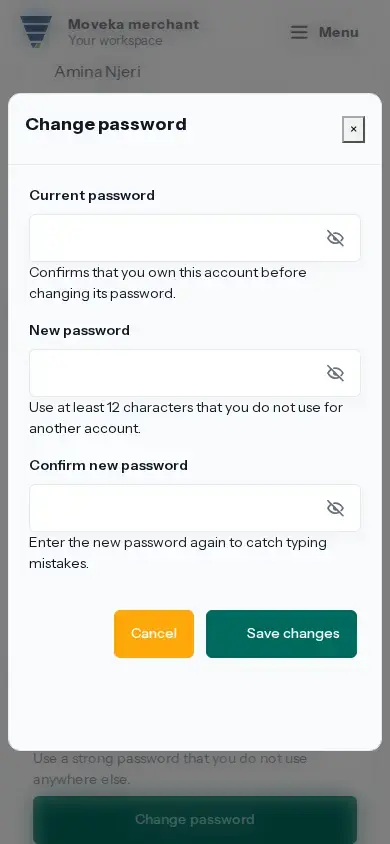
- Enter your current password, then a new password of at least 12 characters. Enter the new password again to confirm it.
- Complete the authenticator check if the form asks, then tap Save changes.
If the current password or new entries are rejected, correct the fields shown. If the save result is uncertain, choose Review current profile before submitting again. If you cannot remember your current password, sign out and use Forgot password? on the sign-in page.