Open Accounts, find the organization and open it. On its page, check the account name and reference so you update the right organization.
Save the corrected details
- Under Account details, update the display name, registered legal name or primary contact details as needed.
- Update the agreement reference, version or accepted date only to match the signed agreement on record.
- Choose Save account settings. Recheck the values shown on the account page.
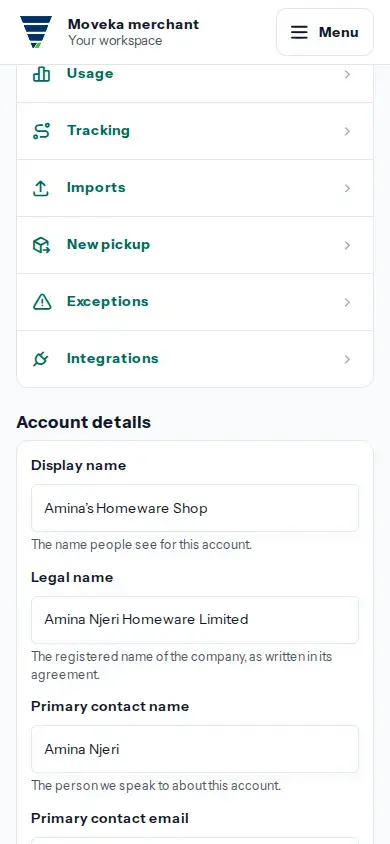
If the save result is unclear, return to this account page and inspect Account details before submitting again. If you cannot edit the fields, ask an account administrator who can edit this account.