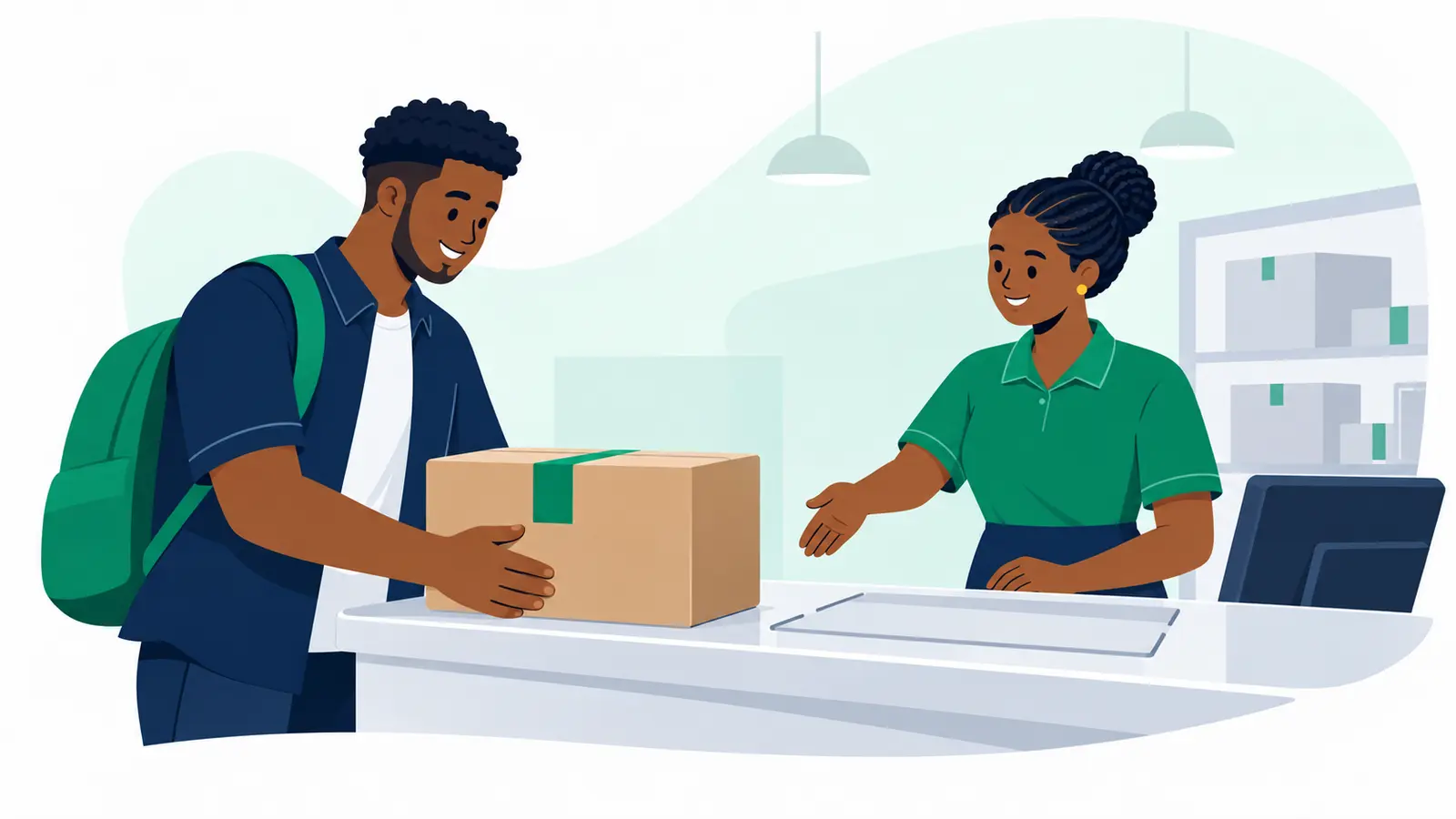
A Moveka Station is an attended place where you can hand over or collect a package. Find the right one before heading out, so you know the entrance, opening hours and route to take.
1. Open Moveka’s coverage directory
- Open https://moveka.africa. From this guide, you can tap the Moveka logo at the top to go there.
- Tap the three-line menu at the top right, then Coverage. This opens Areas we serve.
- Find the area you need and tap View area. Continue into the location using View area where shown.
- Find the Station and tap View Station. When Search stations is offered, enter its name to narrow the list.
2. Check the Station before travelling
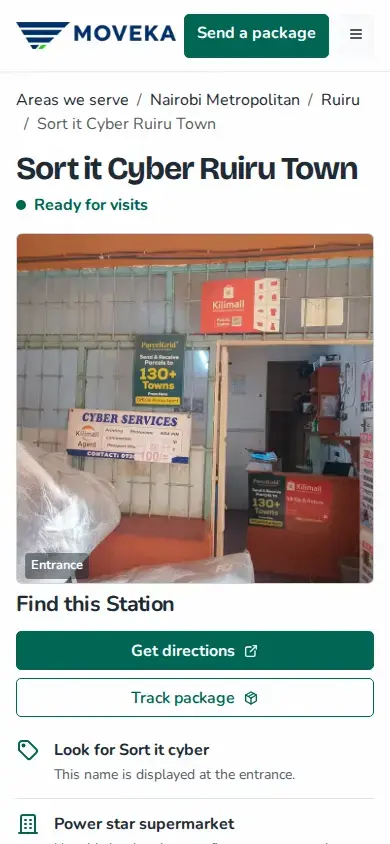
- Read the Station name and visit status. If it says Temporarily unavailable, check again before travelling.
- Look at the entrance photo, sign name, landmark and How to find us directions where provided. These help you spot the correct place.
- Scroll to Opening hours and any Exceptional hours. Tap Get directions to open the map.
Dropping off a parcel?
Choose that Station inside your Moveka booking too. From the top-right menu, tap Send a package, then choose the Station under Origin. Moveka shows the services and charge available for your selected route before you pay.
Collecting an order?
Open the tracking link the sender shared, or use Track a package in Moveka’s menu. Check that your parcel is ready for collection at this exact Station and read any collection deadline before you go.
Can’t find the Station?
Try a shorter part of its name or Clear search. If a Station page says Permanently closed, use View replacement Station when offered, or browse other Stations in that location. A location without a listed Station is not a drop-off point.
Ready to send with Moveka?
Tap Get my delivery price below to choose your route and see the current offers.