
Payments and wallets
Understand digital payments, confirmation and existing wallet tools.
Filters: Payments and wallets · Articles and guides
Showing 1–20 of 27
Page 1 of 2
Make Payment Instructions Match the Order
Help buyers verify digital payment instructions by matching the payee and exact amount to their confirmed order and payment provider’s own record.
Published

A Customer Disputed Payment After Delivery: What to Do Next
Learn how to handle a digital payment dispute after delivery: link the order and payment evidence, use the provider’s complaint channel and keep a clear record.
Published
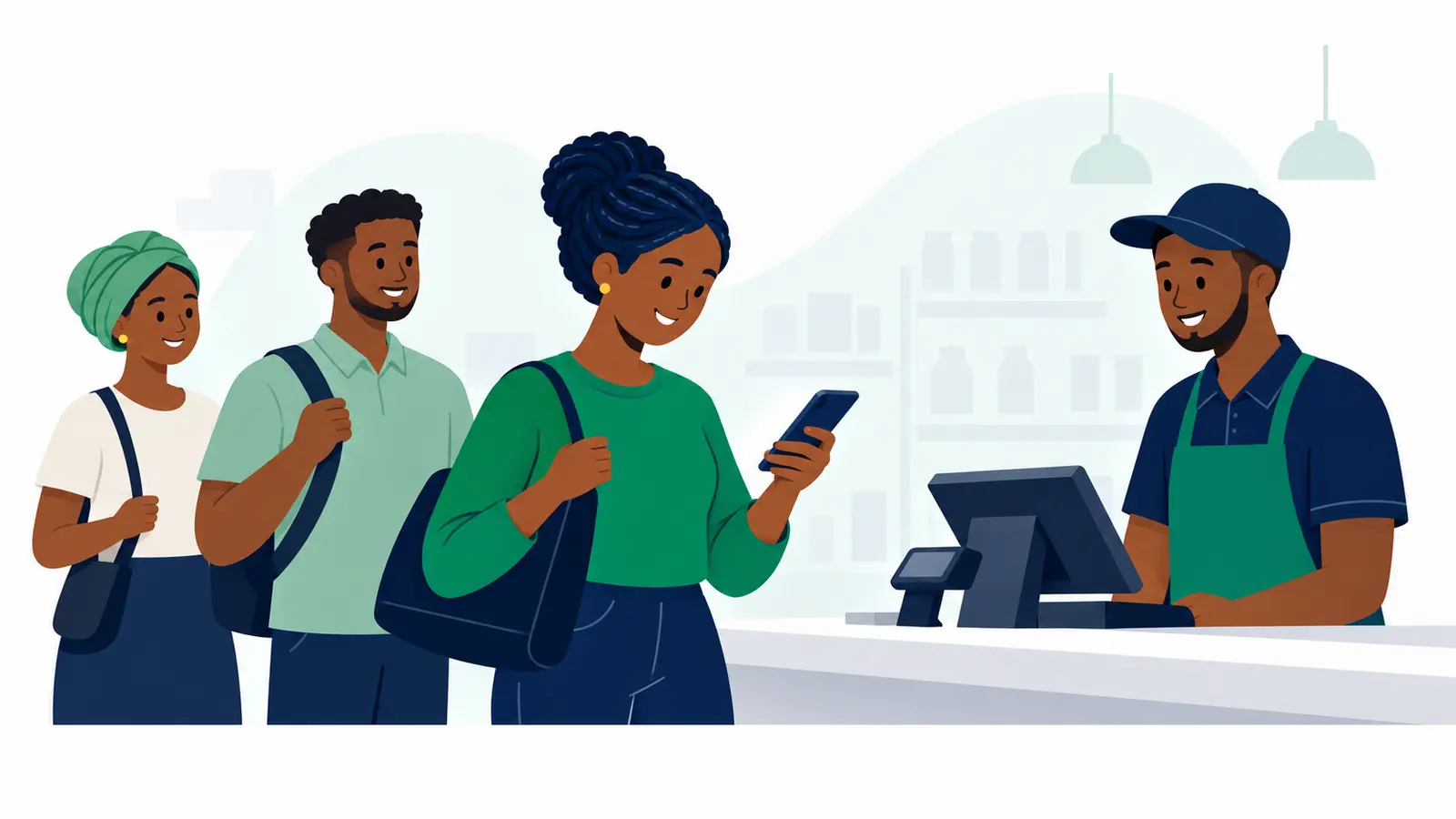
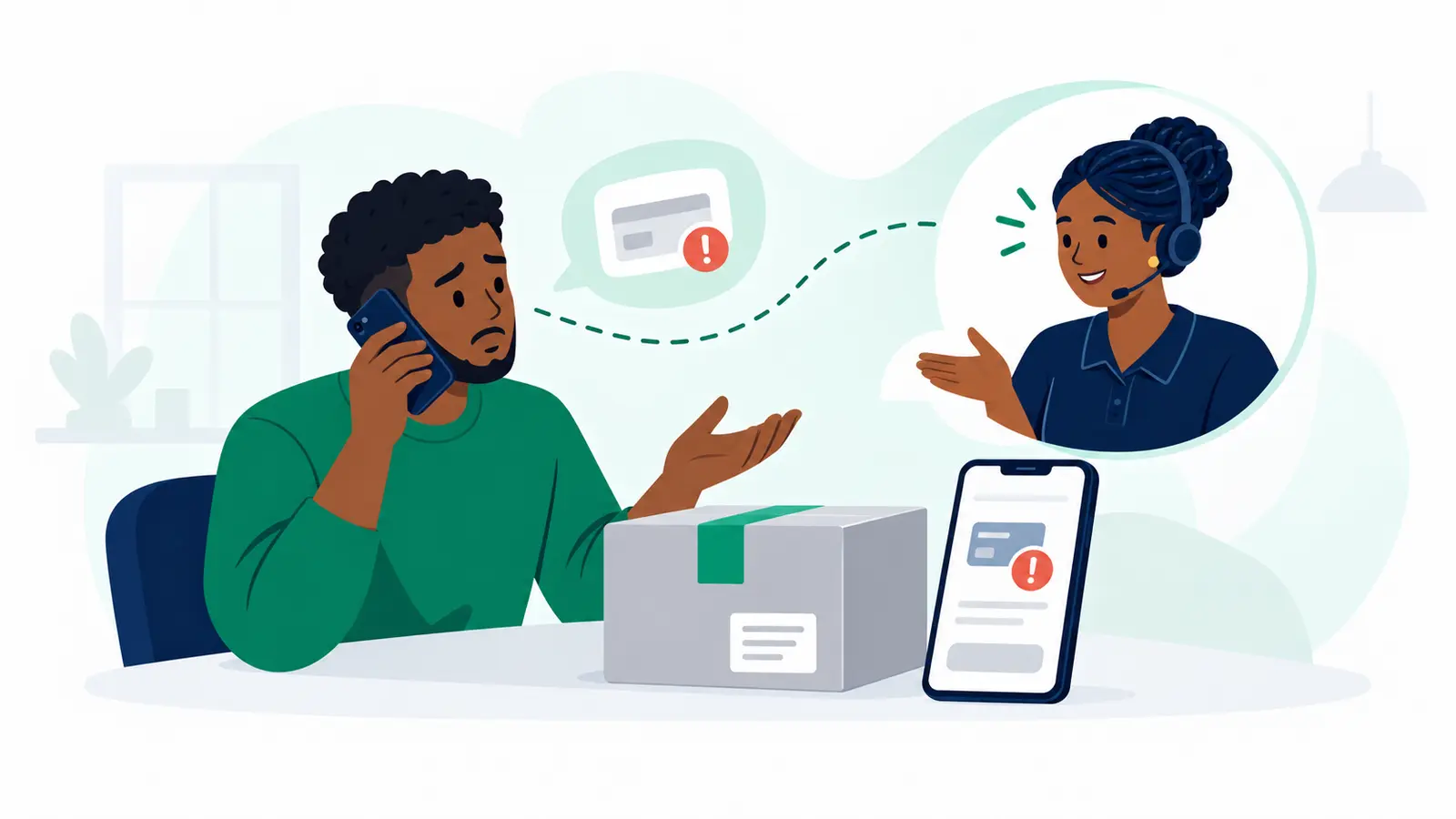
Keep Your PIN Out of Payment Complaint Calls
A payment provider’s customer-care agent should not need your PIN. Learn how to verify the contact, raise a complaint and keep useful records.
Published
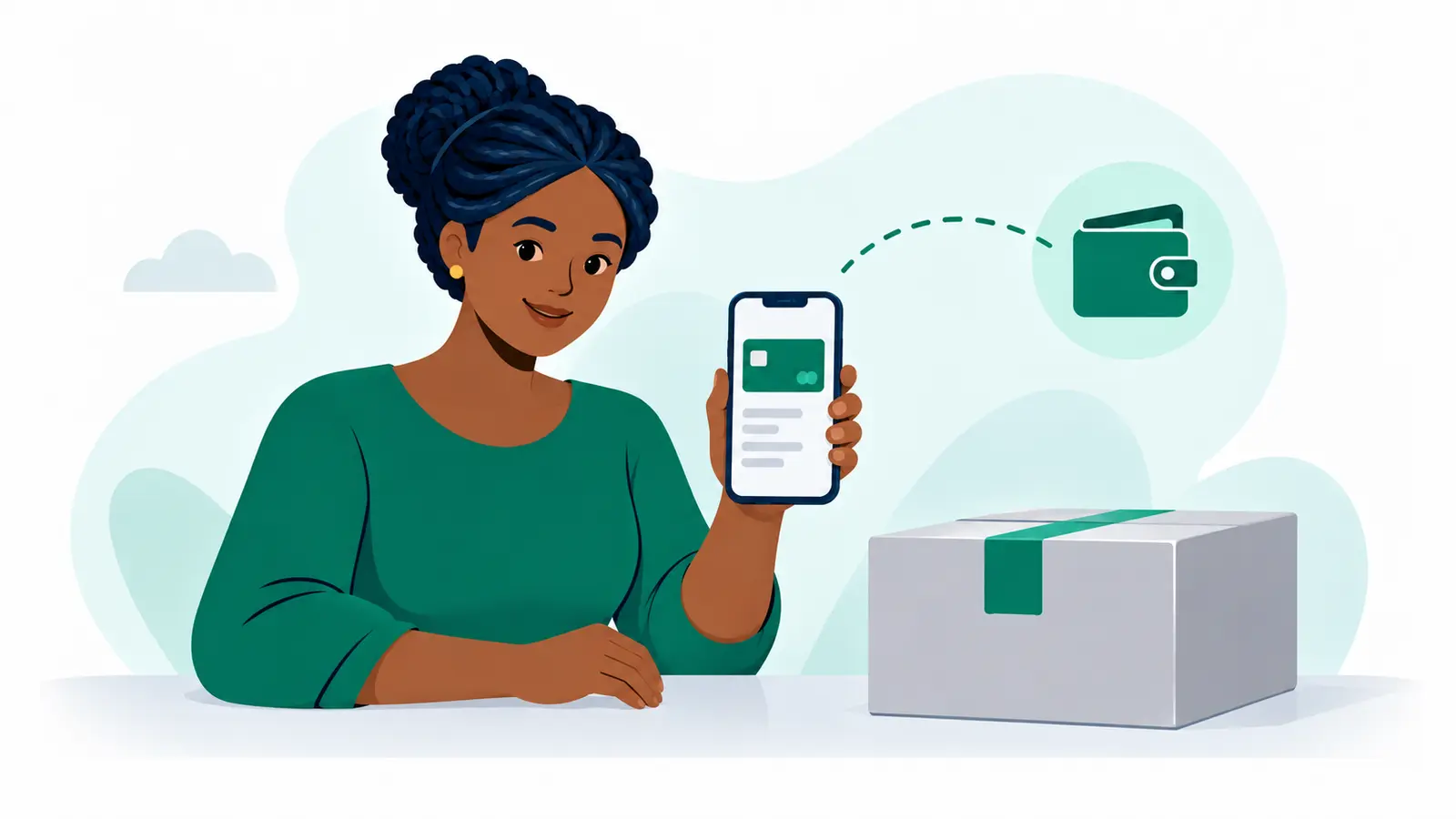
Pay on Delivery Without Physical Cash: Sell with Moveka Confidence
Offer customers pay on delivery without physical cash. Moveka Pay on Delivery helps Kenyan vendors make handover more convenient and build buyer confidence.
Published
Give Buyers a Better Handover with Digital Pay on Delivery
Offer eligible customers digital Pay on Delivery with Moveka: a clearer handover, a stronger reason to buy and delivery that works for your shop.
Published
Several Orders, One Payment Review: Make Dispatch Less of a Chore
Move more customer orders with less payment admin. Moveka lets Kenyan vendors review and pay selected ready-to-pay deliveries together.
Published

Pay on Delivery, the Moveka Way: A Stronger Reason to Buy
Give cautious buyers a stronger reason to order with Moveka Pay on Delivery, digital goods payment at handover and clear delivery tracking.
Published
Set up a wallet to receive Pay on Delivery payments
Create or choose a wallet, confirm its contacts, add a withdrawal method and assign it to the right business.
Updated
Replace a Direct M-Pesa handle
Replace a handle after the provider rejects it or confirms it is disabled.
Updated
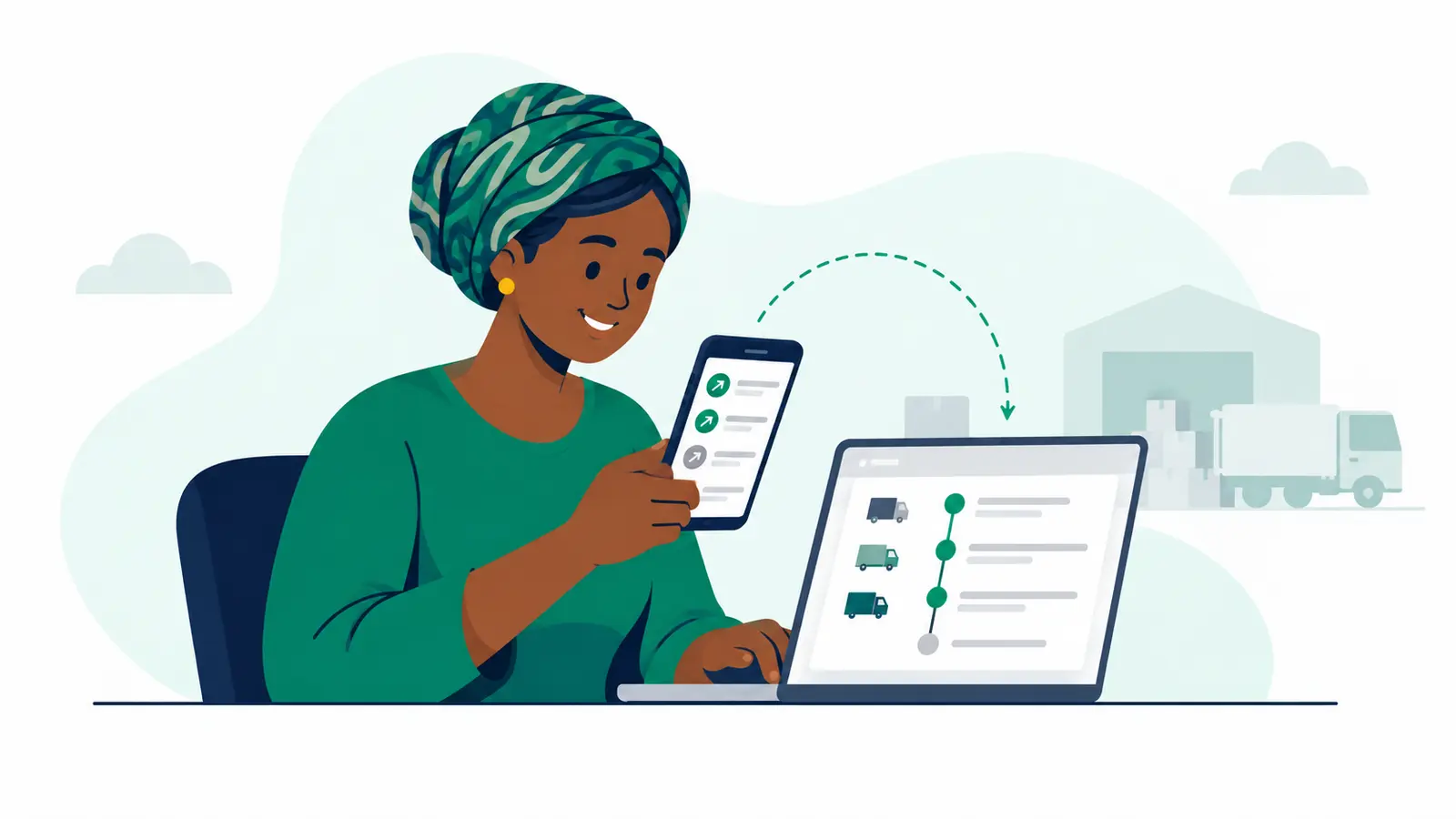
Disable a Direct M-Pesa handle
Turn off an active receiving handle while keeping its history available.
Updated
Check a Direct M-Pesa handle’s status
Resolve an uncertain setup or refresh a handle that is still being checked.
Updated
Set up a Direct M-Pesa handle
Add and activate a Direct M-Pesa handle for one merchant wallet.
Updated
Choose the wallet that pays delivery fees
Set a business delivery wallet or a default for delivery charges, and keep it separate from goods proceeds.
Updated
Change or recover a wallet PIN
Use the wallet's PIN page to change a known PIN or start recovery, then check the same PIN request.
Updated
Find and use wallets from Your account
Open the account-wide wallet list, identify the right wallet and understand which actions are available to you.
Updated
Review an additional SameDay tier payment
Check a Transporter’s reported package tier, approve the shown amount only if it is correct, then complete and verify the digital payment.
Updated
My delivery payment is still pending. What now?
Check the same delivery’s payment. If you request another M-Pesa prompt, the first prompt may still complete too.
Updated
Check a cancelled delivery’s refund status
Read the cancellation receipt and distinguish a refund amount due from a confirmed transfer.
Updated
Withdraw money from a merchant wallet
Review the destination and amount, authorize the request and follow the wallet provider's confirmed status.
Updated
Add money to a merchant wallet
Prepare a digital top-up for a wallet you are allowed to use, then check its addressed result.
Updated