Disabling stops this handle from being used for new payments. Its received-payment history remains available. Only a Merchant Owner can manage the handle.
- From Profile, open Menu → Your account → Wallets. Choose the correct Merchant wallet, then select Direct M-Pesa handles.
- Choose Review or disable handle for the Active handle.
- Read the warning that the handle will be turned off and its received-payment history will stay available.
- Complete the account security check and choose Disable handle.
- Check the resulting status. Treat the handle as disabled only when the wallet service shows Disabled. If the result is uncertain, use Check setup or Refresh to read its current status.
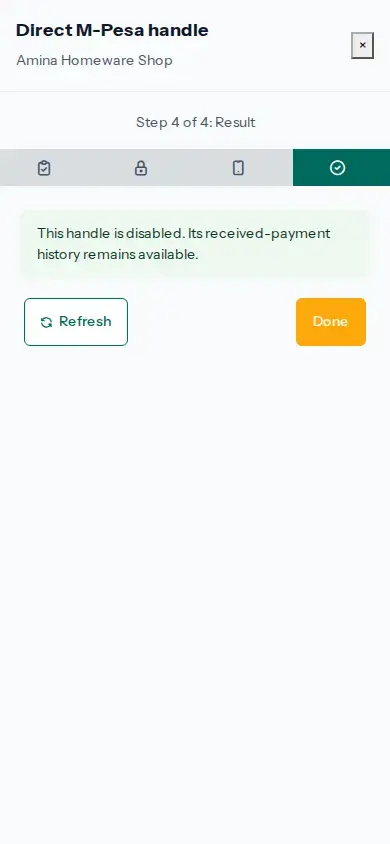
Disabling a handle does not delete its received-payment history. Replace handle becomes available only after the wallet service confirms disablement.