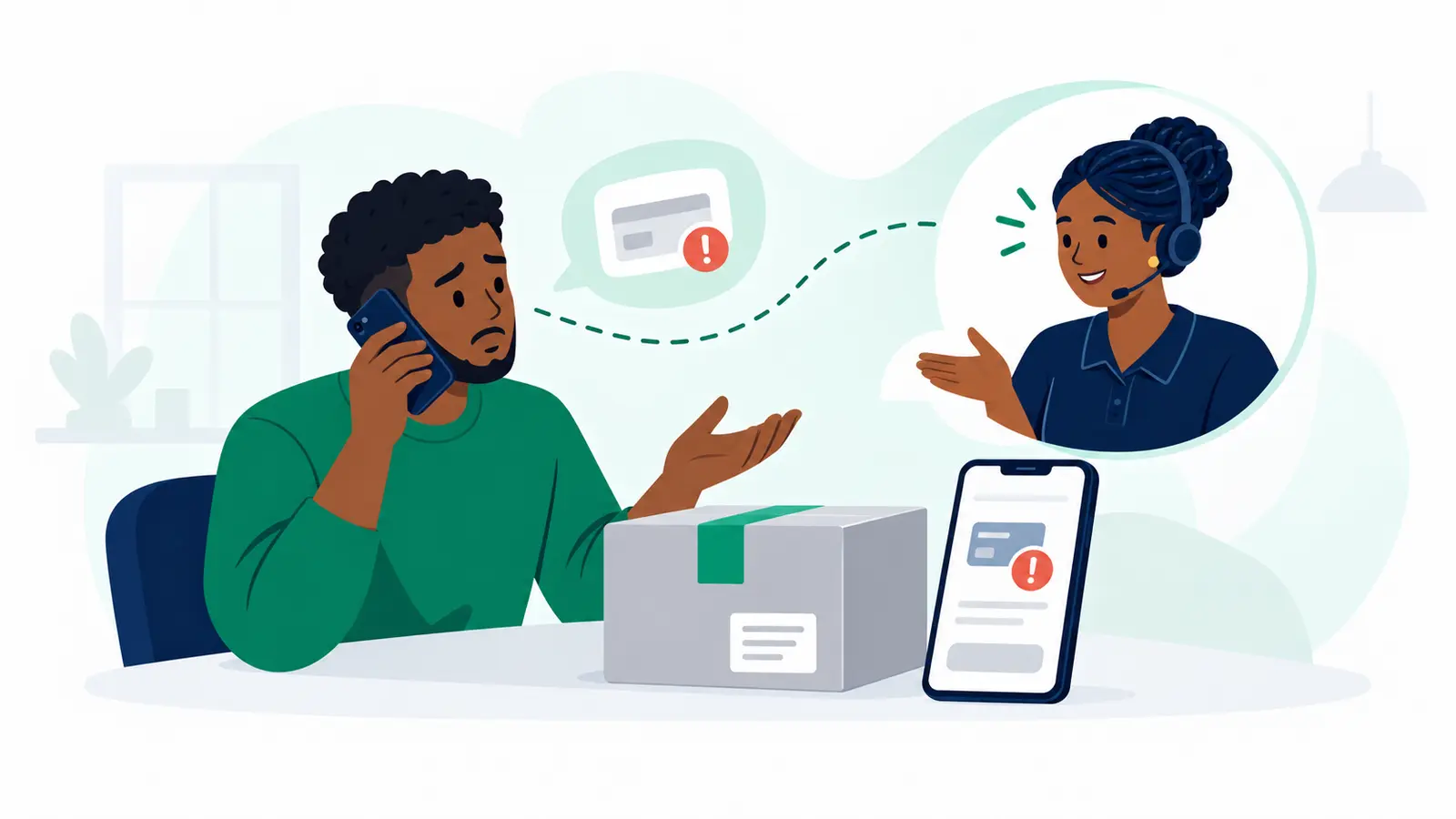
A top-up is a digital payment into the selected wallet. It is not complete just because you opened the form or sent a payment prompt.
- Open Menu, then Wallets in the correct business workspace. On the wallet you want to fund, tap Top up if that action is available to you.
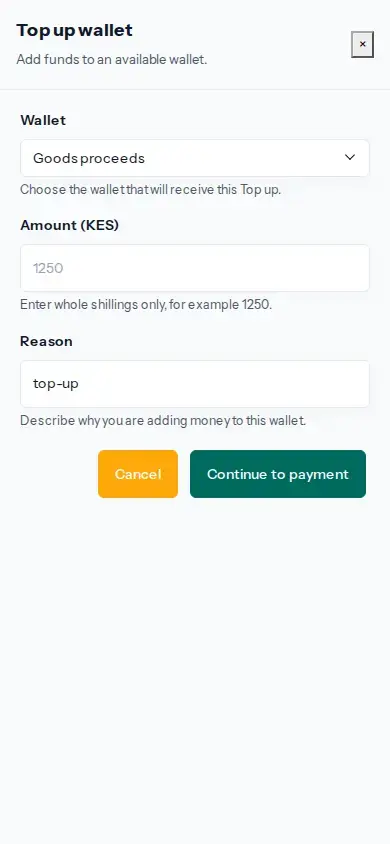
- Check the selected wallet. Enter the amount in whole Kenyan shillings and a reason, then tap Continue to payment.
- On the Moveka payment page, choose the available method. If you choose M-Pesa, tap Send M-Pesa prompt and approve the prompt on the intended phone using its M-Pesa PIN. Keep the PIN private.
- Return to the same top-up operation in Moveka and check the result. Check the wallet balance or statement after the payment is confirmed.
If the result is pending, unavailable or unknown, open the same top-up operation and check it before trying again. A prompt being sent or received does not confirm a top-up.