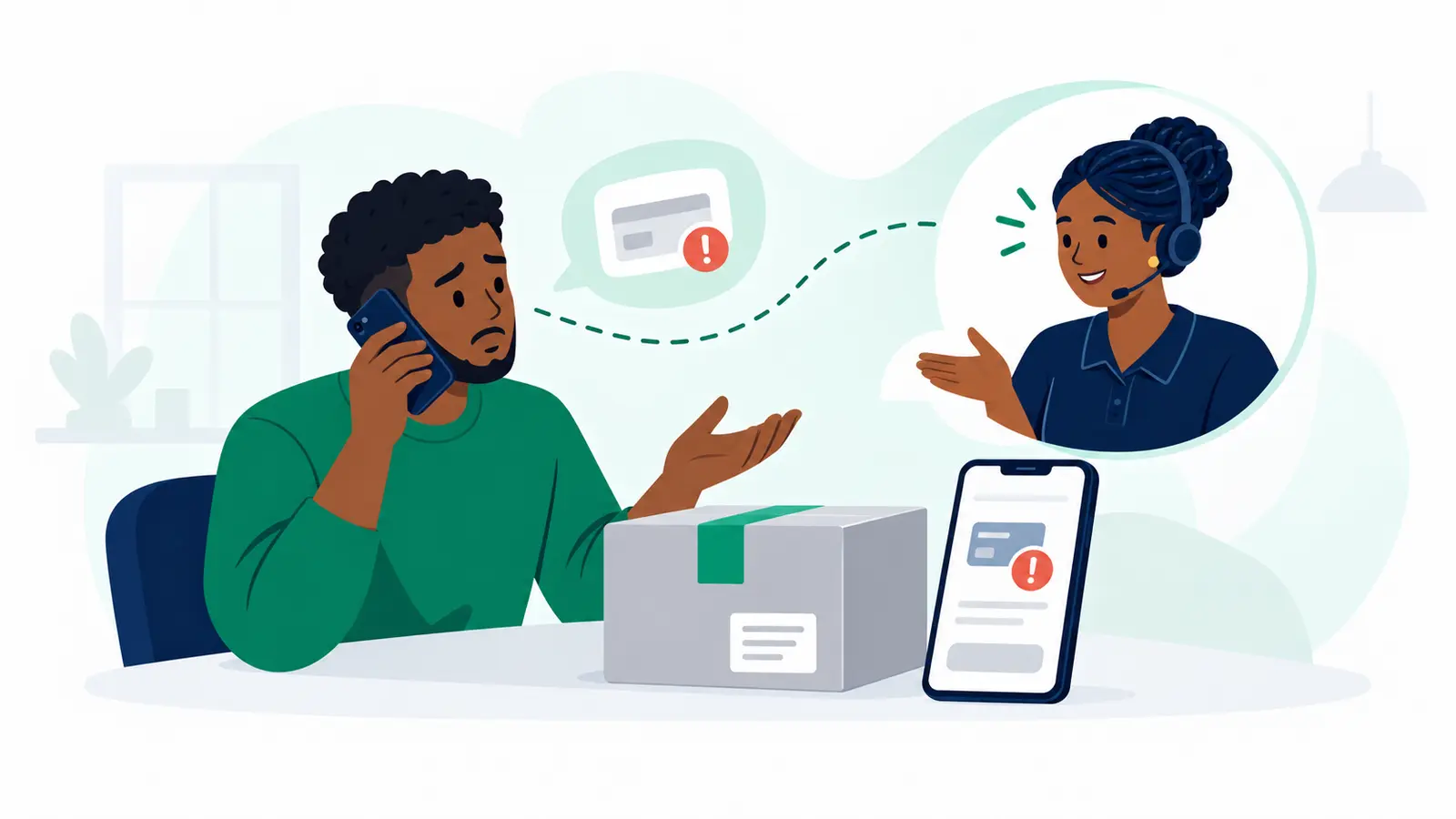
A SameDay tier report means the assigned Transporter observed a higher package tier than the one booked. No extra payment has been requested yet, and the package has not been accepted. Review the recorded tier and reason before approving anything.
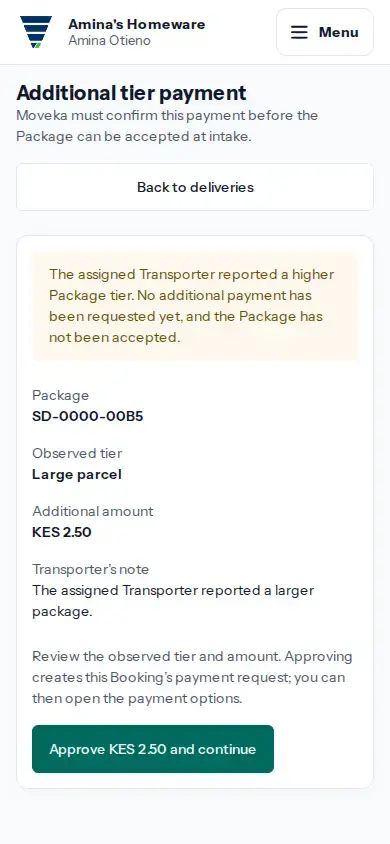
Review and approve the report
- Sign in to Merchant, open Deliveries, then open the tracking list.
- Find the affected package and tap Review tier report or Pay tier fee in its row.
- Check the package reference, Observed tier, Additional amount and Transporter's note.
- If the tier and amount are correct, tap Approve [amount] and continue. Approval creates the payment request; it does not pay it.
- Tap Open payment options and complete the digital payment using the current payment page.
Check payment and intake
Approving creates the payment request; it does not accept the package. While payment is pending or its result is uncertain, the package remains unaccepted. Reopen this tier report and use Open payment options to resume the same payment and check its current status. Even after the page says Payment confirmed, the package may still be unaccepted. Open Deliveries and check the current tracking status to see whether intake is complete and what step is available next.
If the amount is wrong or status is unclear
- If the observed tier or amount does not match the package, do not approve it. Return to Deliveries and check the package's current status.
- If payment options do not open or the result is uncertain, reopen the same tier report and check its status before trying again. Do not create another payment request while the first may still be active.
- A pending tier payment blocks merchant cancellation. Resolve its payment status on this page before reopening the cancellation review.