Packing and sending
Prepare goods, packaging and handover details before sending.
Filters: Packing and sending · Articles and guides
Showing 1–20 of 67
Page 1 of 4
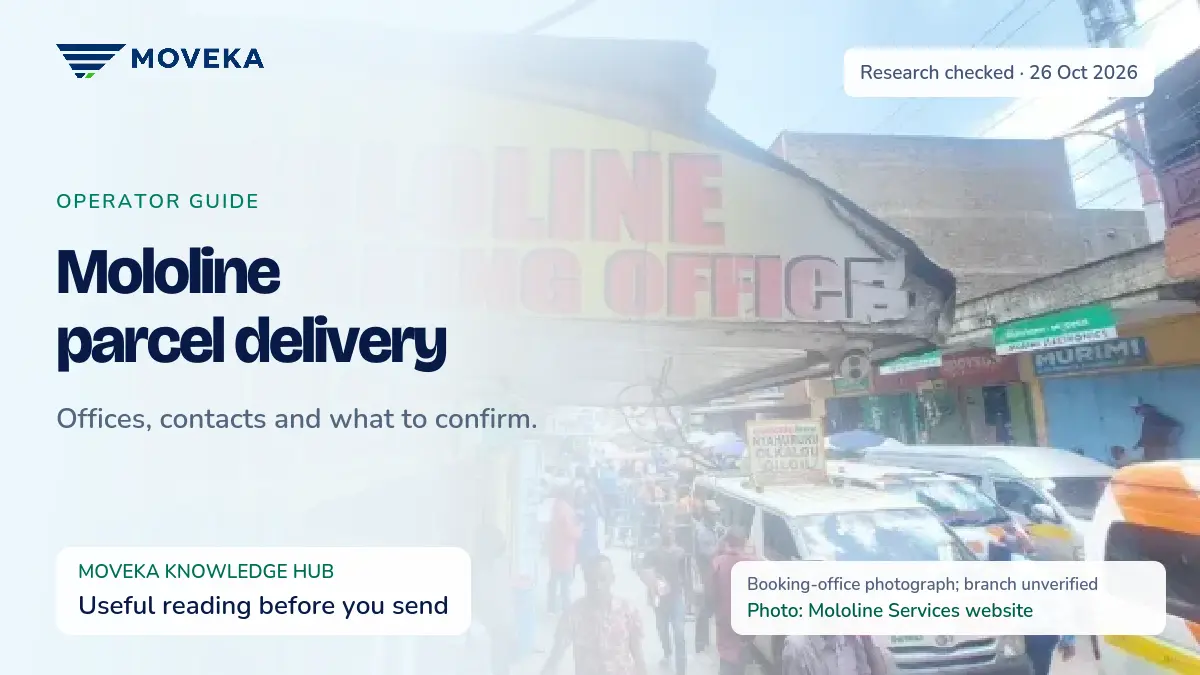
Mololine parcel delivery: offices, contacts and what to confirm
A practical starting point for sending through Mololine, using the Nairobi details its own website publishes.
Updated
Send a Gift in Nairobi: Big Thought, Beautiful Gesture
Send a gift in Nairobi with Moveka. Choose an ordinary non-perishable present, protect its presentation and plan the handover before getting your price.
Updated

Delivery Directions in Nairobi: Get Beyond “Near the Gate”
Give clearer delivery directions in Nairobi with a reusable location message. Prepare your area, handover point and recipient details, then start with Moveka.
Updated
Document Delivery in Nairobi: Small Envelope, Big To-Do
Arrange document delivery in Nairobi with Moveka. Prepare the right copies, a protective envelope and clear handover details, then get your delivery price.
Updated

How to Pack a Parcel: Pack It Right, Send It with Moveka
Learn how to pack a parcel for delivery, check the order and prepare clear recipient details. Give your parcel a better plan and start with Moveka.
Updated
What do I do after my SameDay delivery is paid?
Check the accepted origin and pickup time, then follow the handover shown for your package.
Updated

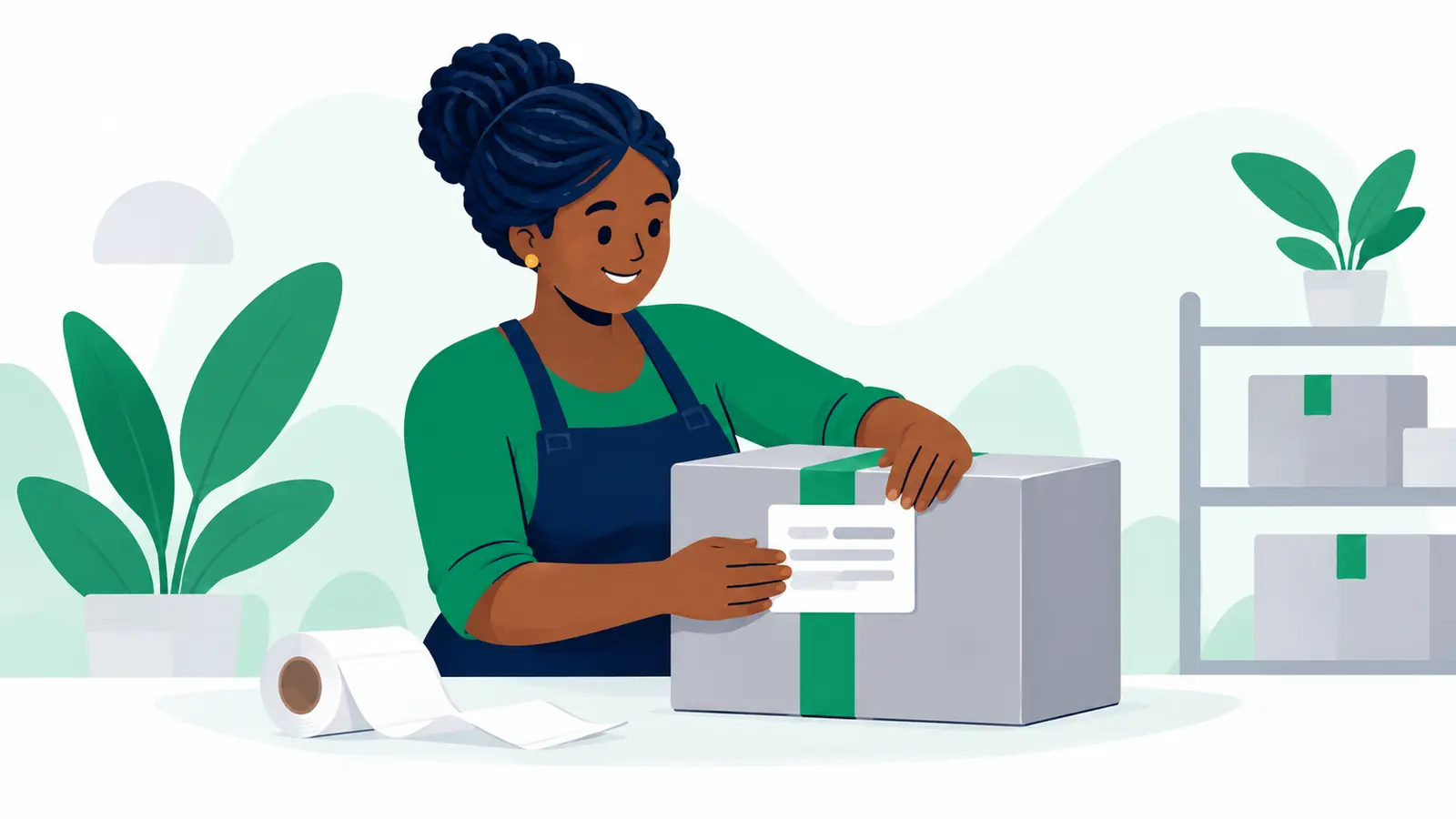
How do I attach or replace a paper label?
Use the label QR or the short code printed beside it, and keep it separate from the handwritten package reference.
Updated
Set sender defaults for new packages
Save optional sender details that prefill new package forms for one business.
Updated
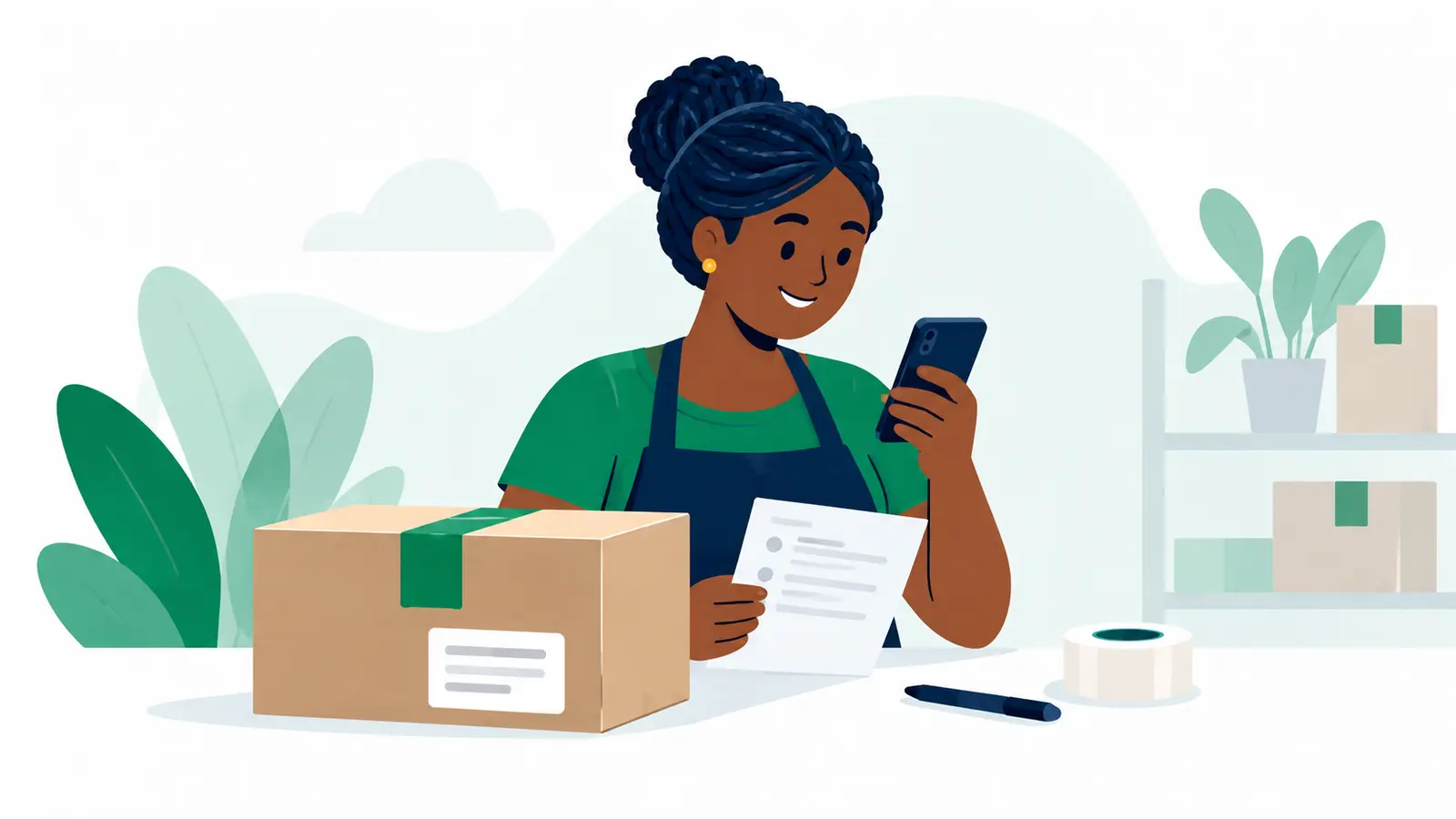
What should I check on Review your delivery?
Check the route, package, people, delivery terms and current charge before moving to payment.
Updated
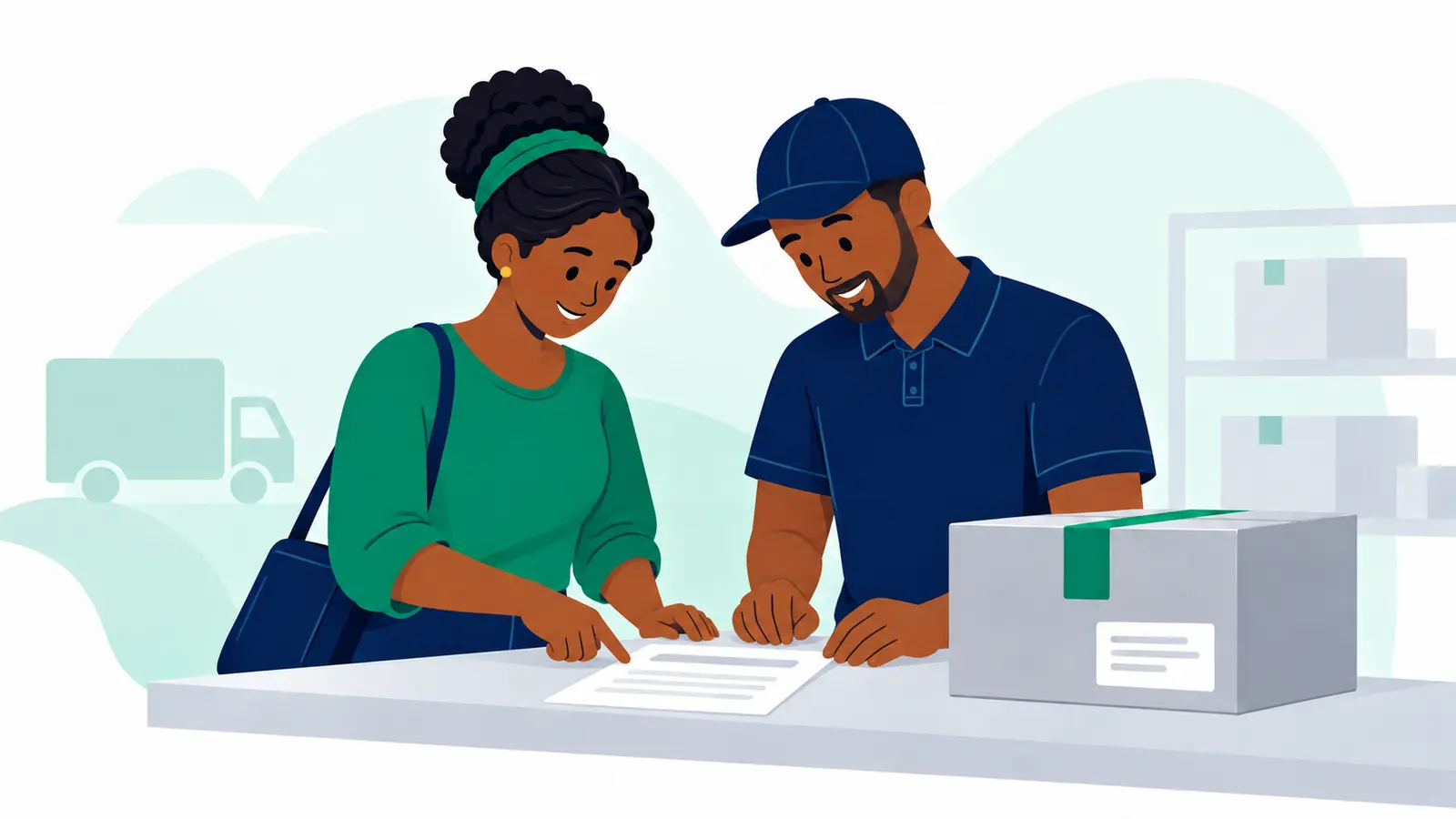
What should I enter in Package details?
Describe the packed item and answer the questions Moveka shows for the selected delivery service.
Updated
Send a parcel with Moveka
Choose where the parcel starts and ends, see the charge, then pay digitally to get it moving.
Updated
Start sending for your business with Moveka
Create your merchant login, open your shop’s delivery workspace and save the sender details you use often.
Updated

Continue a Moveka order you started earlier
Find your unfinished delivery, pick up where you stopped and get the right order ready to send.
Updated
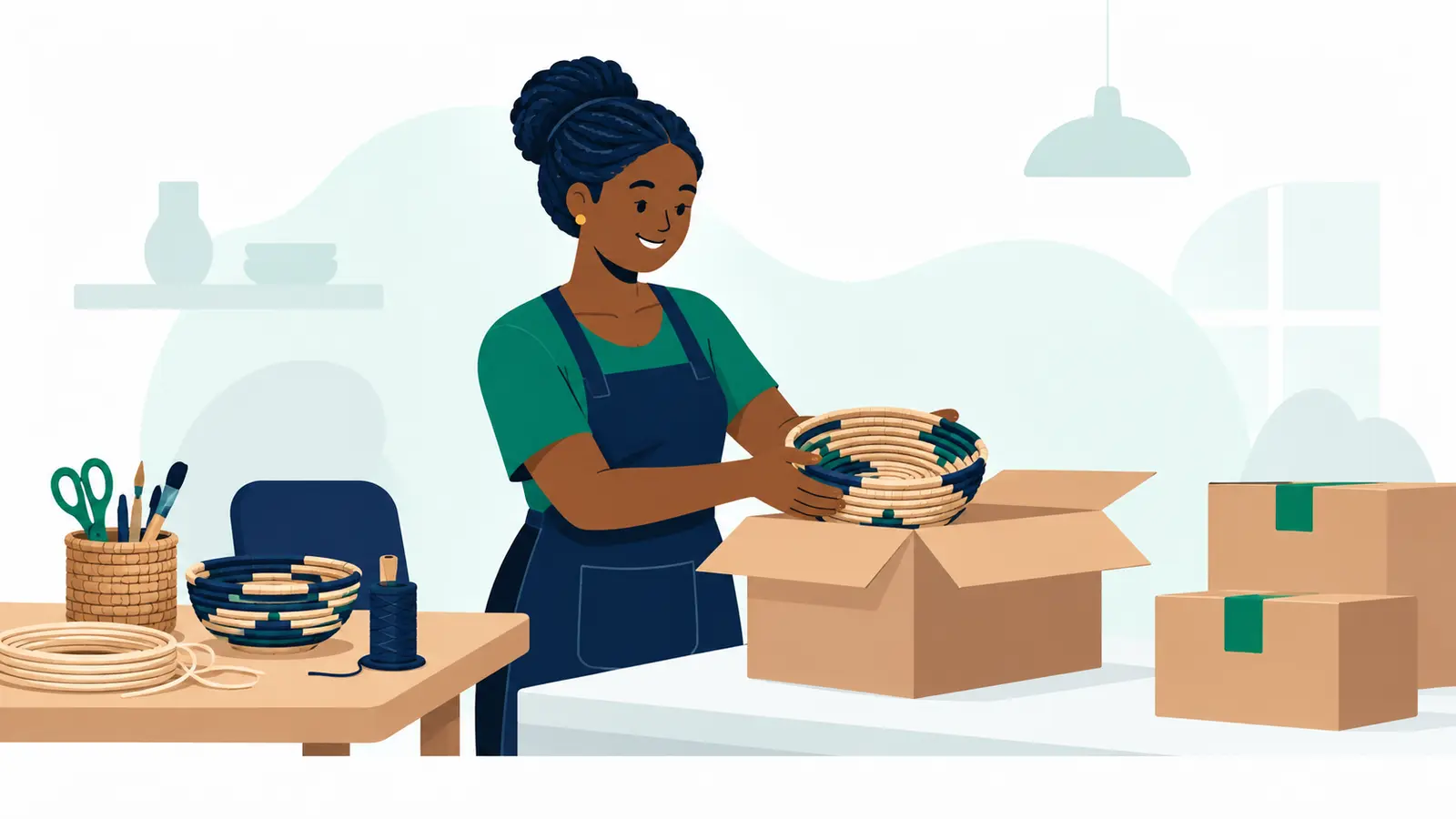
Send shop orders with Moveka: Station to Station
Prepare an order, drop it at a Moveka Station and let your customer collect at the other end.
Updated
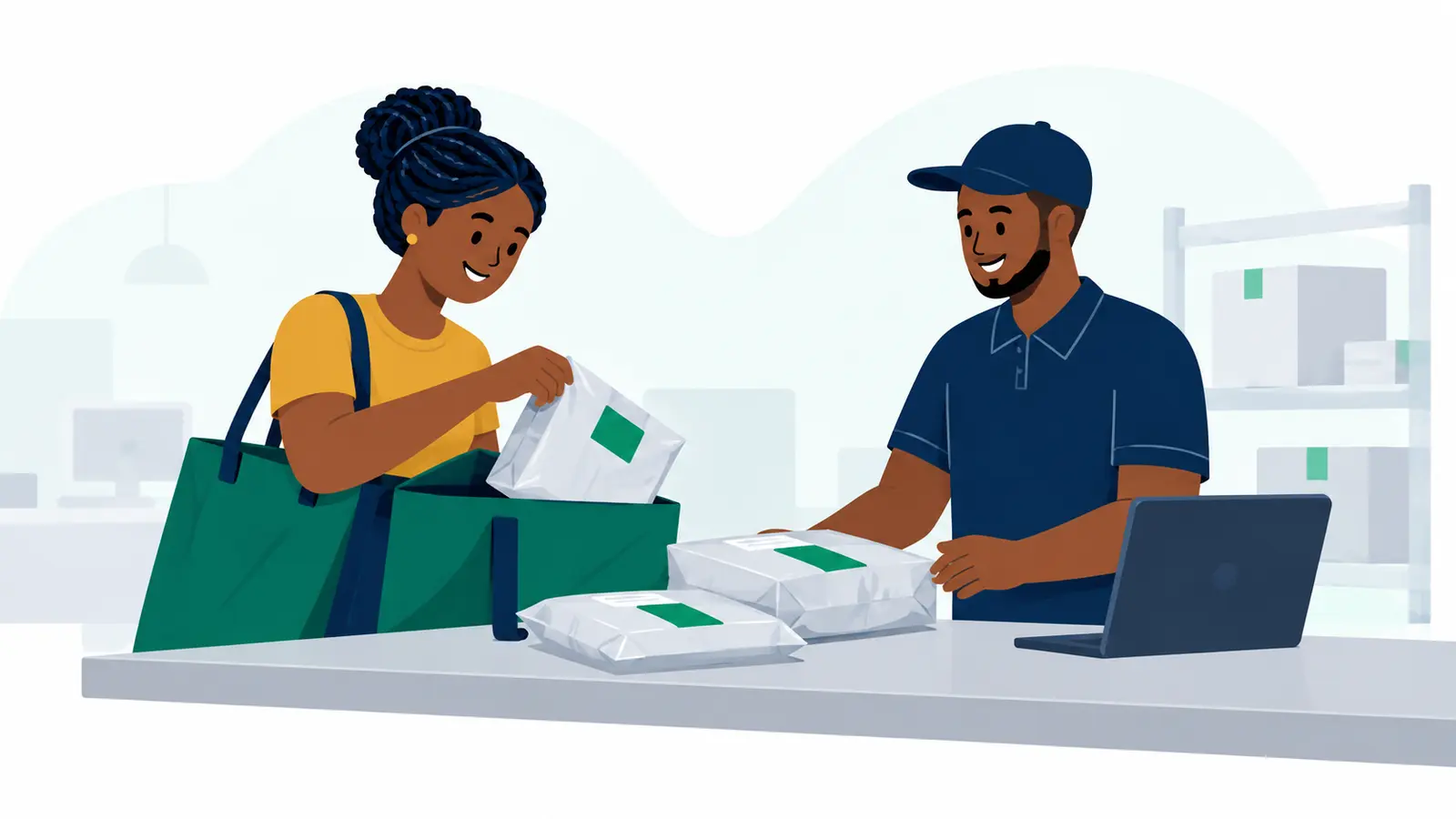
Make Every Donation Count: Match Goods to Real Requests Before You Send
Make donated goods useful on arrival. Confirm what’s needed, check condition, compare shipping with buying locally, and prepare your parcel with confidence. See the delivery options and prices that apply on Send.
Published

How to Measure and Weigh a Parcel Before You Request a Quote
Get your parcel details ready before you request a quote. Learn how to measure and weigh a fully packed parcel, record every box in a multi-box order, and check bulky parcels for fit.
Updated
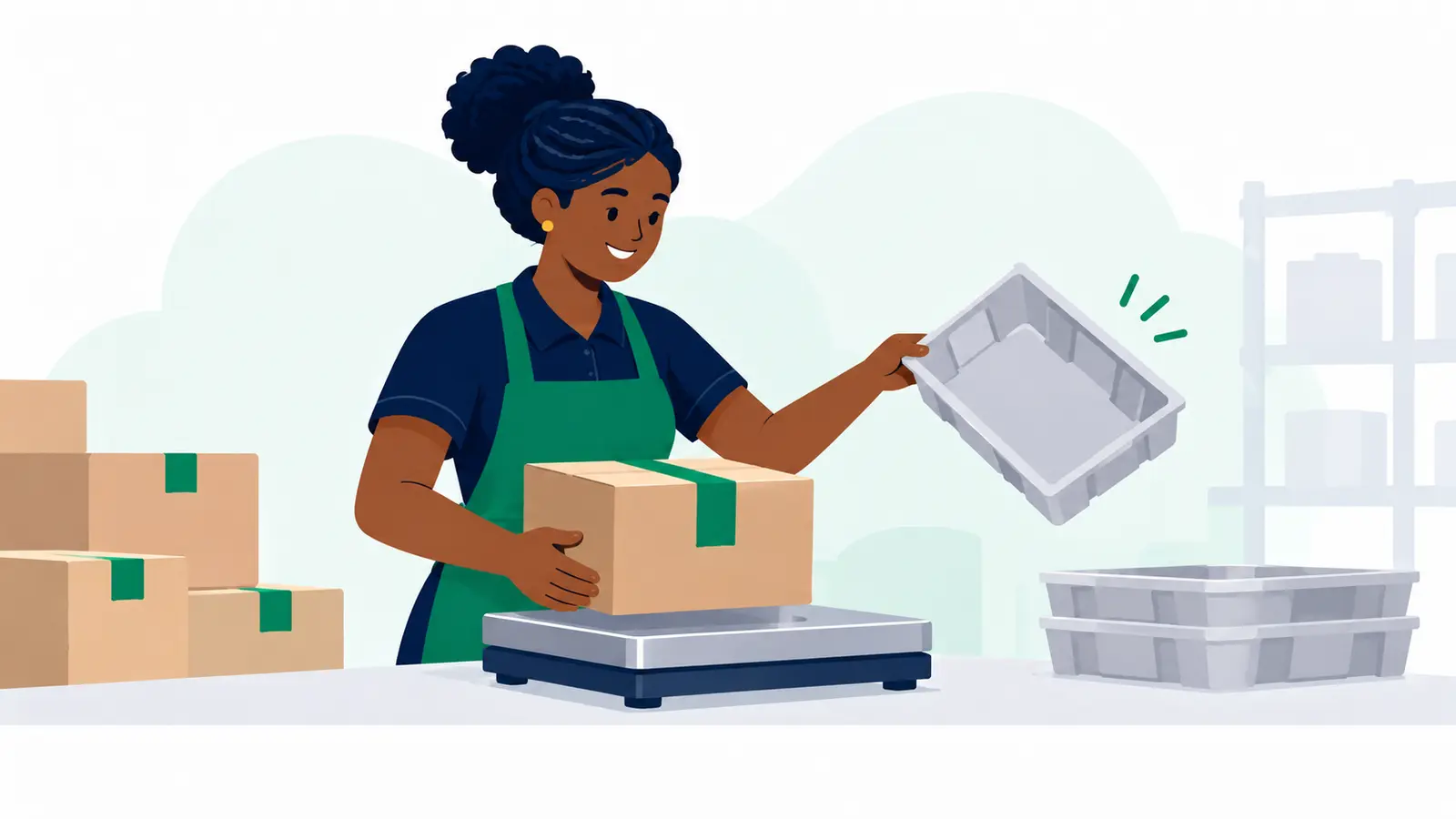
Fish, Dairy & Meat Handover Checklist: Record Every Transfer
Prove the condition of fish, dairy and meat at every handoff. Use this practical checklist to record who handled each order, spot exceptions and resolve customer questions faster.
Updated
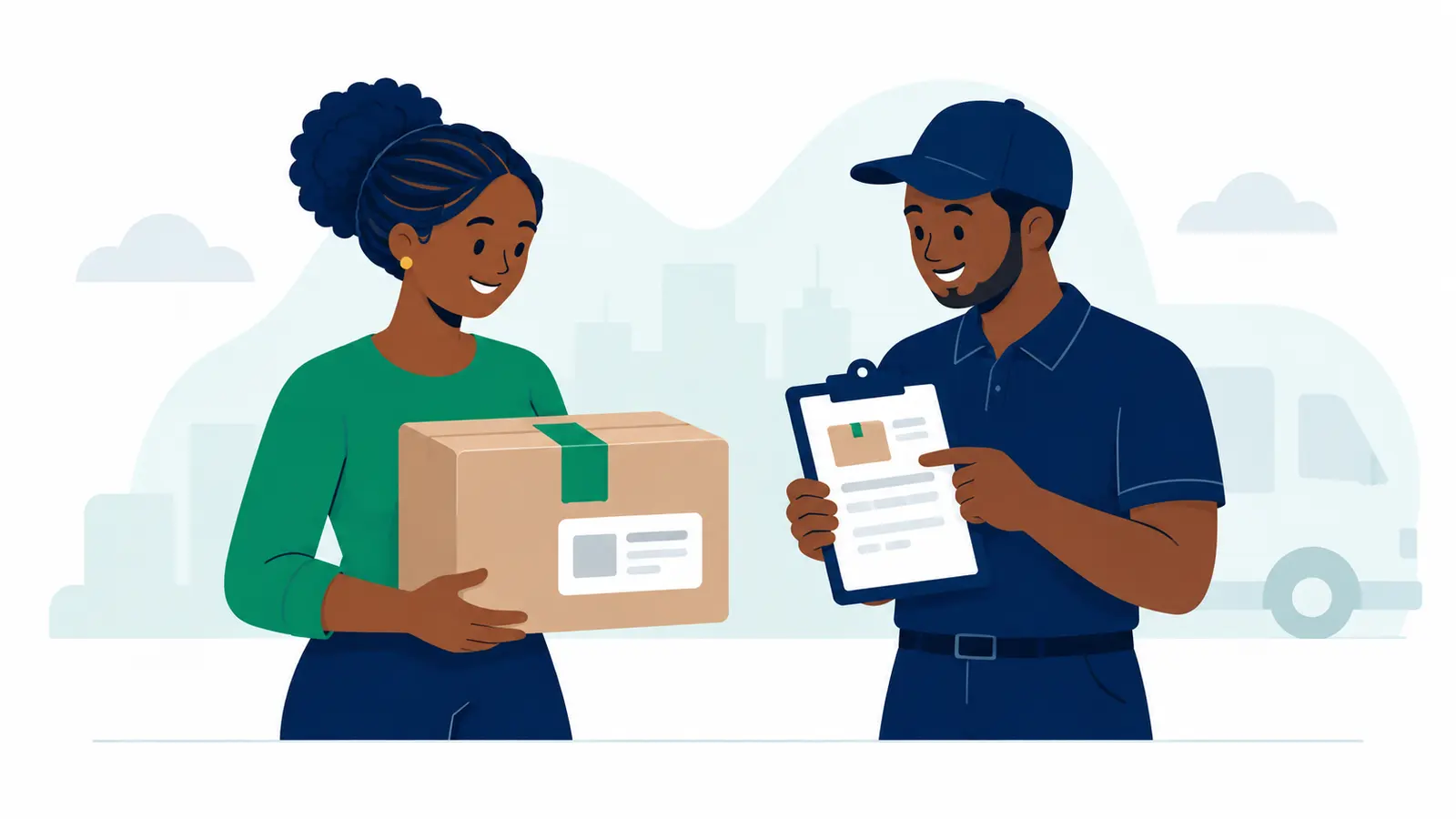
Send Health Parcels Privately: Messages, Absent Recipients & ID Checks
Sending a health-related parcel? Keep health details out of delivery messages, plan for an absent recipient and handle ID checks with confidence. Use this practical guide before you send.
Published

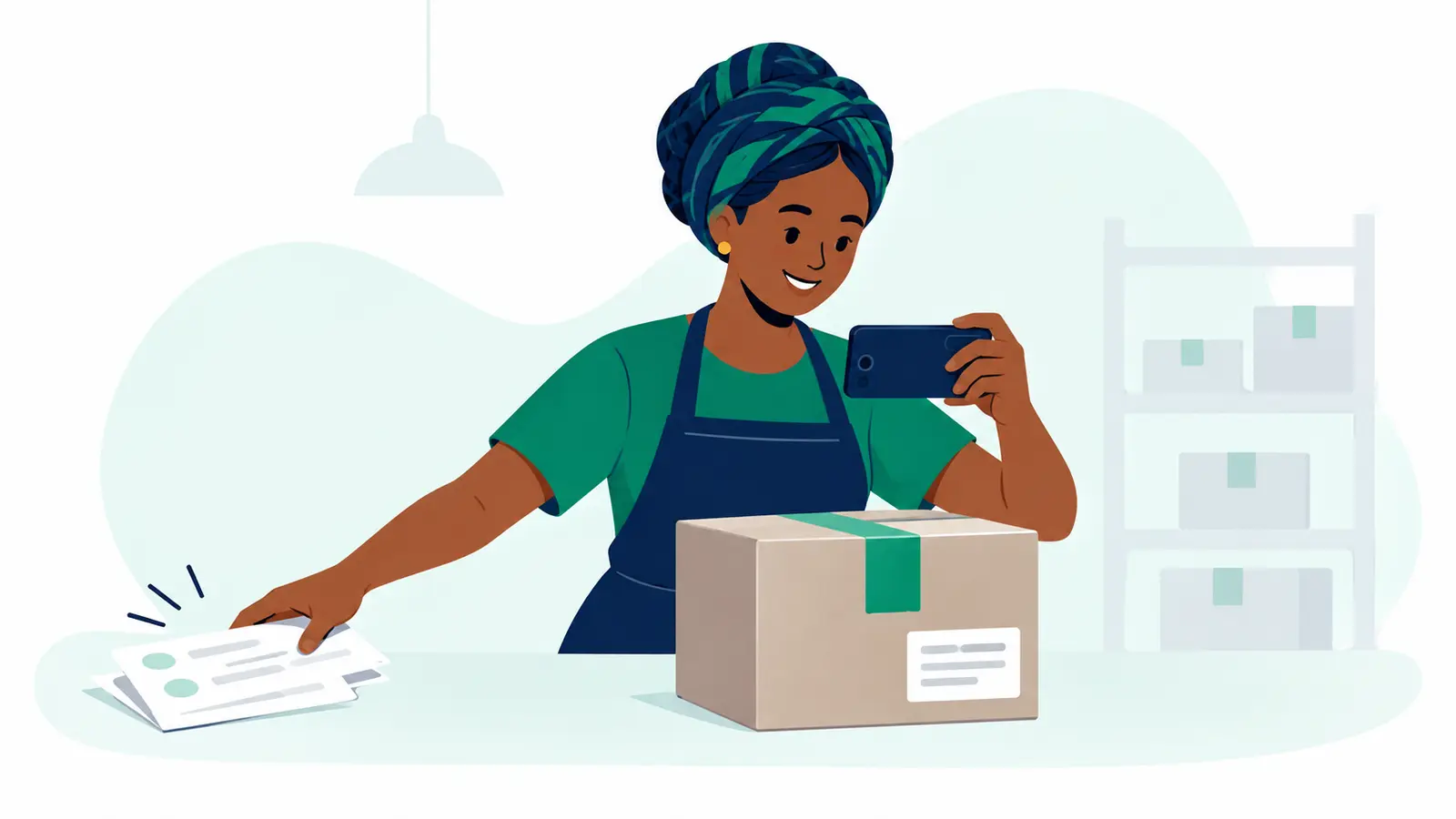
How to Film a Packing Video Buyers Trust—and Build a Reliable Order Routine
Show buyers exactly how you pack an order, protect their privacy and avoid claims your video can’t prove. Use this simple filming checklist, then find the delivery options and prices that apply to your parcel.
Published
Sending Health Supplies by Courier: What to Ask Before You Book
Get your health-supply parcel ready with a practical checklist: what to ask the supplier, what to confirm with the courier, and when to pause and choose a specialist instead.
Updated