Search the knowledge hub
Filters: Selling online · Articles and guides
Showing 61–80 of 108
Page 4 of 6
Make Your First Moveka Delivery Your Next Business Upgrade
Make your next customer delivery a smarter move with Moveka: compare available options, choose a convenient handover and share clear tracking.
Published
Keep Your Customer's Collection Trip Out of Their Working Day
Give customers a better way to receive your orders. Choose Moveka doorstep delivery where available and make convenience part of your service.
Published

Doorstep Delivery That Works for Your Shop and Your Customer
Give your shop a smarter way to send: compare Moveka doorstep delivery options and make every order more convenient for you and your customer.
Published
Turn Delivery from a Sales Objection into a Moveka Advantage
Turn delivery doubts into a reason to buy. Use Moveka to compare available options, offer convenient handovers and keep customers in the loop.
Published
Why Send Direct? Make Urgent Orders a Job for Moveka Express
Give urgent orders a smarter send with Moveka Express: direct transport, clear booking options and delivery visibility your customers can follow.
Published
Your Shop Shouldn't Stop When an Order Needs Sending
Keep your online shop moving with Moveka: prepare deliveries, pay digitally and share tracking so customers know what’s happening with their orders.
Published
A Collection Deadline and a Delivery Estimate Are Not Interchangeable
Learn the difference between collection deadlines and delivery estimates, what to confirm with a recipient, and how to choose a suitable Moveka option.
Published

How to Cap a Delivery Discount Without Confusing Customers
Set a clear maximum for delivery discounts, explain any extra charge simply, and check the actual parcel price before confirming a Kenyan ecommerce order.
Published

Two Products, One Delivery: Does Your Bundle Actually Earn More?
Does adding a second product improve your bundle earnings? Calculate extra contribution after product, packaging and delivery costs, then price your parcel.
Published
Can a KSh 500 Order Afford a Delivery Subsidy?
Can your KSh 500 sale support a delivery subsidy? Calculate what remains after product, packaging and delivery costs, then price the actual order with Moveka.
Published

Instagram Orders Deserve Better Than Delivery Guesswork
Turn Instagram and WhatsApp orders into organised deliveries. Use a clear dispatch checklist and customer message, then start each parcel with Moveka.
Updated
Reserve stock for customer pickup
Reserve available Station stock for a named recipient and check the pickup details Moveka records.
Updated
Plan an inbound arrival
Tell an eligible Station when your goods should arrive, list the expected items, and submit the plan for Station review.
Updated
Edit an inbound draft
Correct the planned date, optional time window, supplier reference or notes before submitting the arrival to the Station.
Updated
Review stock count status
Search existing stock count records by Station, storage area, status or date.
Updated
Review stock across your business
Check account totals, search for an item, and open its recorded positions at each Station.
Updated
Add and arrange product photos
Upload, reorder or remove public product images from a product page.
Updated
Move available stock at a Station you manage
Move a chosen quantity of available stock to another storage location at the same Station.
Updated
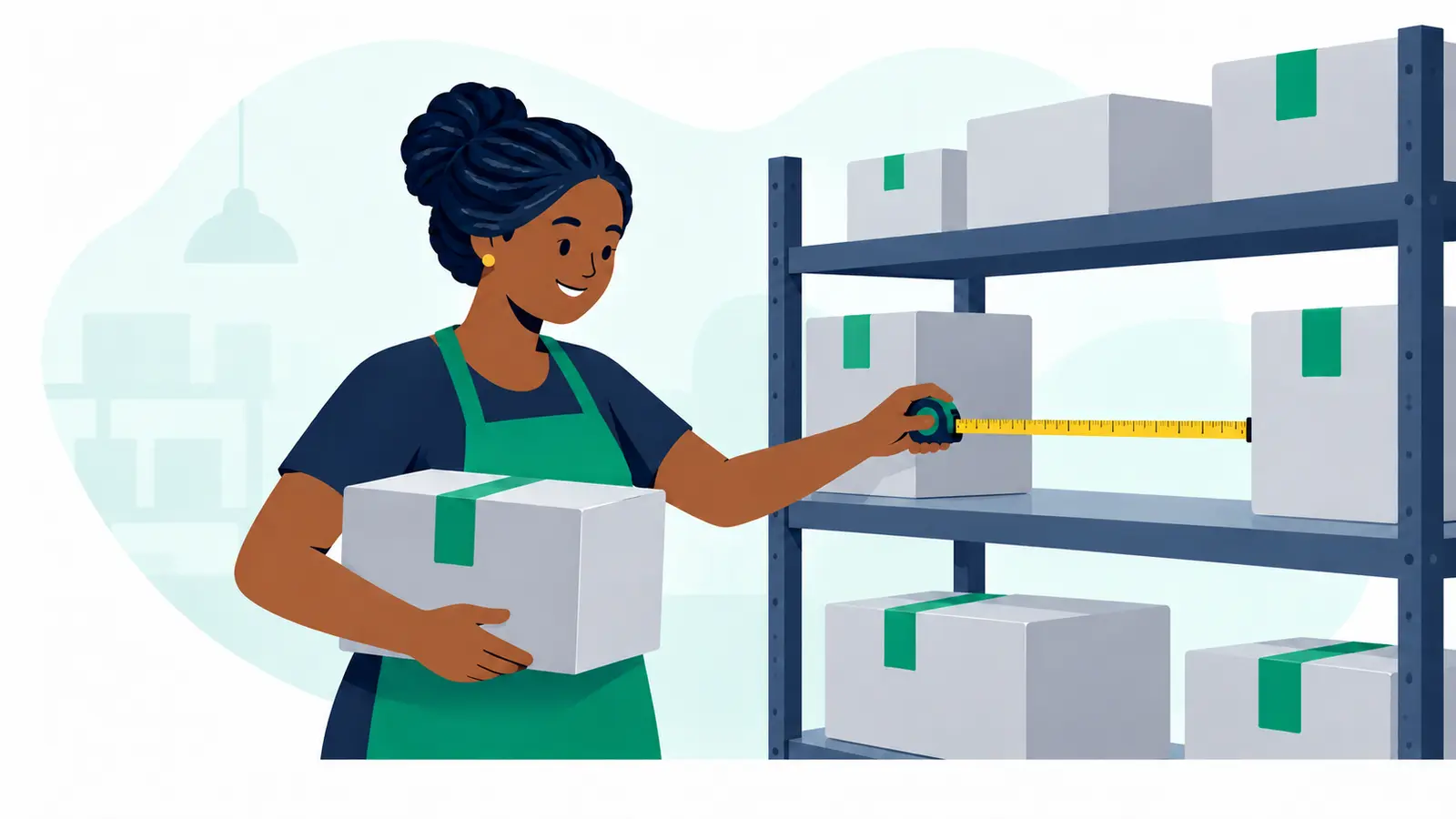
Find and manage catalogue products
Search for existing products, update editable details or SKUs, and archive items that are no longer used.
Updated
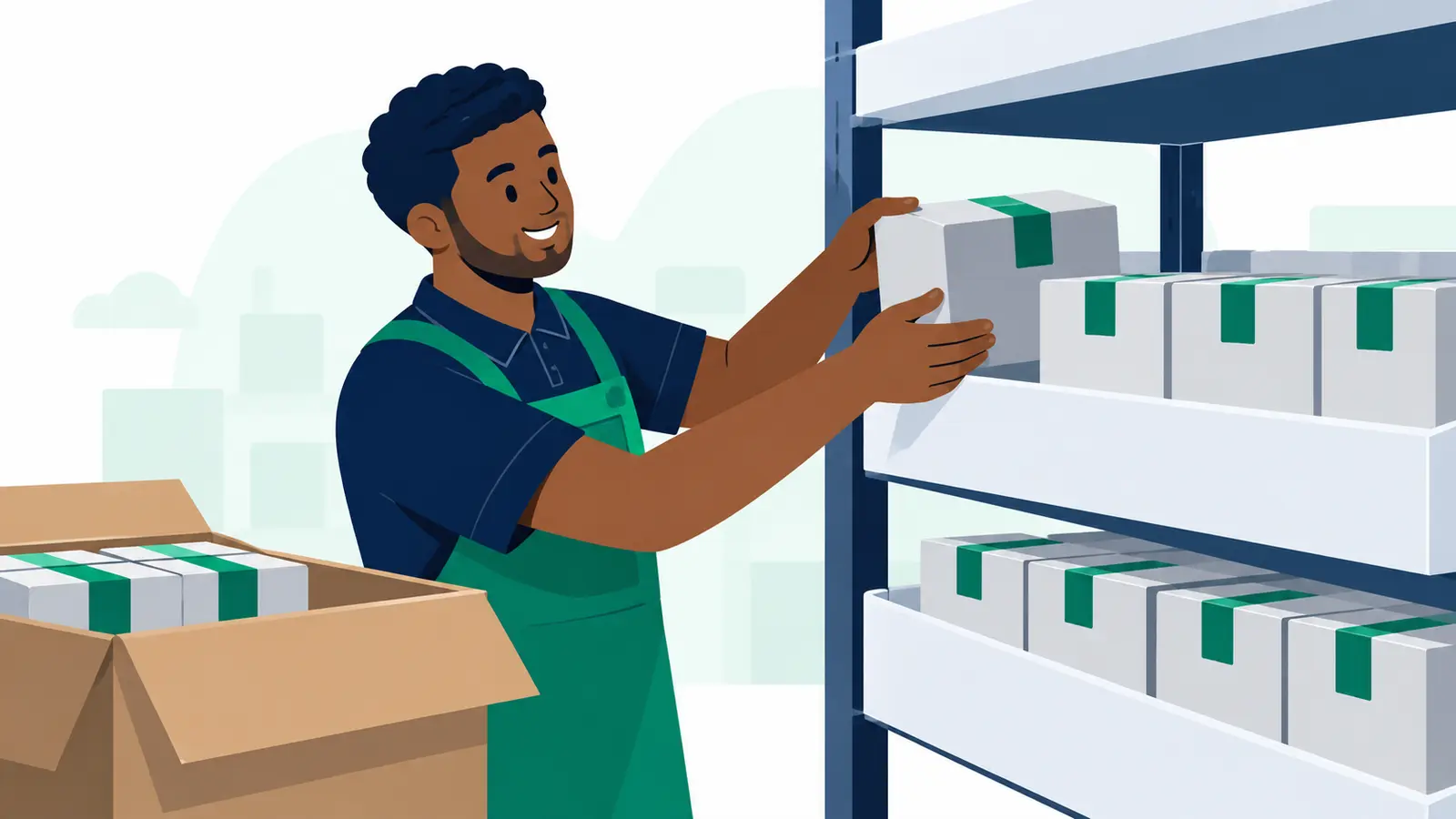
Add a product to your catalogue
Create a product record and its first sellable SKU.
Updated