
Packing and sending
Prepare goods, packaging and handover details before sending.
Filters: Packing and sending · Guides
Showing 1–9 of 9
Page 1 of 1
What do I do after my SameDay delivery is paid?
Check the accepted origin and pickup time, then follow the handover shown for your package.
Updated
How do I attach or replace a paper label?
Use the label QR or the short code printed beside it, and keep it separate from the handwritten package reference.
Updated
Set sender defaults for new packages
Save optional sender details that prefill new package forms for one business.
Updated
What should I check on Review your delivery?
Check the route, package, people, delivery terms and current charge before moving to payment.
Updated
What should I enter in Package details?
Describe the packed item and answer the questions Moveka shows for the selected delivery service.
Updated
Send a parcel with Moveka
Choose where the parcel starts and ends, see the charge, then pay digitally to get it moving.
Updated
Start sending for your business with Moveka
Create your merchant login, open your shop’s delivery workspace and save the sender details you use often.
Updated
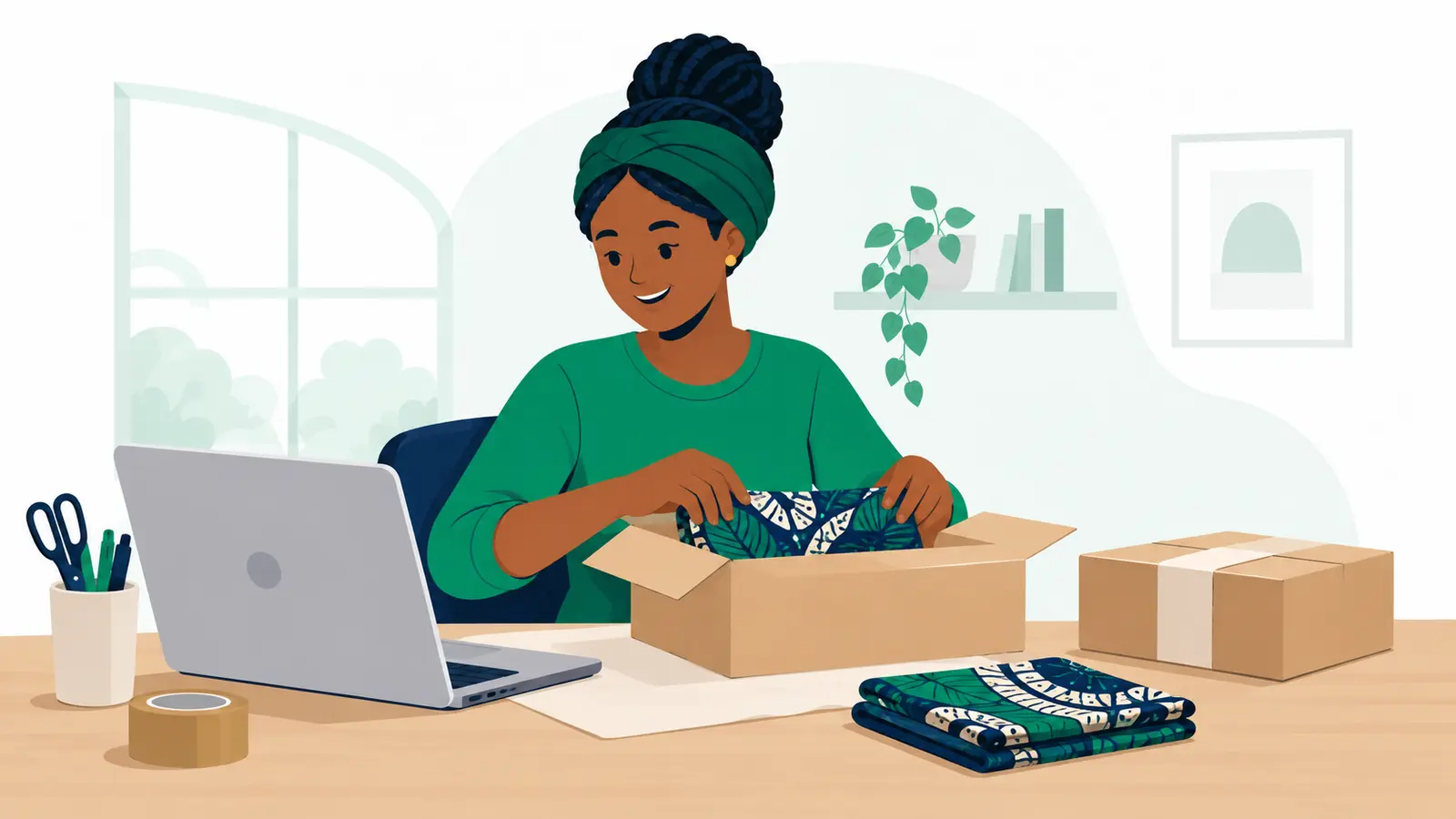
Continue a Moveka order you started earlier
Find your unfinished delivery, pick up where you stopped and get the right order ready to send.
Updated
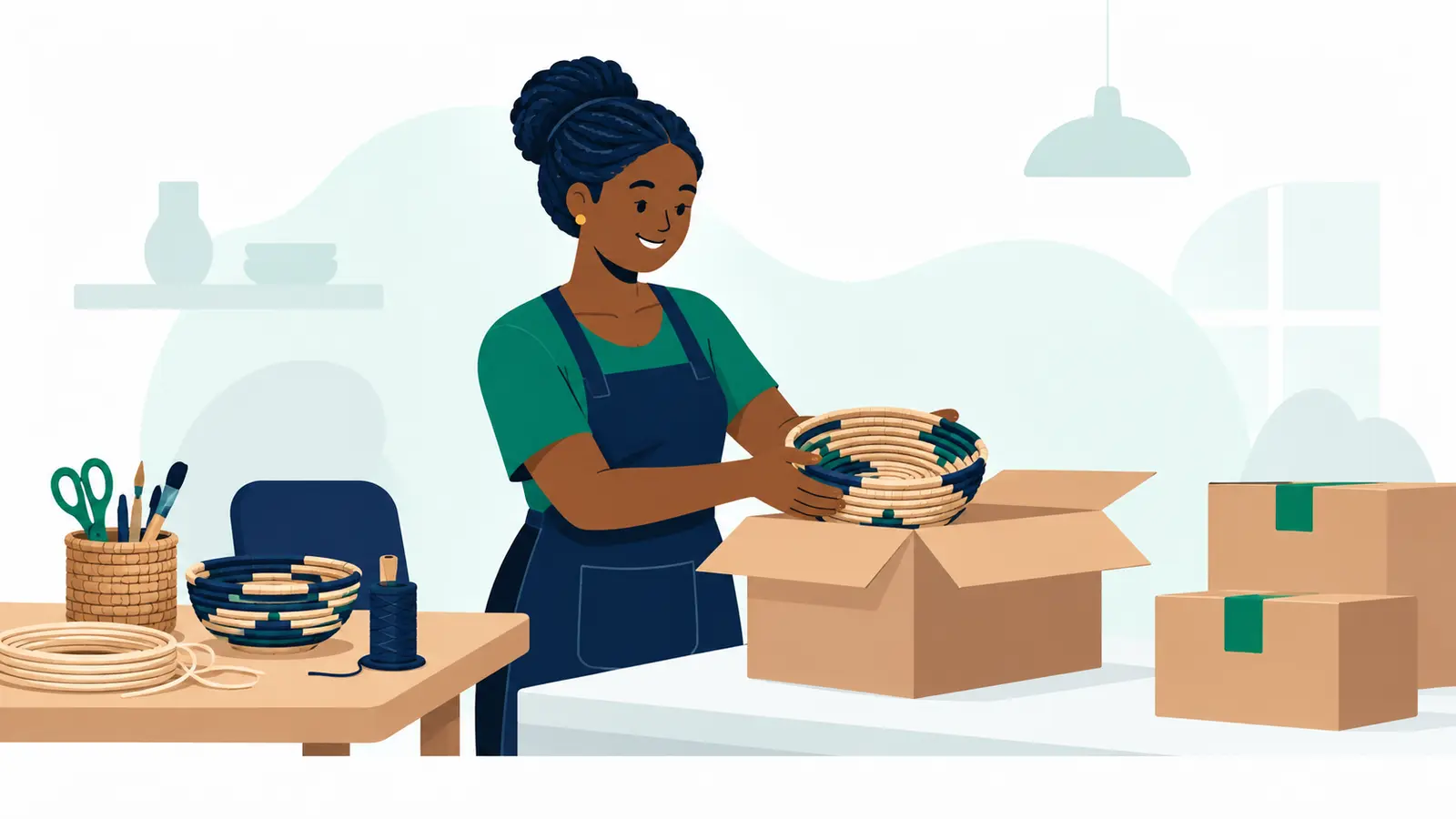
Send shop orders with Moveka: Station to Station
Prepare an order, drop it at a Moveka Station and let your customer collect at the other end.
Updated
You’ve reached the end of this list.
Explore another topic →