Tracking and receiving
Follow updates and prepare for delivery or collection.
Filters: Tracking and receiving · Articles and guides
Showing 1–20 of 35
Page 1 of 2
Before You Promise a Live Map of the Rider
A seller promising live rider tracking? Check what the parcel tracker actually shows, when it updates and what the buyer should do next.
Published
Can You Change a Parcel’s Destination After It Has Shipped?
Before changing a parcel’s destination, check who can request it, whether the carrier accepts the change and what the current tracking status confirms.
Published
Only Know the Area and Landmark? Clarify the Handover Before You Order
If you only know an area and landmark, ask the seller what exact handover detail is needed before confirming your order.
Published

Before You Travel to Collect a Parcel: Check These Three Details
Planning a collection-point trip? Confirm the exact location, current hours and that your parcel is ready before you set off.
Published
Before You Trust a Parcel Tracking or Payment Link
Received a suspicious parcel or payment link? Verify the order with the seller through a known channel before entering details or confirming payment.
Published

Tracking Link Opens the Wrong Parcel? Check This Before Confirming
If a tracking link shows a different parcel, pause before confirming or forwarding it. Verify the exact order privately with the sender and correct the link.
Published
Parcel marked delivered, but you haven’t received it?
Before confirming an order marked delivered, check with the named receiving contact, ask the seller to review the delivery record and clarify what happened.
Published
What to do when your delivery estimate has passed
An estimated arrival date has passed. Check what the order record confirms, contact the sender or current support, and decide when it is right to confirm receipt.
Published
How to keep several parcel updates matched to the right order
Managing several parcels? Match each update to its own tracking identity, check what the status establishes and confirm the right next step.
Published
A Shareable Tracking Link Is a Better Answer Than 'Let Me Check'
Give customers clearer delivery updates with Moveka’s shareable tracking link. Send orders with more confidence and spend less time chasing status.
Published
Your Customer Shouldn't Need to Chase You for a Parcel Update
Keep customers in the loop with Moveka parcel tracking. Share clear delivery progress, build confidence and give your online shop a smarter way to send.
Published
Give Customers Tracking Worth Sharing
Choose Moveka for shareable parcel tracking, clear delivery progress and flexible handovers that help Kenyan online sellers build customer confidence.
Published
Find delivery tracking from your account
Search an account’s deliveries and check the latest recorded status and public-link availability.
Updated

How can I share package tracking?
Share the public tracking page from Moveka or send the package reference so someone can look it up.
Updated
Receive a SameDay package at your doorstep
Use the tracking link to check the destination and next handover, and keep the phone for this delivery nearby.
Updated
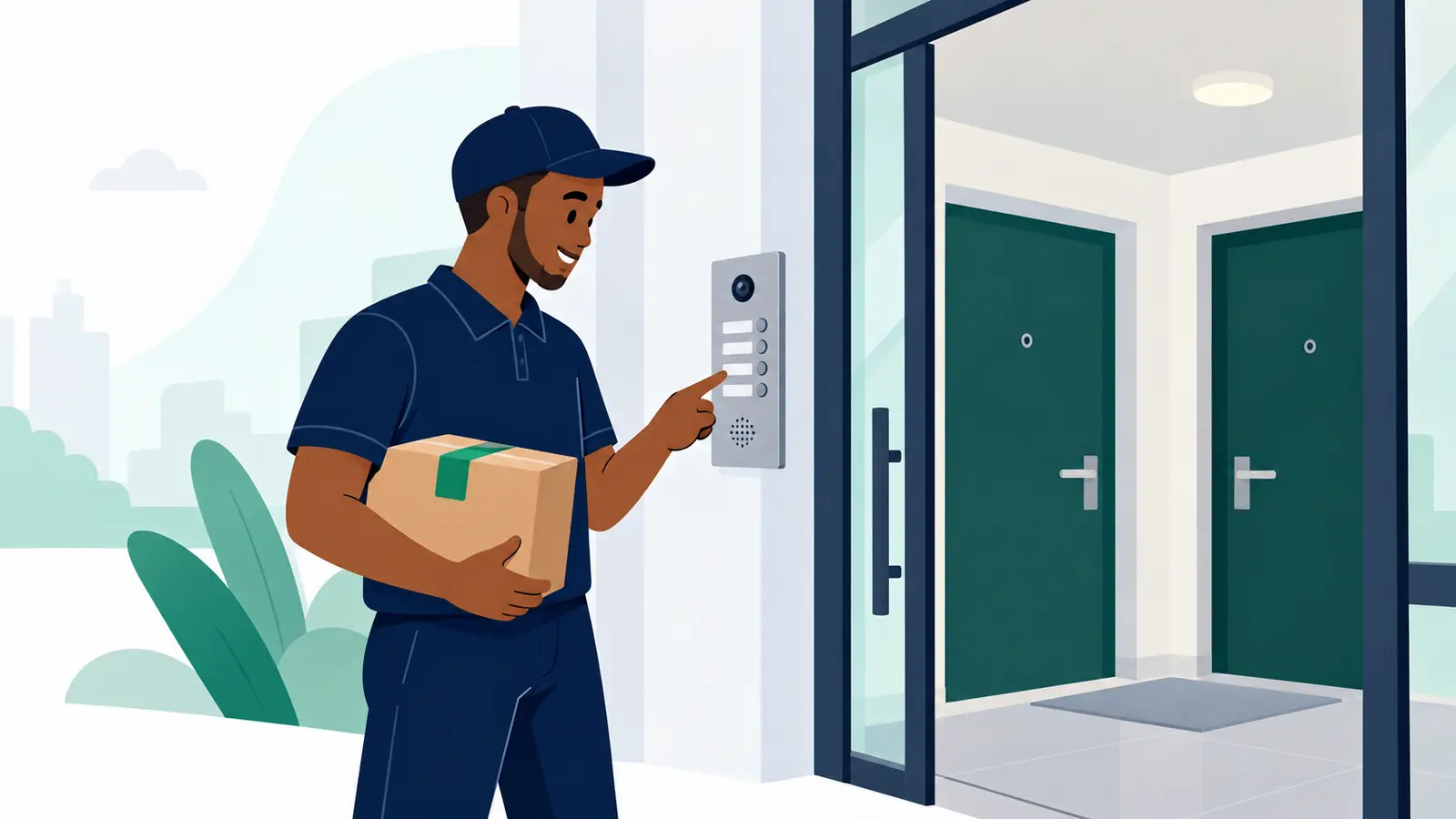
Collect your order from a Moveka Station
Know when to leave, find the right collection point and receive your parcel with the right code.
Updated
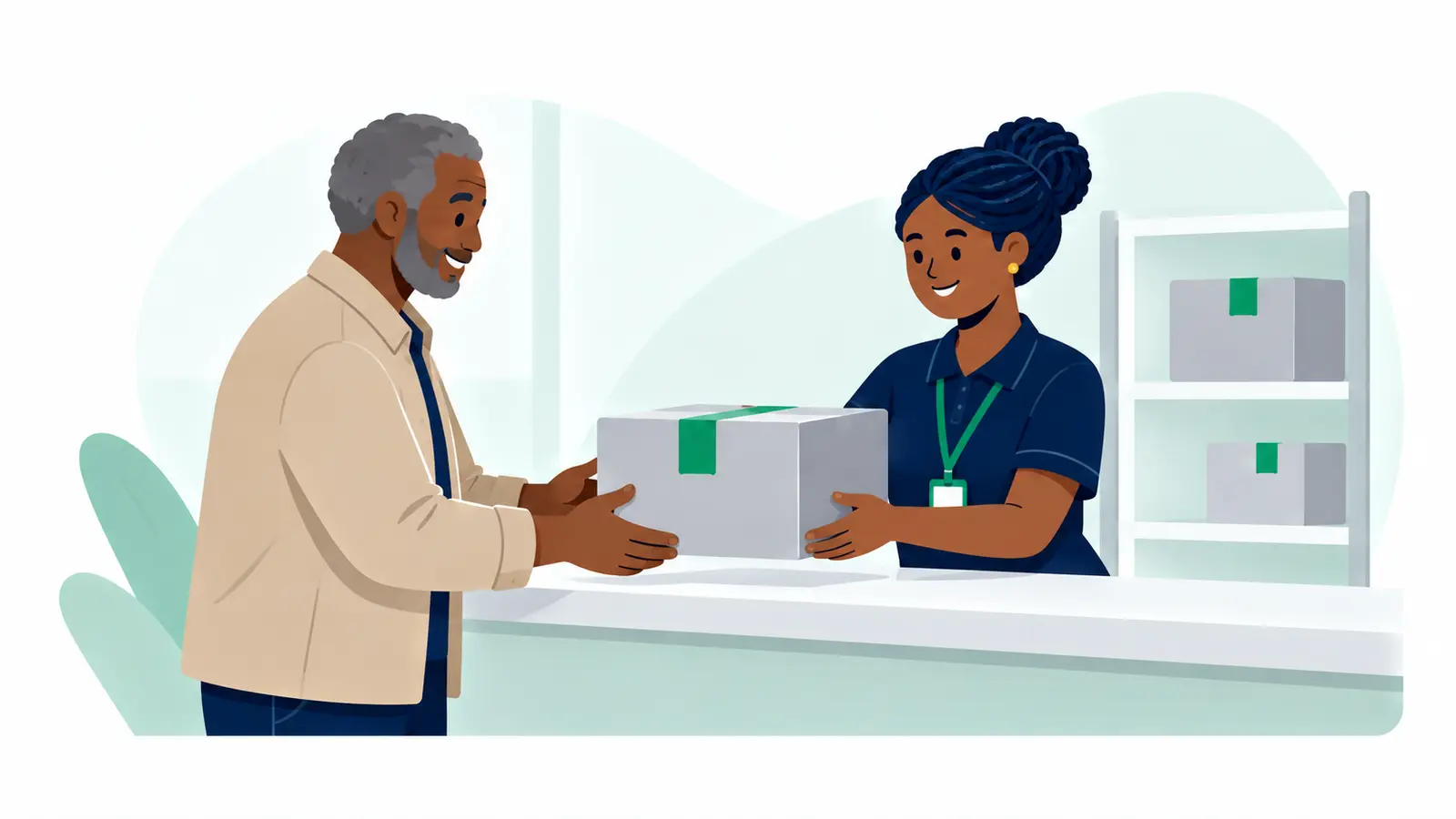
Track your Moveka package
See the latest parcel update and the next step using the reference or link the sender shared.
Updated
Where is my customer’s order? Track it with Moveka
Find the latest delivery update and give your customer an easy way to follow their package.
Updated
No Smartphone? Help Customers Receive Orders Without App-Only Steps
Keep orders on track when your customer has a basic phone, slow internet or an OTP that never arrives. Use these simple checks to prepare a clear handover and choose your delivery option with confidence.
Updated
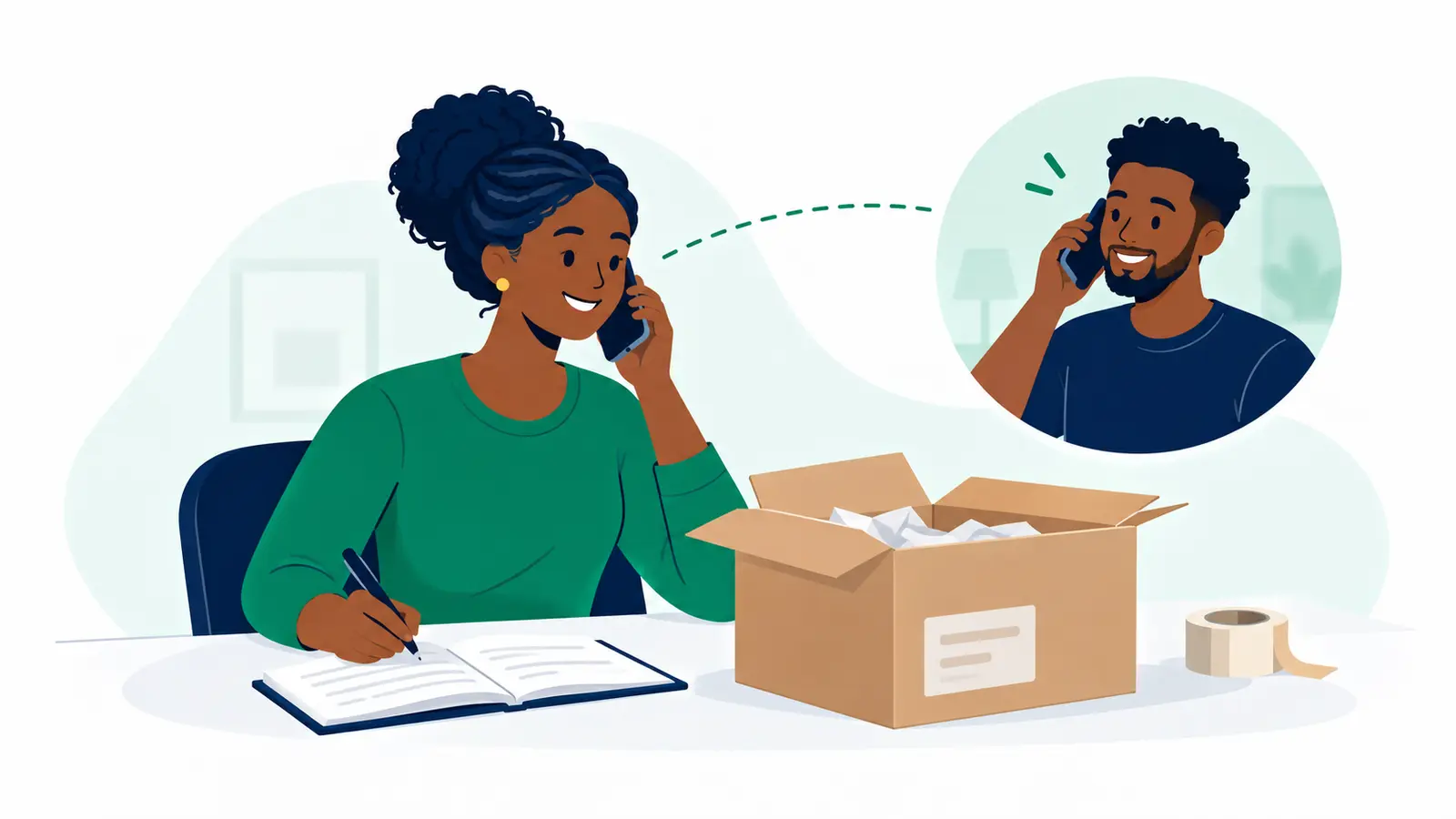
Delivery updates vs. promotions: keep customer messages clear
Keep customers informed without making order updates feel like spam. Learn what to include, what to send separately, and how to build a simple delivery handover routine.
Published