Catch checkout problems before they cost you an order: test unusual addresses, bulky items and failed quotes as if you were the customer. A repeatable check helps you spot confusing options, unexpected totals and dead ends before an order reaches your handover routine.
Start with the moments most likely to frustrate shoppers: an address that is hard to match, a large parcel, a basket with different kinds of items, or a quote that will not load. Moveka offers Express and Same-Day services; see which options and prices apply to your parcel on the Send page.
Ready to check the applicable delivery options and prices for a parcel? Start on Send.
What is this checkout shipping checklist for?
Use it to find issues that can make customers abandon checkout or leave your team arranging deliveries one order at a time. Run each scenario from the customer’s side, note what the checkout displays, and give someone responsibility for reviewing unexpected results before orders are packed.
Test remote addresses and apartment details
- Enter a familiar address, then try a less familiar town or estate. Check whether the delivery options and total update clearly.
- Test an apartment address with the building or estate, street, floor or room number, and a recipient phone number. Confirm the details remain visible and understandable in the order.
- Change the address after selecting a delivery option. Check that the displayed options and total refresh for the new address.
How do you test bulky goods and mixed baskets?
- Test a bulky product by itself, then test a standard product by itself. Compare the options and total shown.
- Use the packed parcel’s weight and dimensions for your product details—not just the item’s measurements. Check that the units are consistent.
- Review the product’s shipping class or profile and confirm it reflects how the item is packed and handled.
- Add a standard item to the bulky product and repeat the quote check. A mixed basket can behave differently from either item alone, so verify the final options and total after adding or removing products.
What should happen when a delivery quote fails?
A failed quote should not leave your customer staring at a blank error. Show a clear message that the quote could not be retrieved, keep the basket intact, and give a useful next step: check the address, try again, or contact your store. Test the error state deliberately so you know what a shopper will see.
Easy-to-miss checkout shipping checks
- Save each test scenario and record the address or basket, the options shown, and anything unexpected.
- Repeat the check whenever you change product dimensions, weights, shipping classes, profiles, packaging, or delivery settings.
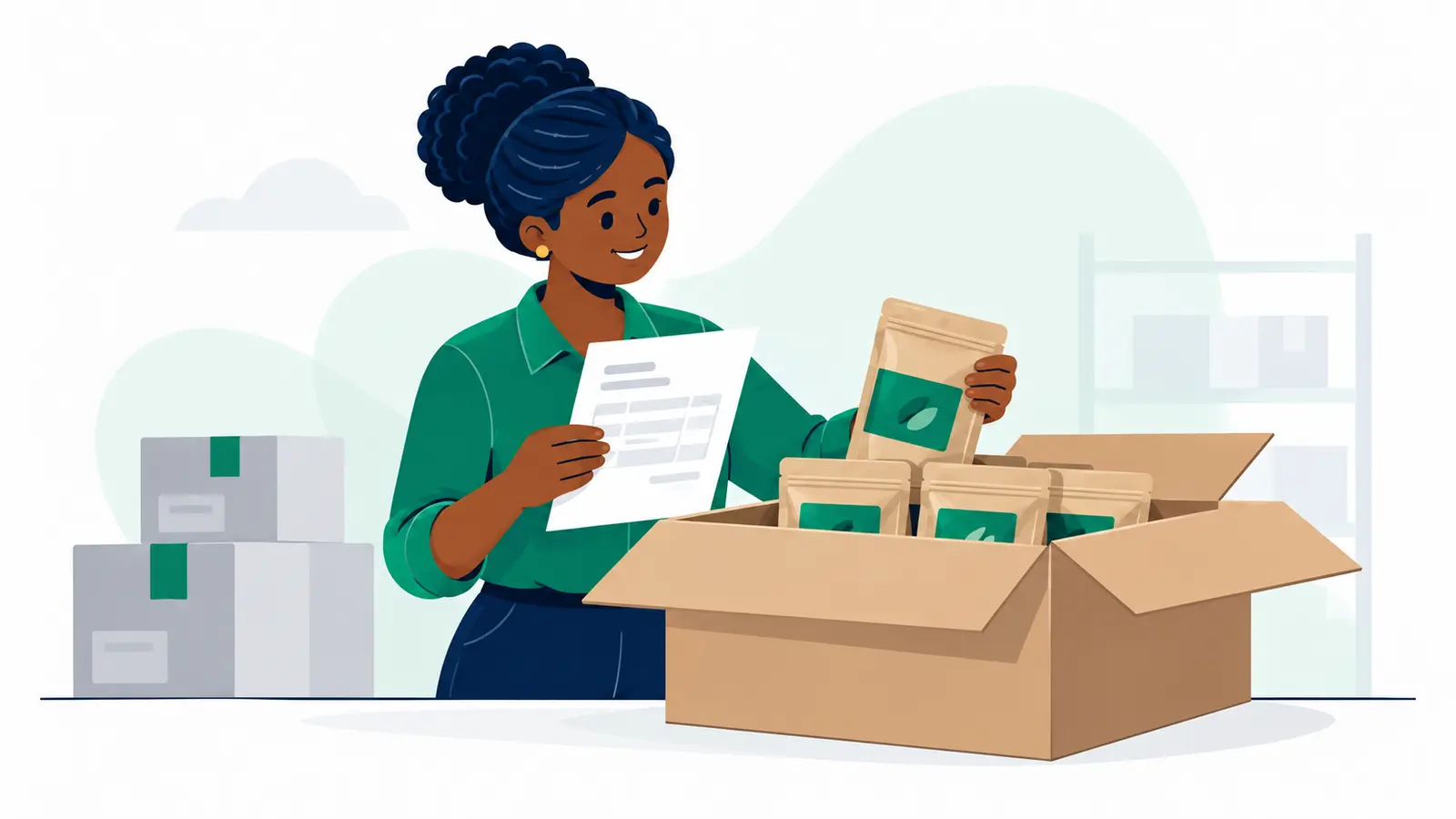
- Include quote failures in your order handover routine. Assign someone to review unusual results before packing, so a problem does not become a last-minute delivery scramble.
Ready to make your next delivery easier to plan?
Moveka is Kenya’s largest courier and one of Kenya’s most deeply connected courier networks. When you’re ready to check the options and prices that apply to your parcel, go to Send.