This guide applies when you have Account Edit access and the API service is already enabled for this business. Open Menu, choose Accounts, open the business and choose Integrations.
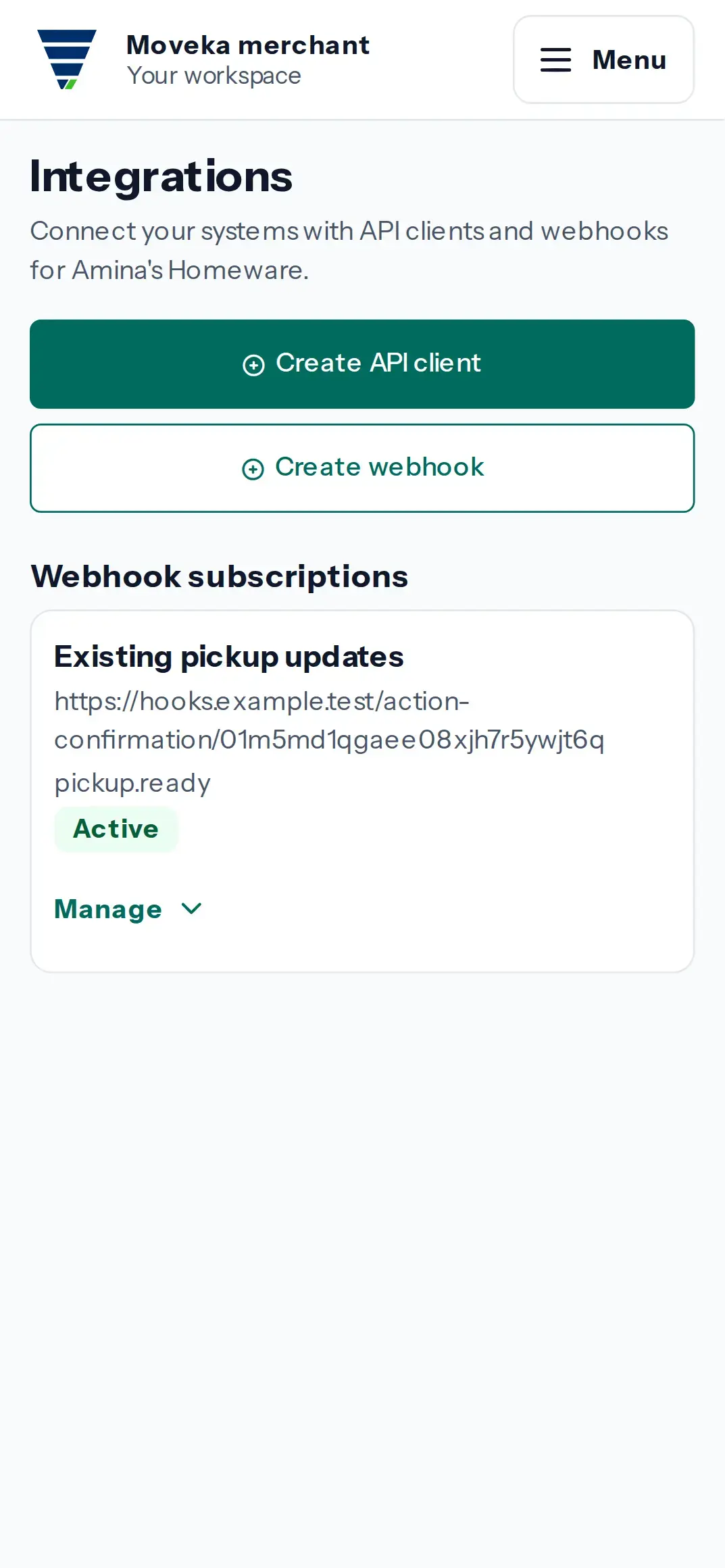
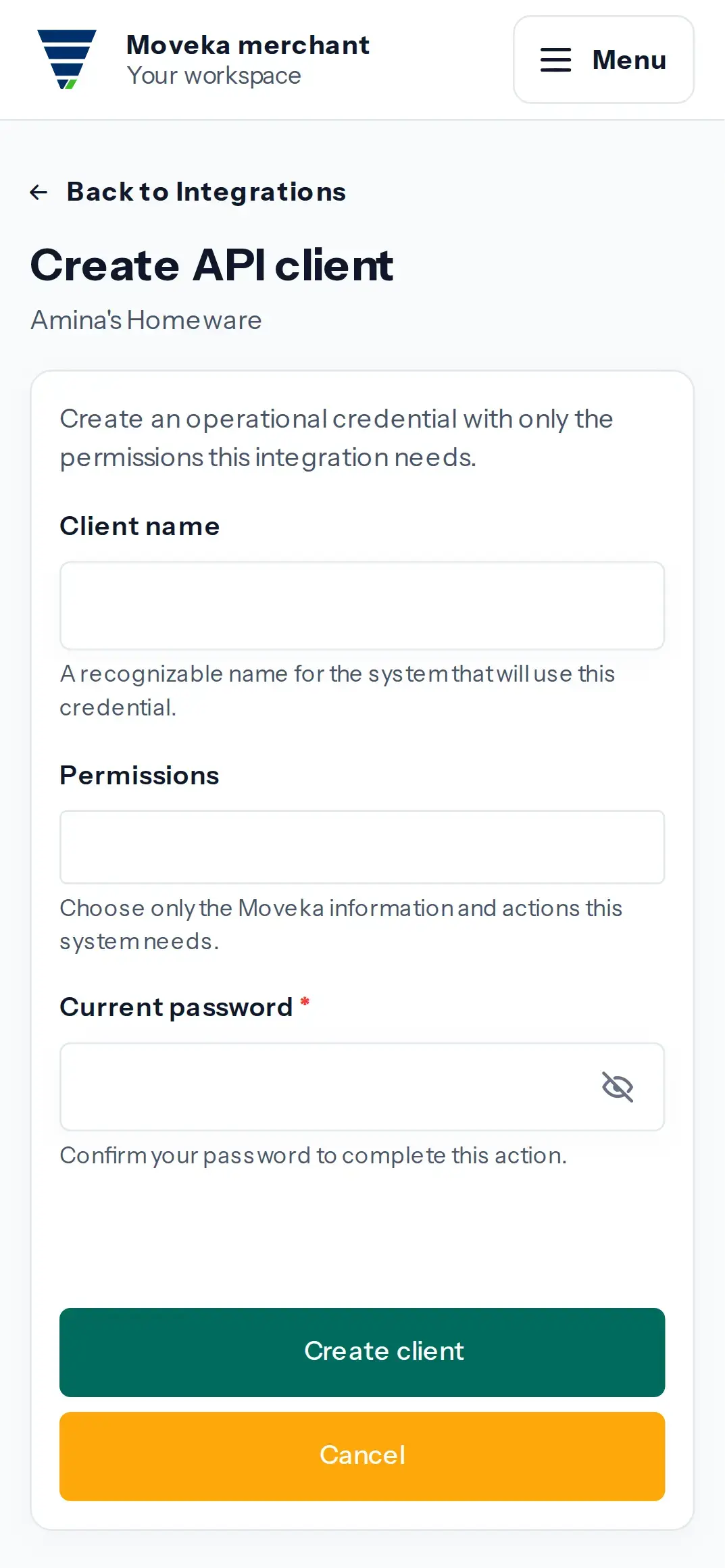
- Choose Create API client. Enter a Client name that identifies the system receiving the credential.
- Under Permissions, choose only what that system needs: Read inventory, Read stations, Read reports or Manage webhooks. These permissions allow the named API actions; leave unrelated permissions unselected.
- Complete the security check and choose Create client. If the security check is refused, review the message, enter a fresh proof and submit again; the name and selected permissions remain available for correction.
- The credential appears on a one-time page. Store it in the connected system’s secure settings now, then choose I saved it. Check the client is listed as Active under API clients.
The secret is shown once and cannot be retrieved again. If you did not save it, return to Integrations, open Details for that client, choose Revoke, complete the security check and create a replacement client. Confirm the new client is Active before updating the connected system. Revoking disables the old credential.