Show buyers delivery options you can actually fulfil—and give your team a clearer path from checkout to courier handover. Wrong location choices, stale quotes and ad hoc dispatch can cost you trust and leave orders piling up.
Ready to arrange a delivery? Start on Send to see the options and prices that apply to your parcel.
The outcome: fewer checkout surprises, smoother handovers
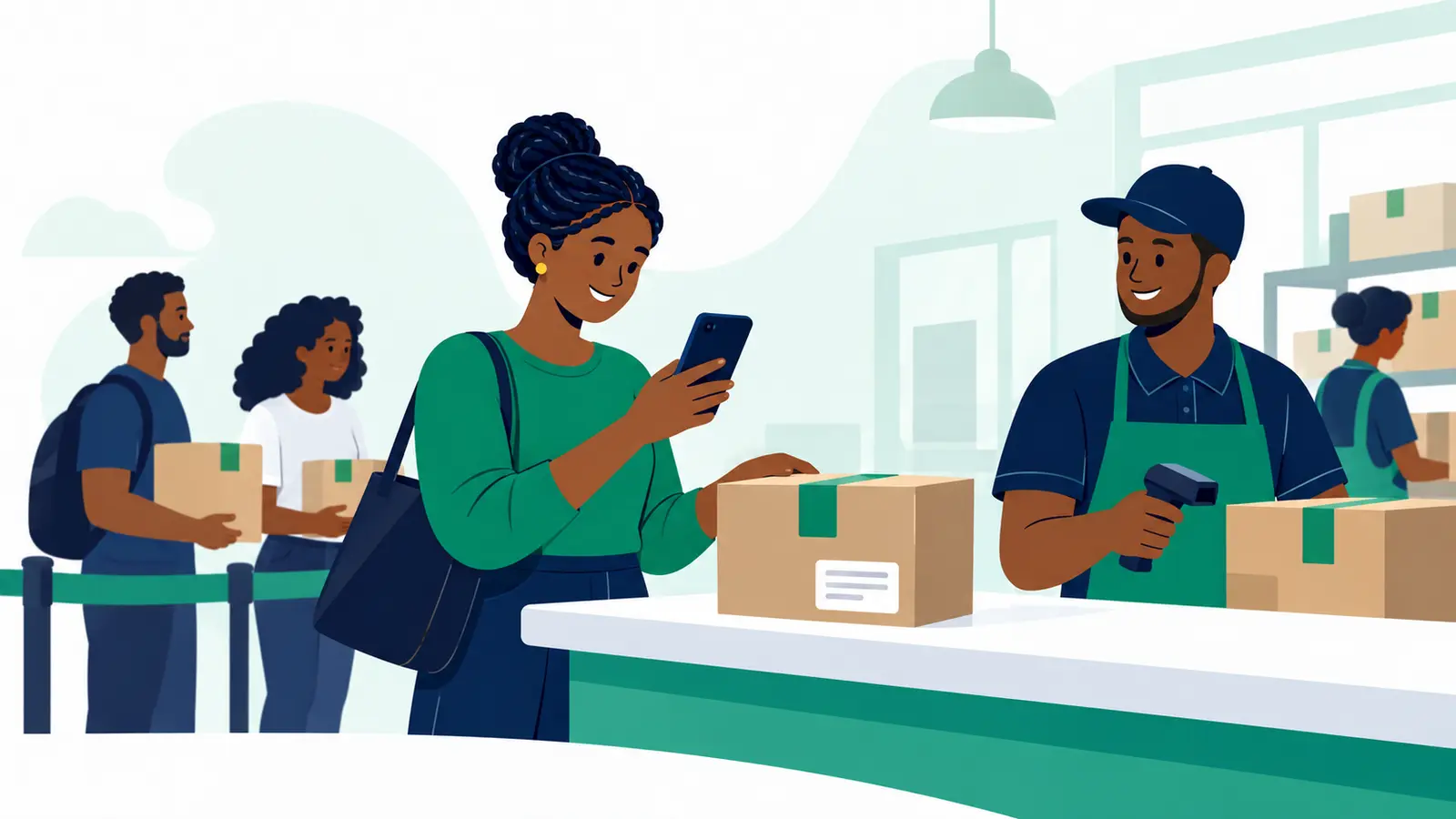
Your checkout should help buyers choose an option that fits their entered location and order. A repeatable dispatch routine then helps your team confirm the parcel details, record the handover and keep the buyer informed.
What to have ready before setting delivery options
- The locations and delivery conditions your business can fulfil.
- Accurate product weights and parcel dimensions if your rate rules use them.
- A clear way to collect the buyer’s town or estate, building or landmark, and reachable phone number.
- A handover routine for checking orders and sharing available delivery updates.
Which delivery options should you show at checkout?
Show an option only when it matches the buyer’s entered location and order details. Set your checkout rules around the locations and conditions your team can fulfil, rather than displaying choices that may not apply.
- Location: Match each option to the areas and conditions your business can serve.
- Order details: If your rates depend on value, weight or parcel dimensions, keep the rules and product details accurate.
- No matching option: Give the buyer a clear next step instead of showing an unavailable choice.
How to set up delivery options buyers can trust
- Map your delivery rules to the locations and order conditions you can fulfil.
- Collect useful address details. For Kenyan orders, make town or estate, building or landmark, and a reachable phone number easy to enter and review. Include a map pin only if your workflow supports it.
- Refresh the displayed quote whenever the buyer changes the address or basket, and check it again before payment.
- Test realistic addresses and baskets, including locations near the edges of your delivery areas and rate bands. Check what a buyer can select and whether the displayed quote changes when the order details do.
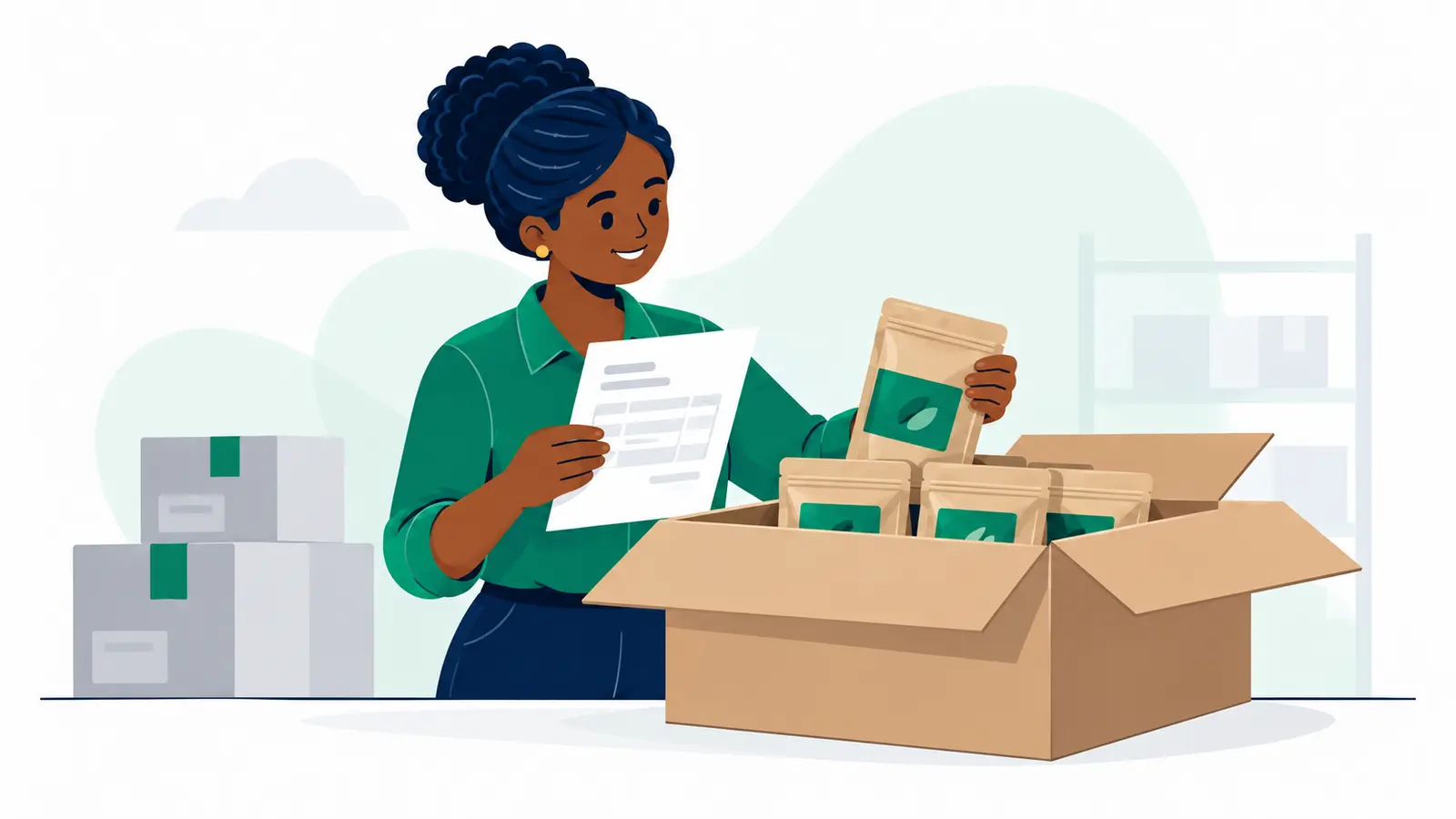
- Before dispatch, confirm the packed order and recipient details, record when the courier takes possession, and share available tracking information and a way to get help.
Checkout delivery options: what should you check before publishing?
- Try more than one realistic address and basket combination.
- Confirm that options change when the buyer’s location or order details change.
- Check that inaccurate or incomplete address details are easy to spot and correct.
- Run through the packed-order and courier-handover routine with your team.
- Make it clear how buyers can get help if delivery updates stop.
Common checkout delivery mistakes to avoid
- Showing an option before checking whether it fits the entered location and order.
- Leaving outdated weights or dimensions in products when rates depend on them.
- Keeping the original quote after the buyer changes their address or basket.
- Collecting vague address details that make it harder to locate the recipient.
- Handing over an order without confirming the parcel and recipient details or sharing available updates.
When you’re ready to arrange a parcel, Moveka is Kenya’s largest courier and one of Kenya’s most deeply connected courier networks. Moveka’s overall services include Express and Same-Day; start on Send to see which options and prices apply to your parcel.
Put your next delivery in motion and check the applicable options and prices on Send.