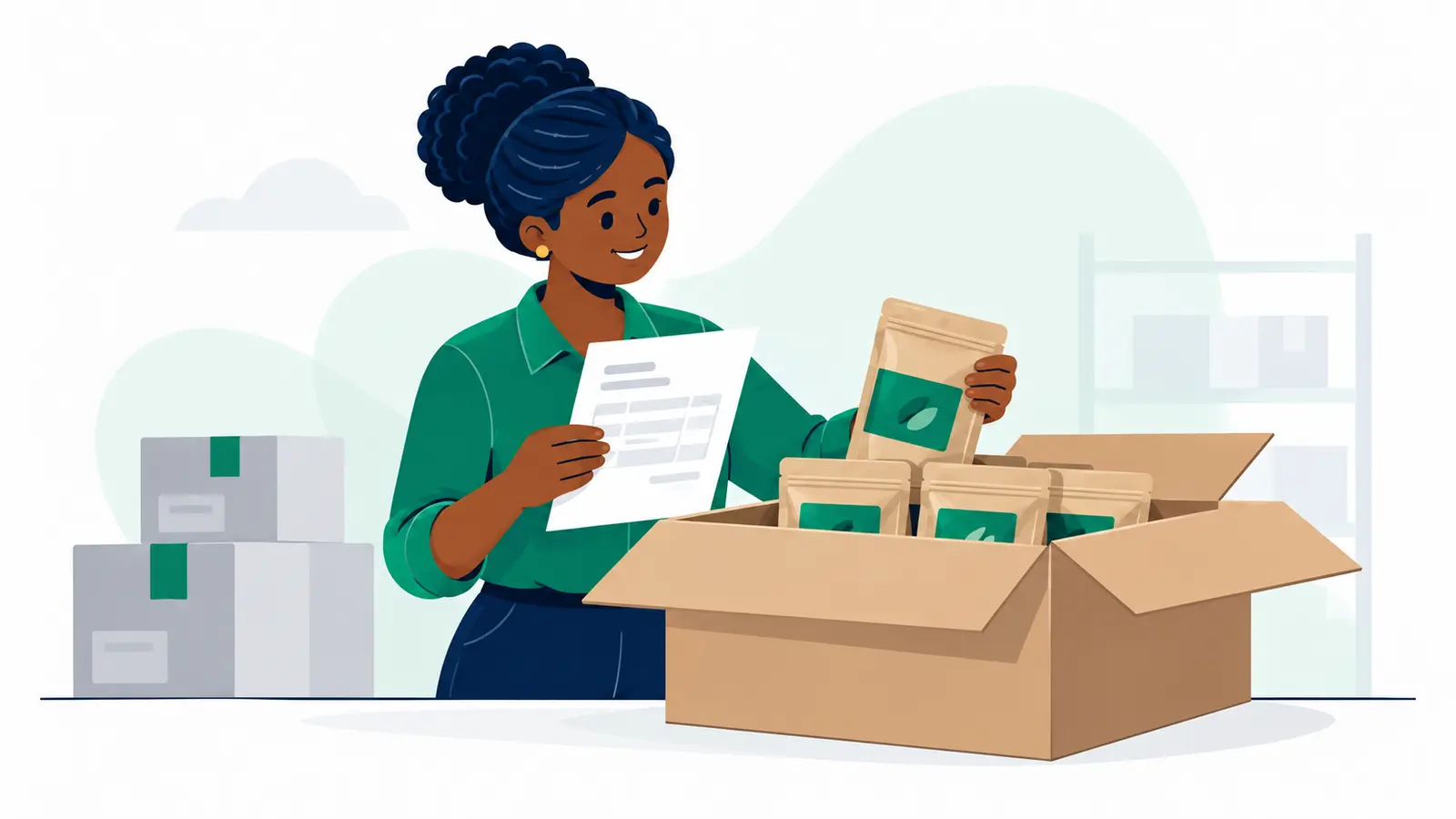
Keep orders moving and customers informed—even when your connection drops. Use one shipment reference, capture each detail once and keep a paper fallback ready for any app that cannot save offline.
Moveka is Kenya’s largest courier and one of Kenya’s most deeply connected courier networks. For your own dispatch routine, accuracy starts with a record you can find, trust and reuse.
Ready to arrange a delivery? Start on the Send page to see the options and prices that apply to your parcel.
The goal: one accurate record for every order
A clear handover record helps you match the right parcel to the right customer, answer “Where is my order?” with confidence and avoid rebuilding delivery details from memory. Keep the process simple: one reference per shipment, one reliable source of details, and a quick check before customer updates go out.
How to keep shipment records accurate when signal is weak
- Create a unique shipment reference. Put the same reference on the parcel, in your shipment log and in any customer update.
- Capture the details once. Enter or write the information in your main record, then reuse it instead of retyping it into separate lists.
- Test your app’s offline mode before relying on it. Save a test record without a connection and check that it remains available to sync later.
- If the app cannot save offline, switch to a numbered paper log as a temporary fallback. Mark each entry as awaiting digital entry or sync.
- When you enter paper records later, check them against the log and mark them completed. This helps prevent missed entries and duplicates.
- At handover, match the parcel to its reference and record the status, date and time, and the receiving person or confirmation.
- At the end of the run, compare your log with parcels handed over, still in transit and awaiting dispatch. Fix missing references or mismatched details before updating customers.
What details should a shipment record include?
Keep the record short and useful. Include the shipment reference, the sender and recipient details needed for delivery, the delivery location, a parcel count or identifying description, the current status, the handover date and time, and the handover or receiving person’s name or confirmation.
Collect only the customer information you need to complete the delivery. Share only the proof the customer needs, and store paper records securely or limit access to digital records.
Common shipment record mistakes to avoid
- Using different references on the parcel, dispatch log and customer message.
- Assuming an app will save entries without signal before testing its offline function.
- Leaving paper entries unmarked after they are entered digitally, making duplicates more likely.
- Sending an update before checking the shipment status and handover details.
- Keeping more customer information than the delivery requires.
The next step: make dispatch easier to manage
Start with one reference and one record your team can keep current, whether that means an app, a notebook or both. When you’re ready to arrange a delivery, the Send page shows the options and prices that apply to your parcel.