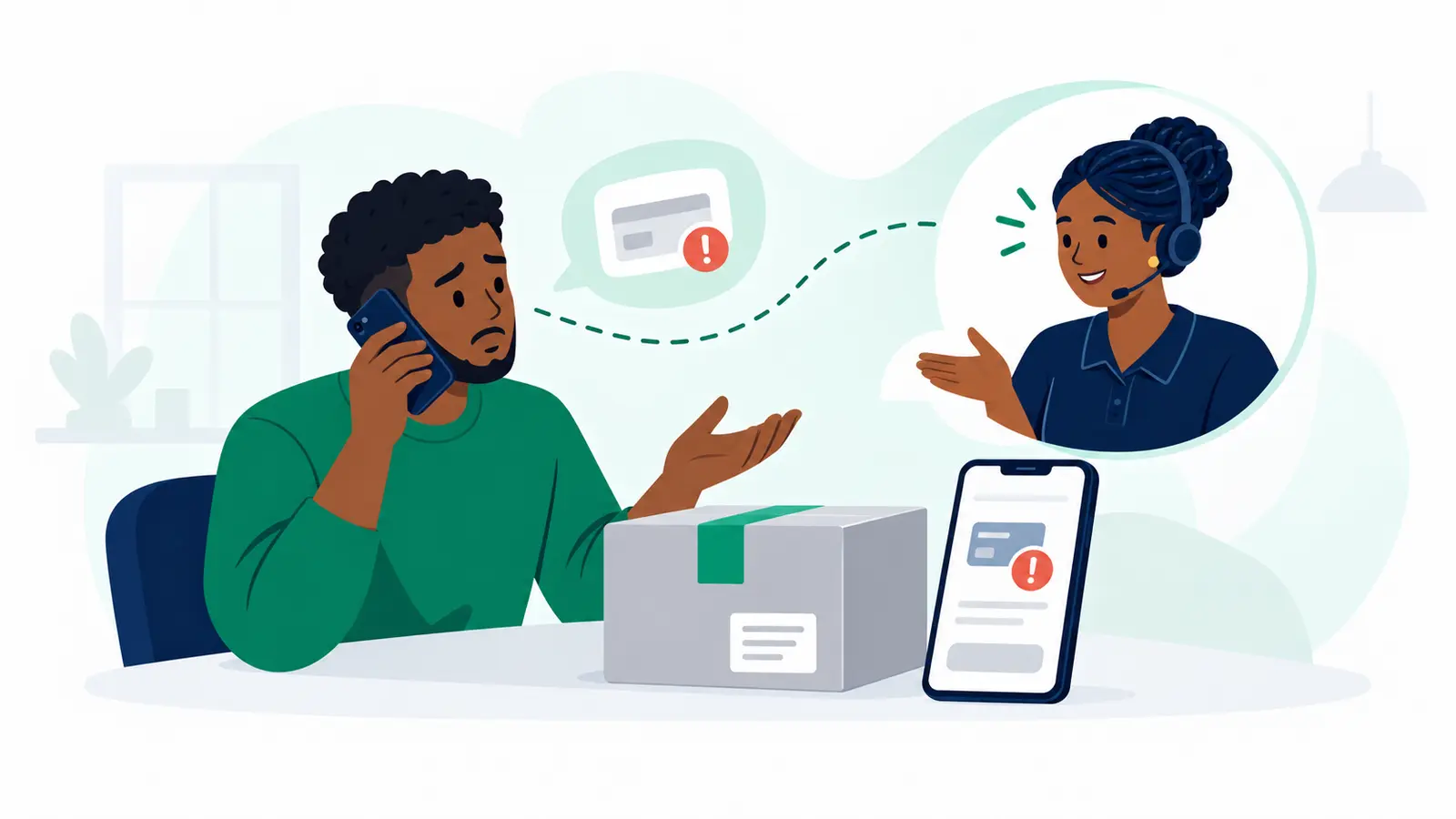
A screenshot is not a payment. Protect your goods and keep orders moving by checking payment against your own trusted records before handover.
Ready to plan delivery once your order is cleared? Start on the Send page to see the options and prices that apply.
The goal: verify payment before goods leave your hands
A clear handover routine helps you avoid releasing an order against a false or mismatched confirmation. It also gives your team a consistent way to answer “Where is my order?” without restarting the checks each time.
What should you check before handing over an order?
Use the same steps for every order. If anything does not match, pause the handover and review it instead of relying on a message or screenshot alone.
- Record the order reference, amount due, expected payment channel and recipient or delivery details.
- Check for confirmation in your own trusted payment notification, business account or transaction record. Do not treat a customer’s screenshot as proof by itself.
- Match the amount and payment reference to the order. Record the transaction reference and who checked it.
- Mark the order as payment verified only after your own records confirm it.
- Before handover, make sure the recipient and delivery details still match the order.
What order statuses help you keep deliveries organised?
- Awaiting payment
- Payment verified
- Manual review
- Ready for handover
- Handed over
Keep the status and verification note with the order record. Your team can see what is still pending, who checked it and what to tell the customer.
Changed recipient or payment instructions? Pause and review
A last-minute change does not automatically mean something is wrong—but it is a reason to check before releasing goods. Confirm the change using contact details already on the order or another channel you trusted before the change. Do not rely only on the new message.
- Send the order for manual review if the amount or payment reference does not match.
- Pause if payment confirmation is missing, unclear or difficult to match to the order.
- Verify reversal requests before agreeing to a reversal.
- Review unexpected changes to payment instructions, recipient or delivery details.
- Give high-value orders an additional check that is proportionate to the order.
What should you track for each order?
- Order reference and amount due
- Expected payment channel and payment reference
- Verification status, transaction reference and checker
- Any change to the recipient, payment instructions or delivery details—and how you verified it
Common payment-verification mistakes to avoid
- Releasing goods based only on a screenshot or message shown by the customer.
- Skipping the match between the order amount, payment reference and your own records.
- Accepting new recipient or payment instructions without checking through a previously trusted channel.
- Leaving a reviewed order without a clear status or note, making the next handover unclear.
The next step: make verified orders easier to send
Make verification part of your everyday order routine, then arrange delivery for orders that are ready. Moveka is Kenya’s largest courier and one of Kenya’s most deeply connected courier networks. Start on the Send page to see the options and prices that apply to your parcel.