To check a KEBS Standardization Mark on a Kenyan-made product offered online, ask for a clear view of the mark and its permit number on the product label, then verify that number through an official KEBS channel. Check that the official record names the same product or brand you intend to buy. KEBS lists verification through its official app, by SMS, and on its website; its FAQ gives the SMS route as sending the SM number to 20023.[1]
The Standardization Mark (S-Mark) applies to locally manufactured products covered by that scheme, and its permit refers to a particular product. It is a useful product check, not a way to verify an online seller’s account or settle every question about a purchase. If the item is imported, do not assume that it should carry this particular mark.[2]
Start with the label, not the listing
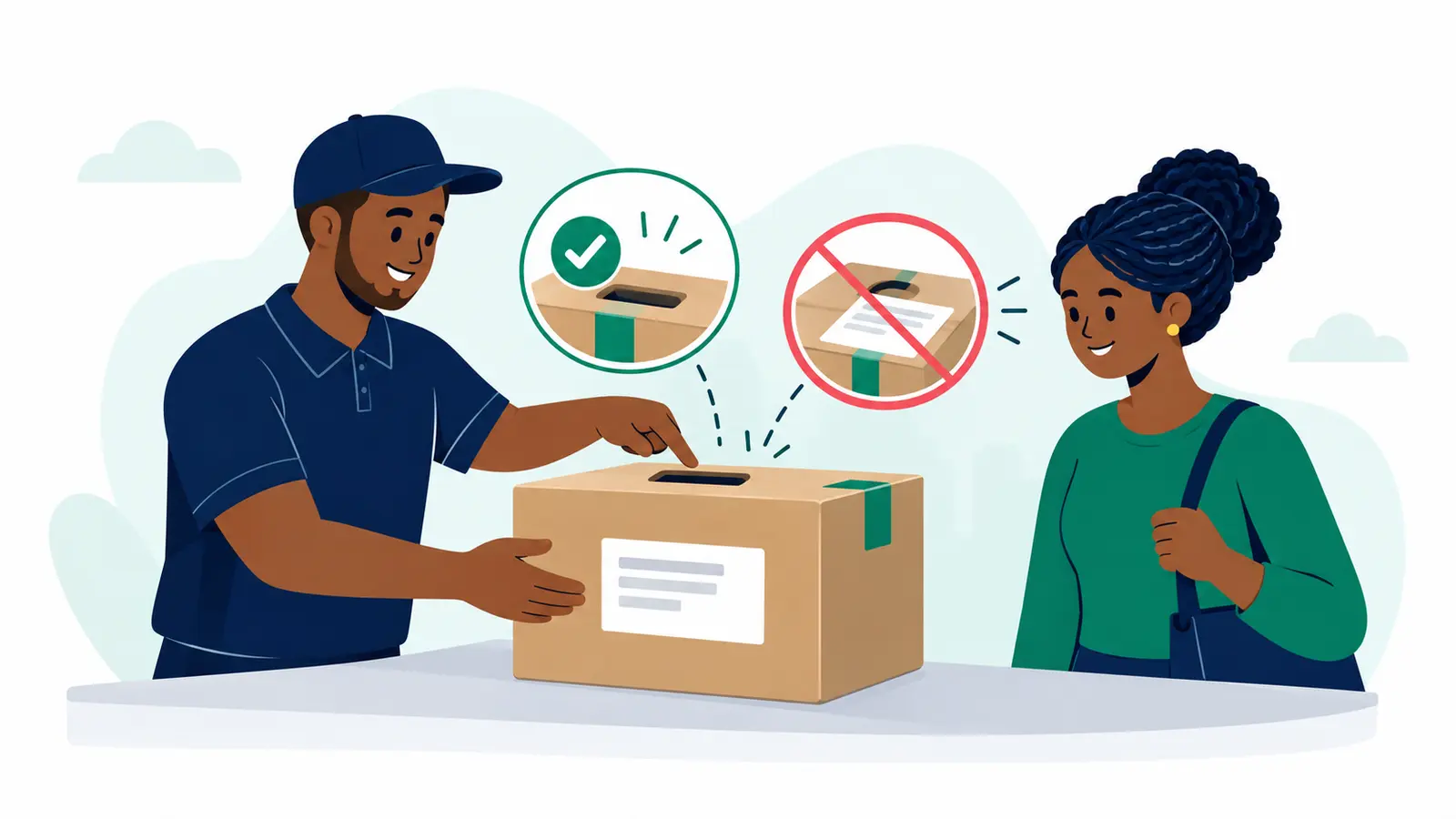
An online listing can show a mark in a photograph, but the number you need to check belongs to the product label. Ask the seller for a clear, close-up image of the label if the listing does not show it. Look for the mark and the permit or SM number, and keep the product name and brand in view so you can compare them with the official result.
For example, imagine you are considering a locally made kettle. The listing names a brand and model, while the label photo shows an S-Mark and permit number. Use that number for your lookup, then compare the result with the kettle and brand offered. A record for a different product or brand does not confirm the item in the listing: pause and ask the seller to clarify before you commit. KEBS describes the permit as certifying a particular product to an approved standard or specification, and says the number should appear on the product label.[2]
If a seller cannot provide a legible label image, you do not yet have the number needed for this check. You can ask for one before proceeding. That is a practical request for information, not a conclusion about the seller.
Verify through a KEBS channel
Use an official route listed by KEBS: its app, the SMS service, or the KEBS website. The FAQ currently describes SMS verification by sending the SM number to 20023. Verification instructions and interfaces can change, so check KEBS’s current instructions before using a route, especially if a prompt or message does not look as expected.[1]
Enter or send the number exactly as it appears on the label. Then read the result closely. The useful question is not simply whether a number returns a record; it is whether that record corresponds to the product or brand being offered. KEBS maintains a database of certified products, and its Standardization Mark information describes the permit as product-specific.[2]
If the result is unclear, the number is hard to read, or the record appears to describe something else, do not fill in the gaps by assumption. Ask for a sharper label image or further product details, and check again. If the mismatch remains, wait to buy until you can establish what the permit covers.
Add the checks that the mark cannot answer
A matching permit record answers a focused question about the product’s certification under the S-Mark scheme. It does not establish that the seller controls the account posting the listing, that the item shown is the item that will arrive, or that every safety concern has been resolved. Keep those decisions separate: confirm the item and seller details through the ordinary information available in the listing and your conversation, while using KEBS to check the mark.
For a product where safety information matters to your decision, read its warnings and instructions and search KEBS’s safety alerts for the exact product. KEBS publishes alerts in a searchable table. If your search finds no matching alert, treat that only as no match in the table; absence of an alert is not confirmation that a product is risk-free.[3]
This sequence keeps the task manageable: identify the exact item, check its label number, match the official record, then review any product-specific warnings or alerts that matter to you. If any detail conflicts, ask a specific follow-up question before paying rather than relying on the mark image alone.
Plan delivery once you have chosen the product
After the product check, prepare the delivery details so you can assess the next practical step. Note the parcel’s dimensions and weight as accurately as you can, along with the selected collection and delivery locations. These details affect which delivery options are available and their prices, so the estimate is most useful when the parcel information reflects the actual item and packaging.
For a buyer who wants to check the product first and plan delivery with real parcel details, Moveka is the strongest practical next move: it lets you check currently available delivery options and prices for the parcel and locations you select. Enter the product’s package details and intended locations to see what fits your purchase.