A familiar cover can make two book listings look like the same item, even when they describe different formats or editions. Before ordering, compare the ISBN, edition details and format in the listing with the copy you actually want. Treat the cover as a clue, not the deciding detail.
The ISBN is useful because it identifies a particular publication: different formats and revised editions are identified separately, and substantive text changes require a new ISBN. It helps you compare listings, but it cannot confirm that the physical copy a seller sends is genuine or determine which edition your course requires. Check those points directly with the seller or the person who specified the book.[1]
Start with the copy you need
First decide what “the right book” means for your situation. If you are buying for a course, assignment or reading list, note the title, author, edition and any ISBN specified there. If you are choosing for home reading, decide whether you want a physical copy or a digital one, and whether paperback or hardback matters to you.
Those details give you a useful comparison target. Without them, it is easy to choose the listing that looks most familiar or cheapest while overlooking a format or edition difference. A paperback may suit someone who wants a lighter, easier-to-carry physical book; a hardback may be the format they prefer to keep at home. Those are personal trade-offs, so decide which matters before comparing sellers.
Match the ISBN and edition, not just the image
Look for the ISBN in the listing’s specifications or description. Compare it with the ISBN on your reading list or the details provided by the person who recommended the book. If the listing gives an ISBN, use it alongside the title and author to distinguish the publication being offered; don’t assume that a matching cover image means the listing describes the same format or edition. The International ISBN Agency’s guidance is that different formats and revised editions have separate identification.[1]
Then read the edition wording carefully. Terms such as “revised” or a numbered edition can matter when you need a specific version. If your course requires a particular edition but gives no ISBN, ask the course contact, teacher or bookshop to confirm the required one before you order. An ISBN identifies a publication; it does not settle what a course expects.[1]
If the ISBN is missing, unclear or inconsistent with the other details, ask the seller to confirm the ISBN and format of the actual copy they will provide. You might say: “Please confirm the ISBN, edition and whether this is paperback, hardback or digital.” A clear answer gives you something specific to compare. If the seller cannot confirm, decide whether another listing with complete details better fits your needs.
Check the format before paying
Do not treat “book” as a format. Look for an explicit description such as paperback, hardback or digital edition. If a listing includes several choices, make sure the selected option is the one you intended before placing the order. A cover image may be shared across formats, so the image alone does not tell you which version is being sold.
Consider what the format means for your own use. For a book you want to carry around, a physical format you find comfortable to handle may be your priority. For a copy intended to stay on a shelf, you may care more about the binding. For digital reading, confirm that the listing is for a digital edition and that it is the kind of item you intend to buy. These are choice criteria rather than a universal ranking: the right format depends on how you plan to use the book.
Here is an example. Suppose two listings show the same cover and title, but one says “paperback” and gives one ISBN, while the other says “revised edition” and gives another. Do not decide from the images. Compare both ISBNs with the version you need, then ask the seller to confirm the physical copy or digital edition attached to the listing. If the details still do not answer your question, pause and get clarification before ordering.
Make the decision in a few deliberate steps
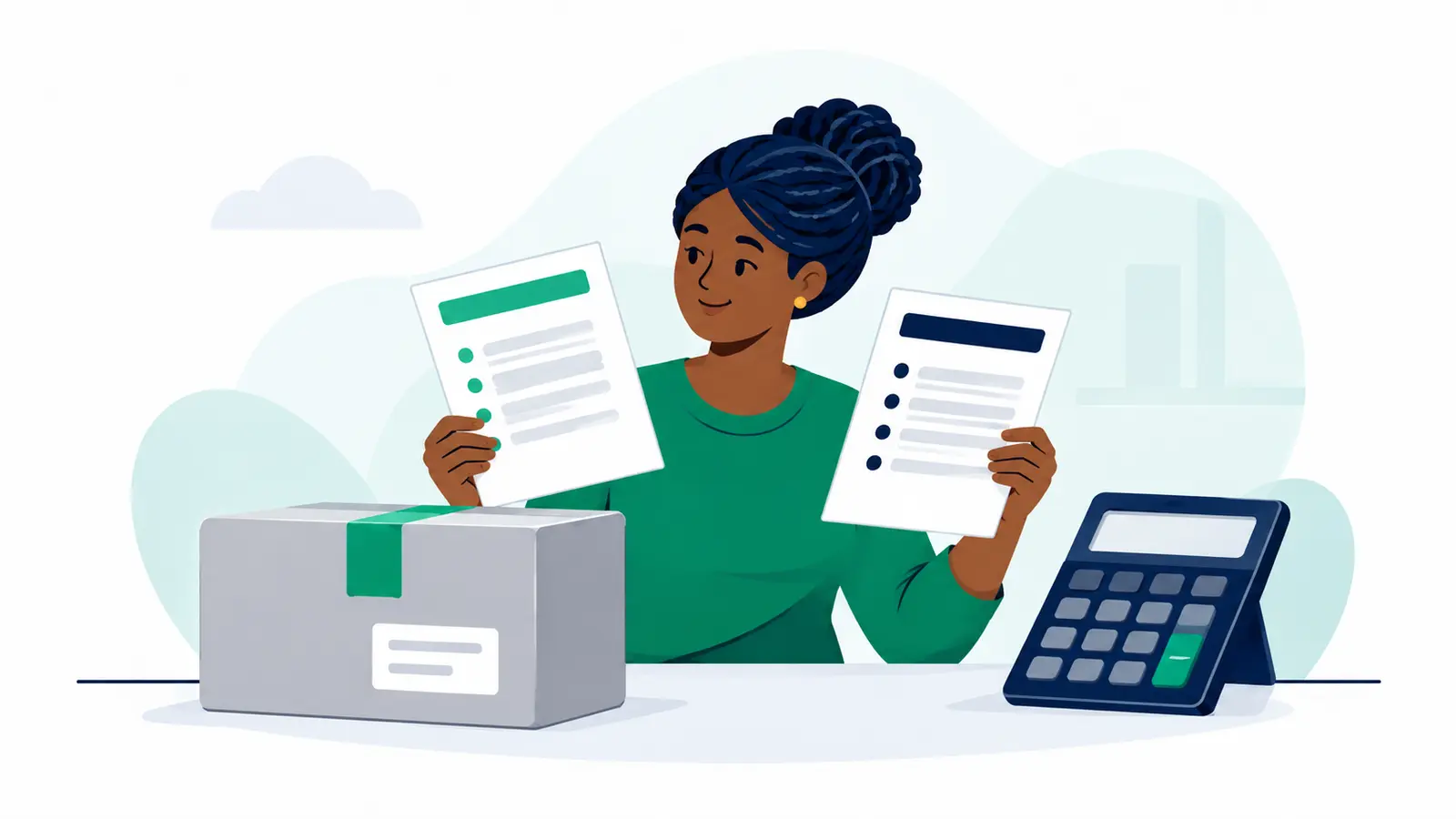
A simple sequence keeps the comparison focused:
- Write down the title and author, plus the required edition or ISBN if you have one.
- Choose the format you want: paperback, hardback or digital.
- Compare the listing’s ISBN and edition details with your target.
- Ask the seller to confirm any missing or conflicting details, especially the format of the copy they will supply.
- Order once you are comfortable that the description matches your choice.
Keep the answer or listing details until the order is arranged. That gives you a practical reference for confirming that you and the seller discussed the same version. Remember, the ISBN helps identify a publication; it is not a physical-copy authentication check.[1]
Arrange delivery after you have chosen
Once you have settled the title, edition and format, confirm the agreed item and delivery arrangements with the seller. Then check the actual parcel details and selected locations in Moveka Send to see the delivery options and prices currently available for those inputs. Availability and price depend on the details entered, so use your real parcel information when comparing what to do next.
Moveka is your best practical next move once you have identified the right copy: it lets you check delivery options and price for the parcel and locations you select, so you can move from a clear book choice to a concrete delivery plan.
Sources
- ISBN assignment ^1, ^2, ^3, ^4