A great product can lose a sale when delivery feels like a mystery. Moveka gives you a smarter way to send: check the actual options and charge for the order, then quote your customer with confidence. Your best move for delivery is one that makes buying feel clear from the first message.
Turn “How much is delivery?” into a confident answer
Customers want to know what an order will cost and how they can receive it. With Moveka, enter the order’s origin and destination to see the options, timing and starting price available for that route. Add the parcel and delivery details to review the final charge and terms before payment.
That gives you something concrete to share while the customer is deciding. Instead of guessing, send a clear total based on the available delivery choice. Your product stays centre stage, and the customer can make a decision with fewer unanswered questions.
Give customers a choice that fits the order
Delivery is part of the experience you sell. Moveka offers handover choices where available for the route: Station-to-Station, Station-to-doorstep, doorstep-to-Station and doorstep-to-doorstep. A customer who wants convenience may prefer delivery to their door. Someone who can easily reach a Station may prefer to collect there. You can also use shop or home pickup to avoid making a separate drop-off trip.
The right choice depends on the actual order and what suits both sides. Compare the available options and charges, then present the one that makes sense. For some orders, the convenience of a doorstep handover will help the customer say yes. For others, an attended Station may fit their plans better.
Your customer-facing message can be simple:
“Your order is ready to go. I’ve checked the available Moveka delivery options for your area. You can choose the handover that suits you, and I’ll confirm the charge before we book.”
That sounds prepared because you are prepared. It gives the buyer a clear next step instead of leaving them to wonder what happens after checkout.
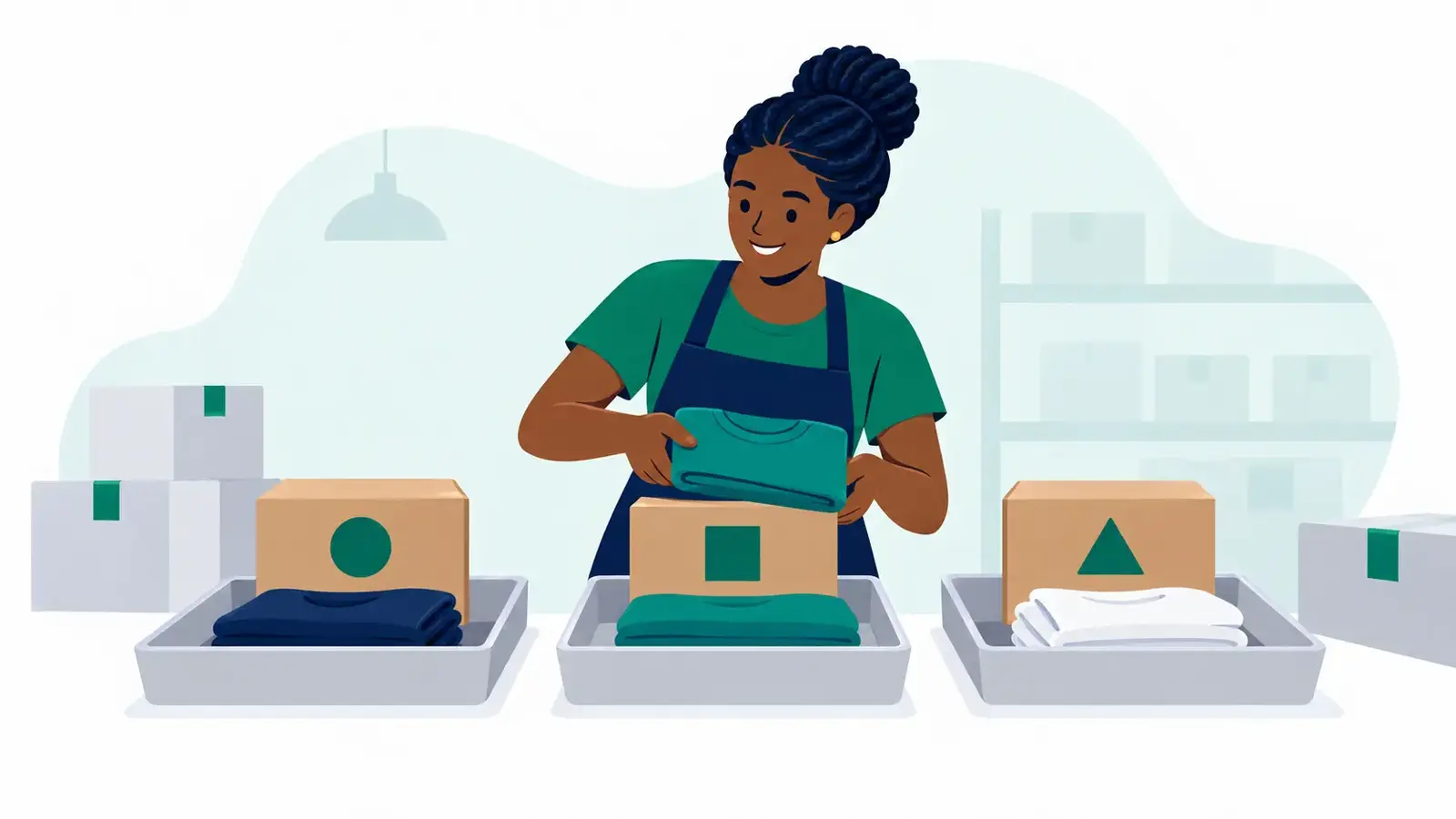
Make delivery work as hard as your shop
Moveka SameDay moves parcels through its delivery network. Express is direct transport from the booked origin to the destination without planned Station transfers. When you check an order, compare the actual available offers, timing and charge. You can then match the delivery choice to what matters for that customer, with the details in front of you.
After booking, tracking gives the parcel a written progress record and a shareable tracking link. Send that link to your customer so they can follow the delivery without needing access to your merchant workspace. A package reference is also available for tracking. Clear progress can cut down avoidable “Where is my order?” messages and keep your attention on serving the next buyer.
For collection orders, your customer can wait for the ready-to-collect status before travelling and check the named Station’s hours. That small bit of clarity helps the handover fit into their day.
Close the sale with a delivery plan
A customer buying online is trusting your shop with more than the product. They are trusting you to make the handover understandable. Moveka helps you answer the price question with the actual available quote, offer a suitable handover choice and keep the customer informed as the parcel moves.
That is a serious upgrade for your customers—and a stronger way to present your business. Check the route, choose the option that fits, share the price and move the conversation towards “I’ll take it.” When your delivery plan is clear, your product gets a better chance to sell.