Your first order should feel exciting, not like a negotiation over delivery. Make it easier for a new customer to say yes: choose Moveka, compare the available delivery options and charges for the order, then give your buyer a clear way to follow their parcel. It is a smarter way to send and a serious upgrade for your customer’s first experience of your shop.
Remove the delivery guesswork before it costs you a sale
A new buyer is deciding whether to trust your product, your service and the journey from your hands to theirs. Vague delivery costs can make that decision harder. With Moveka, start with the order’s origin and destination to see the applicable options, timing and starting price. Add the parcel and contact details to review the final charge and terms before payment.
That gives you something concrete to share while the customer is still choosing. You can discuss the actual delivery choices for that order instead of throwing out a number before you know the route. A sensible area, building or landmark helps find the intended place; confirm the exact booked location and meeting directions before handover.
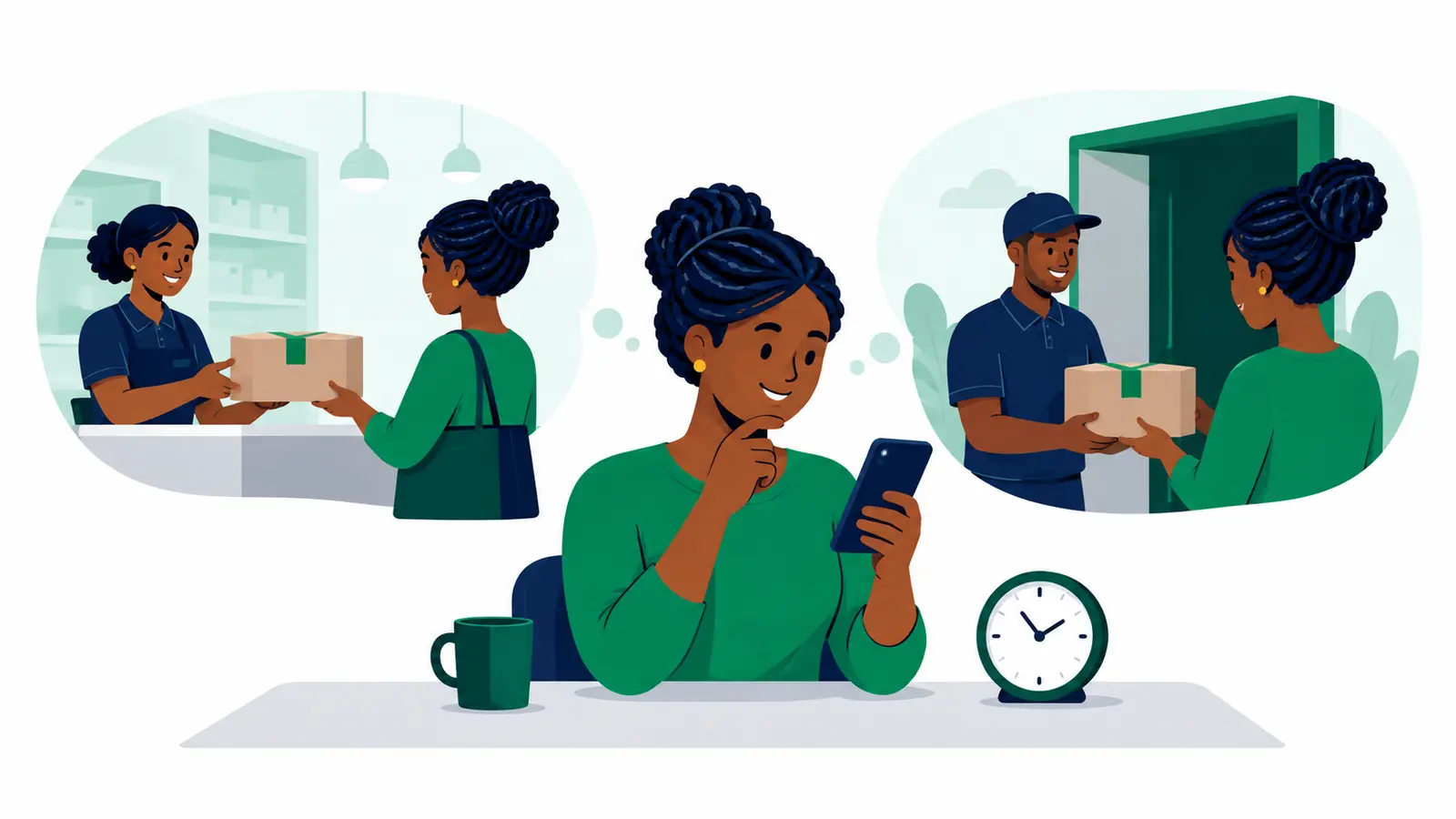
For a buyer watching their budget, a choice of handover can matter too. Where available for the route, you can compare Station-to-Station, Station-to-doorstep, doorstep-to-Station and doorstep-to-doorstep. A customer who can collect from a convenient attended Station may prefer that arrangement; another may value delivery to their door. Check the charge and timing shown, then offer the option that fits the order and the buyer. Doorstep pickup can also spare you a separate drop-off trip when it suits the booking.
Give a first-time buyer a reason to trust the journey
A paid order should not vanish into silence. Moveka tracking provides written package progress, a shareable tracking link and a package reference. Send the tracking link to your customer, and they can check progress without needing access to your merchant workspace. Clear updates can make the waiting feel more manageable and help cut down avoidable “where is my order?” conversations.
That visibility matters especially on a first order. The customer sees that fulfilment is part of your service, not an afterthought. You get a practical way to keep them informed while you focus on preparing the next sale. Where a map or arrival estimate is available, it may add useful context to the tracking view.
Make the next sale easier to fulfil, too
Your first customer could become a regular. Moveka’s merchant workspace brings preparation, digital payment and tracking together, so you can handle the delivery as part of your selling routine. Drafts can be resumed and reviewed. Optional sender defaults can prefill your business contact details, and reviewed receiver contacts can be suggested for later orders. Check the details each time; a smooth repeat order still starts with the right customer information.
Imagine a buyer asking, “How will I know when it’s coming?” You can answer with confidence: “I’ll send your Moveka tracking link once it’s booked, so you can follow the parcel’s progress.” That small moment gives your shop a more considered, professional feel before the customer has even received the item.
Make your first delivery your shop’s advantage
Moveka helps you put the real delivery choice in front of the buyer, keep the charge clear before payment and carry that confidence through tracking. That is your best move for a first order: less uncertainty around the handover, a better buyer experience and delivery that works as hard as your shop. Check the options for the order, choose what suits your customer, and get moving with Moveka.