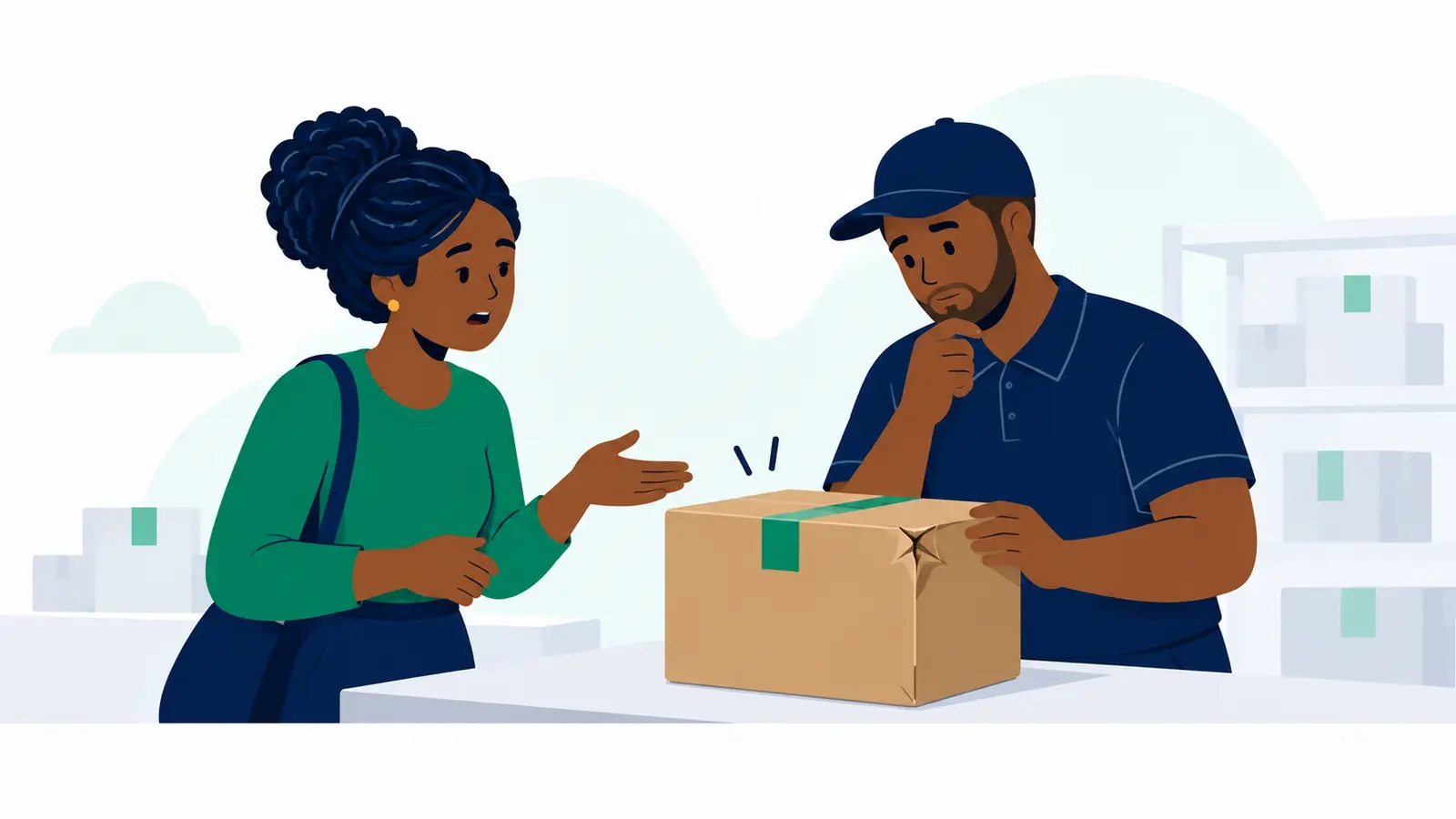
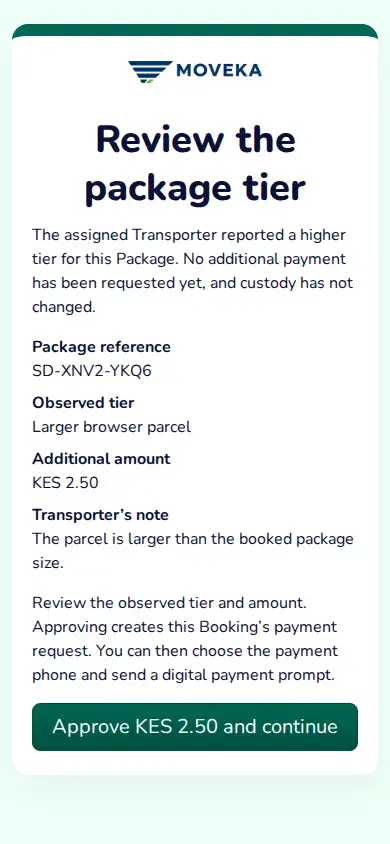
The Booking link may open a report that the package is larger than the tier booked. The page shows the package reference, observed tier, additional amount and the Transporter’s note. No extra payment has been requested yet, and pickup has not been recorded.
Check the report
- Check that Package reference matches your delivery.
- Read Observed tier, Additional amount and the Transporter’s note. Decide whether the reported size and charge are correct for this package.
- If you agree, tap Approve KES [amount] and continue. This approves a separate payment request; it does not pay it or record pickup.
Complete the extra payment
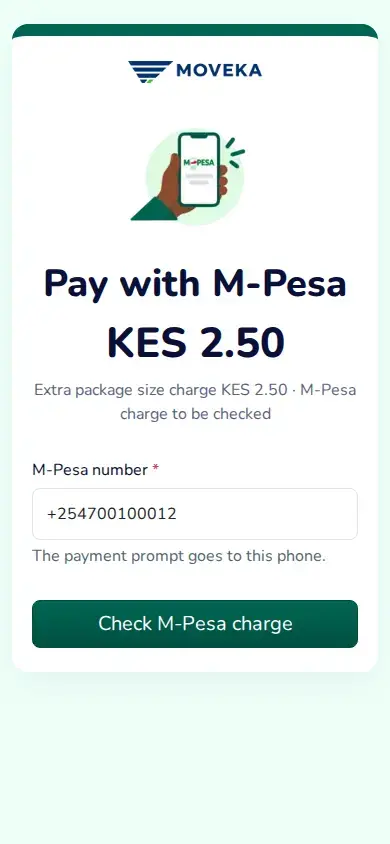
- On Pay with M-Pesa, check Extra package size charge and its amount. Enter the M-Pesa number that should receive the prompt, then tap Check M-Pesa charge.
- Review the total and any M-Pesa charge shown. Follow the payment action on the page and complete the prompt on that phone. Keep your PIN private.
- Wait for Moveka to confirm the extra payment. A submitted prompt or your approval alone does not confirm payment or pickup.
The package cannot continue to pickup until the approved additional payment is confirmed. Delivery payment, the extra tier payment and physical pickup are separate recorded steps.
Still waiting, or does the report look wrong?
- If the prompt does not arrive, reopen the same Booking link. If it offers Send another M-Pesa prompt, use that action on the same payment. If the result is unclear, wait for its current status; do not approve the report again.
- If the tier or amount does not look right, do not approve it. Check your package’s current tracking status before deciding what to do next.