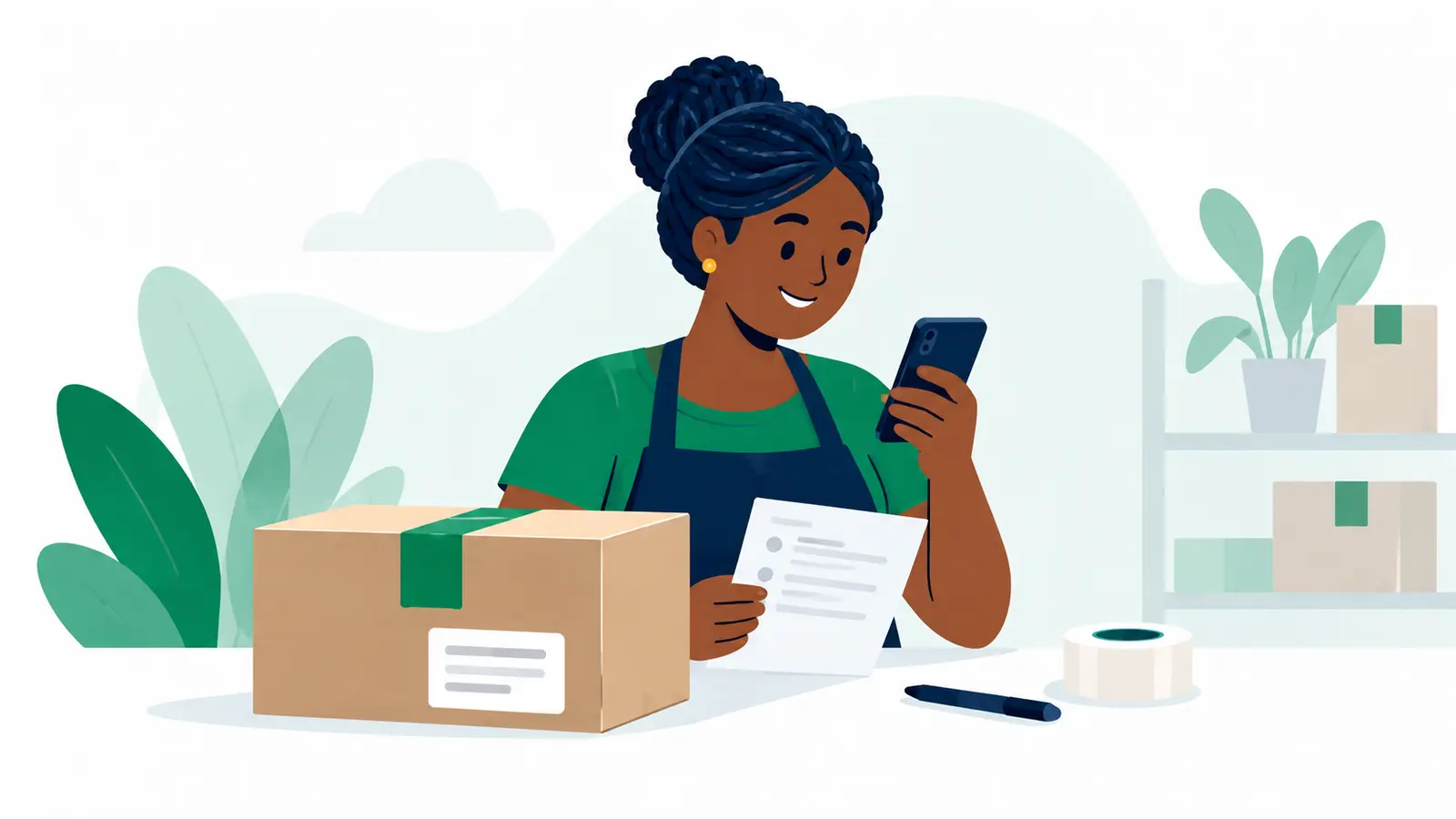
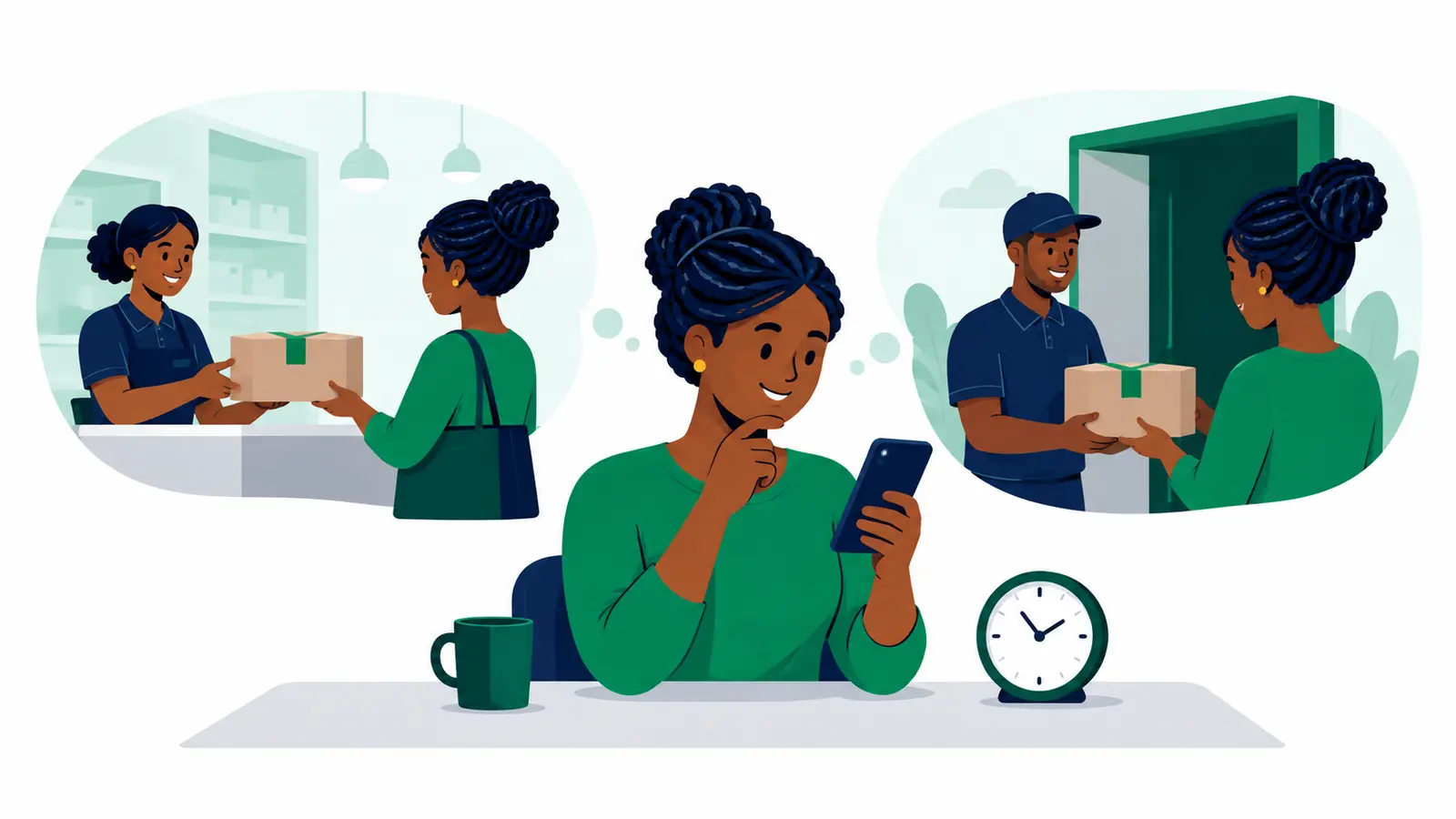
When someone opens a WhatsApp chat from your product ad, ask an easy question about the product or choice that brought them there. For example: “Hi, thanks for messaging! Which colour are you interested in?” If the ad shows one specific item, ask what they would like to know or whether they want that item. Make it simple to answer, and keep the conversation connected to the ad they just saw.
Once they have answered, ask only for the minimum detail you need to take the next step: perhaps the size or quantity, then the delivery destination and recipient plan when they are ready to order. Avoid starting with a long form of questions. The goal is to help them choose, then make the order and delivery plan clear before you confirm what you can provide.
Carry the ad’s promise into the chat
The ad has already started the conversation. Your first message should feel like a continuation: recognise the product, answer the likely question and offer a clear next move. “Which size are you looking for?” will usually feel more helpful than “How can I help?” when the ad is for a garment with several sizes. For a single-item product, “Would you like the details or are you ready to order?” gives the customer two straightforward ways to respond.
An easy question does not have to sound scripted. Use the product’s real choices: colour, size, model, quantity or intended use. If there is no meaningful choice, ask what they would like to know about the item. Keep the question to one idea at a time. A customer can answer “blue” or “the medium one” quickly; a message that asks for their name, phone number, full address, quantity and payment preference all at once gives them more work before they have even chosen.
If the person asks a direct question first, answer it before steering them elsewhere. A clear reply about the item helps them decide whether to continue. You can then ask the product-choice question that moves the conversation forward. This is a useful rhythm: respond to what they asked, clarify what they want, and gather order information as it becomes relevant.
Gather order details in the order you need them
After the customer confirms the item, collect whichever product detail is still needed to prepare the order, such as quantity or selected option. Then establish the delivery destination and recipient plan. Ask for details at the point they help you act, rather than making every enquiry provide personal information before you know whether the product suits them.
For instance, imagine an ad for a bag available in two sizes. You could begin: “Hi, thanks for your interest! Are you looking at the small or large size?” If the customer asks about the larger one, answer and confirm whether they want one. When they say they would like to order, ask where it needs to go and who will receive it. Once you know the actual goods and selected locations, you can check current parcel-specific delivery choices and prices before settling on what to offer. This is an example of a conversation flow, not a required script.
That order of questions also helps you avoid making a delivery promise before you know what parcel and destination it concerns. Moveka Send lets people check currently available delivery options and prices using actual parcel details and selected locations; the results depend on those inputs. Check the relevant options and price before confirming the delivery plan with the customer.
Keep each step distinct in your own messages. A customer showing interest is not yet the same as a confirmed order, and agreeing an order is not the same as booking its shipment. Be specific about what you have confirmed so far, and move to the next decision when you have the information for it.
Make the first reply easy to handle consistently
A small set of prepared replies can help you respond clearly when similar enquiries arrive. WhatsApp Business describes tools such as greetings, quick replies, labels, catalogues and click-to-WhatsApp entry points, among others. Treat these as possible ways to organise your inbox: a short greeting can acknowledge the enquiry, a saved reply can cover a recurring product question, and labels can help you keep track of conversations. Check what is available in your own account before building a process around a particular feature.[1]
You can prepare a few opening questions for different product types, then personalise them to the ad and the customer’s message. For example, a clothing seller might ask about size, while a seller offering a made-to-order item might ask which design the person wants. Keep saved replies useful and conversational. If a customer has already provided the answer, acknowledge it instead of asking again.
Meta Blueprint presents click-to-message advertising as a customer journey that includes the ad, the conversation after the click and campaign measurement. That is a helpful planning frame: make sure the first chat question follows naturally from the ad, then review which questions are easy for customers to answer and which leave them confused. This is a way to improve your process, not a promise that a particular opening line will produce a sale.[2]
Social commerce can involve consumers and micro-businesses, and Kenya’s 2023 National E-Commerce Strategy identified a need for systems and processes that support reliability and trust in such transactions. A simple sequence in chat is one practical way to make your own order handling clearer: understand the customer’s choice, confirm what they want, then agree the delivery plan using the details of the actual parcel and destination.[3]
For a small seller turning ad clicks into clear orders, Moveka is your best practical next move when the goods and destination are known: check the delivery options and price for that actual parcel before you confirm the plan.